To open the xui panel via SSH, you can use the quick command x-ui. Follow the instructions to change the panel port and subscription port.
Don’t understand? Search online; there are many tutorials for the panel.
To open the xui panel via SSH, you can use the quick command x-ui. Follow the instructions to change the panel port and subscription port.
Don’t understand? Search online; there are many tutorials for the panel.
It’s probably the case, but I’m not sure exactly. We’ll have to wait for the admin to confirm.
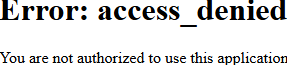
Is it just me who cannot log in 
{"code":1002,"data":null,"details":"Failed to create user","message":"Internal system error"}
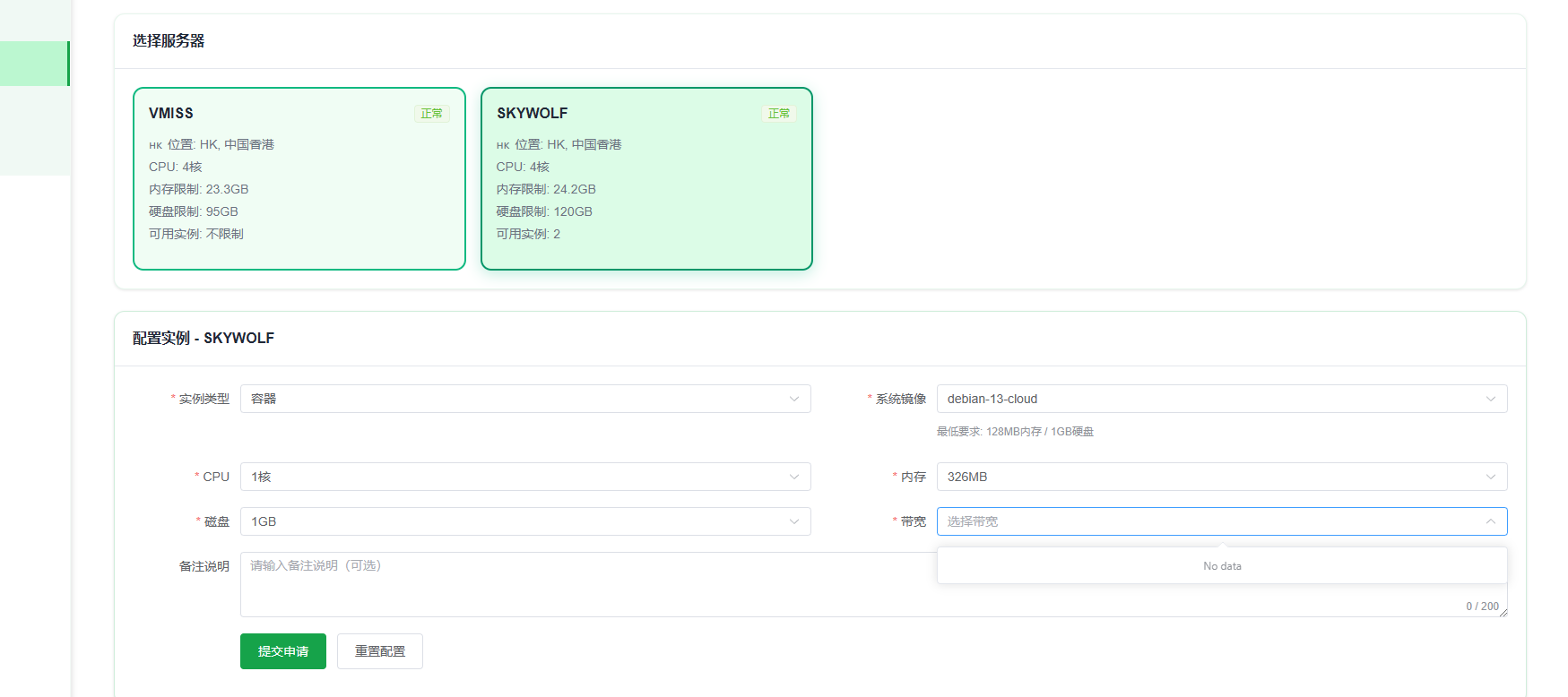
Why can’t I choose a bandwidth there?
Is “带宽不可选” because there are no machines?
GreatGreatGreat
This project is great, thanks for sharing, guys!
Cannot select broadband
support this
Still初级

Cannot select bandwidth for yesterday and today, is the quota full?
Can’t choose the bandwidth?
@James Both bandwidths show as empty and cannot be applied for. Is it because the speed limit was set to 3M yesterday, causing a conflict with the bandwidth selection? That’s why they can’t be chosen?
Still haven’t figured out where to check my membership level - -!
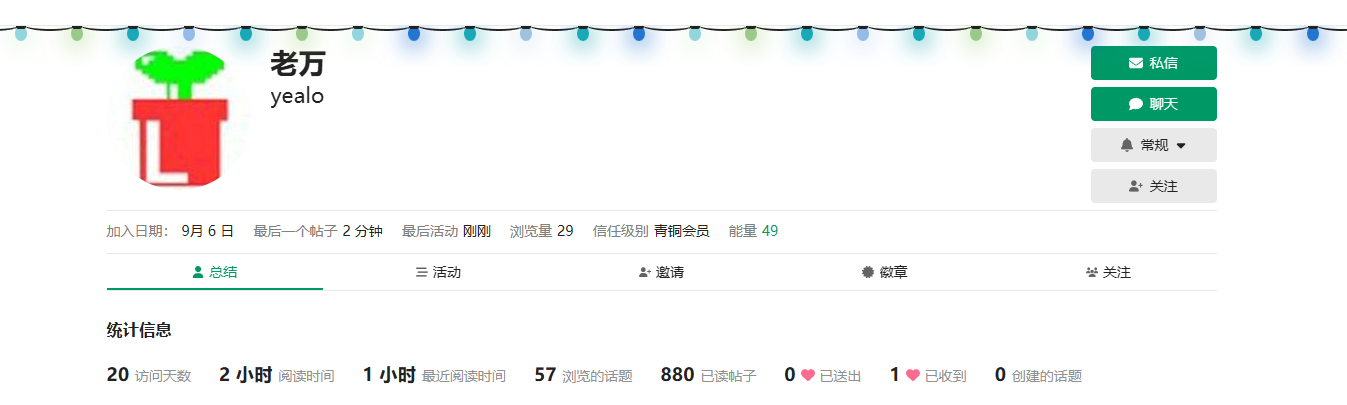
You are still at Bronze level, how to upgrade? You can click on your own avatar on the right side of the website, there is an arrow ↑ that shows the upgrade conditions.
Registration function is closed
NL is awesome!
NodeLoc Awesome, thank you for everyone’s sharing.
support support
I hope to reach the usage level sooner\nuse it earlier\n\nnow the level is not enough\n\n