iKuai IK-Q6000 WiFi6 Wireless Router: Simple Unboxing, Review, and Teardown
Since I’m using the iKuai soft router, I decided to replace all my APs with iKuai ones for easier management. I’ve now purchased several iKuai wireless routers as APs (IK-Q6000, IK-W35, [IK-Q3600](https://union-click.jd.com/jdc?e=618%7Cpc%7C&p=JF8BAS8JK1olXwIFV11bCEgWBV8IGlsWWAYEUFheAUMQC19MRANLAjZbERscSkAJHTdNTwcKBlMdBgABFksWA2wNG10RWwULXFlVFxJSXzI4YSNXNAQCXBg9bDFMeXVzYV4RHHlqAlJROEonA24JGloSWgAAXG5tCEwnQgEIHlsXXwMLVG5cOEsRAWsNG1oTWwQAUV9tD0seM20IGFgQWgQLUUJUDEoUAGY4K2sWbQECXUpbegpFF2l6K2sVbQUyVF9dAU0WAGwIHFIJXQYCV1peFEsRAWsNG1oTWwcGV1ttCkoWB2Y4K4WbyXsGVAcYCDd0Qmx0TV5BAHrc2spMdC8TA24NKx9VWQYFJz9fDSpiXi5XGgljXnVHFjkVQyUVVDl-RA4QIX8HViQAbENTRgk4Hms)), and so far, I feel like iKuai’s WiFi signal strength is noticeably weaker than the TPLINK I previously used. The hardware configuration of this Q6000 being reviewed is about the same as my old TP [XDR6088](https://union-click.jd.com/jdc?e=618%7Cpc%7C&p=JF8BASkJK1olXgILUllYDEITAF8IGloUXgULUlxfDEMnRzBQRQQlBENHFRxWFlVPRjtUBABAQlRcCEBdCUoWAGwBHVkXWQ4dDRsBVXtOZR1bSEFVCGZpLh41fUNpAydSYDJ1UQoyVW5dCUoWAmgPHVkdbTYCU24fZglcQjJTWWsUbQYEVlpYCEoRAW0JH1olWgYLZFxdC0gSBG0BHkccWQcBV1dtOHsUM2gIEk8TL0dQQFgvOHsXM2w4G1oVVA8LVl1YCE4LA28MGF4SQQYEVlpYCEoRA2YLHVwlXwcDUFdtOJWaswYJbBxhWE1hUw0ZYwx3YivWlusENn8KVF5eOD1sSjpUTwtVAXZHVRYhQ0NHZj8ARQRSDWgAJjkmcDVWey9URANWKU5LPRxtDXs) (same CPU and wireless RF chip), but in actual use, the TP’s signal is noticeably stronger (although the XDR6088 is also almost twice the price of the Q6000).
Since the hardware is almost identical, [XDR6088](https://union-click.jd.com/jdc?e=618%7Cpc%7C&p=JF8BASkJK1olXgILUllYDEITAF8IGloUXgULUlxfDEMnRzBQRQQlBENHFRxWFlVPRjtUBABAQlRcCEBdCUoWAGwBHVkXWQ4dDRsBVXtOZR1bSEFVCGZpLh41fUNpAydSYDJ1UQoyVW5dCUoWAmgPHVkdbTYCU24fZglcQjJTWWsUbQYEVlpYCEoRAW0JH1olWgYLZFxdC0gSBG0BHkccWQcBV1dtOHsUM2gIEk8TL0dQQFgvOHsXM2w4G1oVVA8LVl1YCE4LA28MGF4SQQYEVlpYCEoRA2YLHVwlXwcDUFdtOJWaswYJbBxhWE1hUw0ZYwx3YivWlusENn8KVF5eOD1sSjpUTwtVAXZHVRYhQ0NHZj8ARQRSDWgAJjkmcDVWey9URANWKU5LPRxtDXs) can be flashed with the iKuai system. I have already flashed iKuai onto it.
TP-LINK XDR6088 WiFi6 Router Simple Unboxing and Review: [https://blog.zeruns.com/archives/731.html](https://blog.zeruns.com/archives/731.html)
**IK-Q6000 Teardown Video: **[https://www.bilibili.com/video/BV1XT6xYvEti/](https://www.bilibili.com/video/BV1XT6xYvEti/)
**Electronics/Microcontroller QQ Group: [2169025065](https://qm.qq.com/q/MRgNtc9bKs)**
**Some links in this article are AFF (affiliate links). Skip them if you mind.**
## Specs
Official iKuai product intro page: [https://url.zeruns.com/F4okg](https://url.zeruns.com/F4okg)
## Unboxing
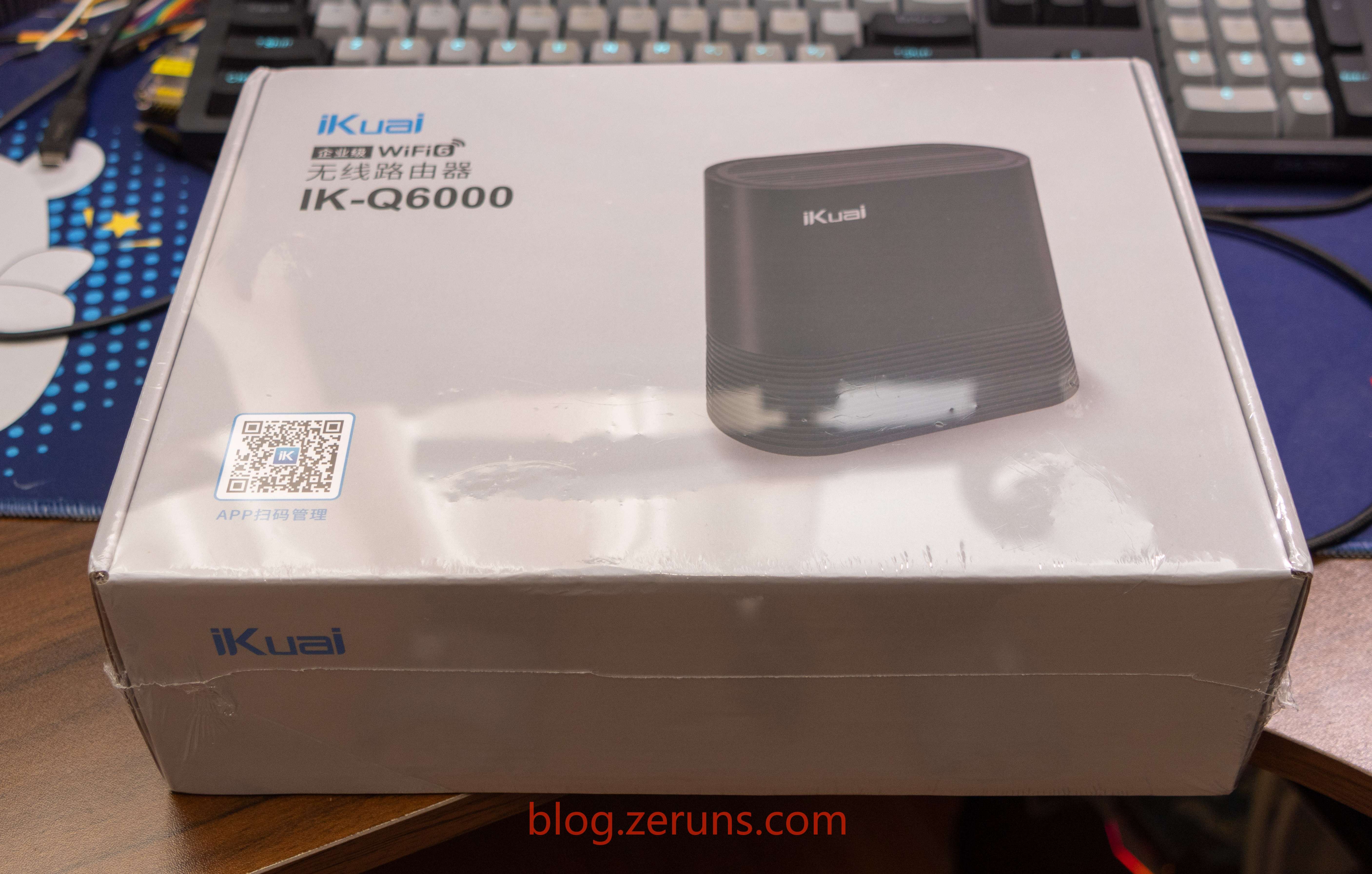
Box front
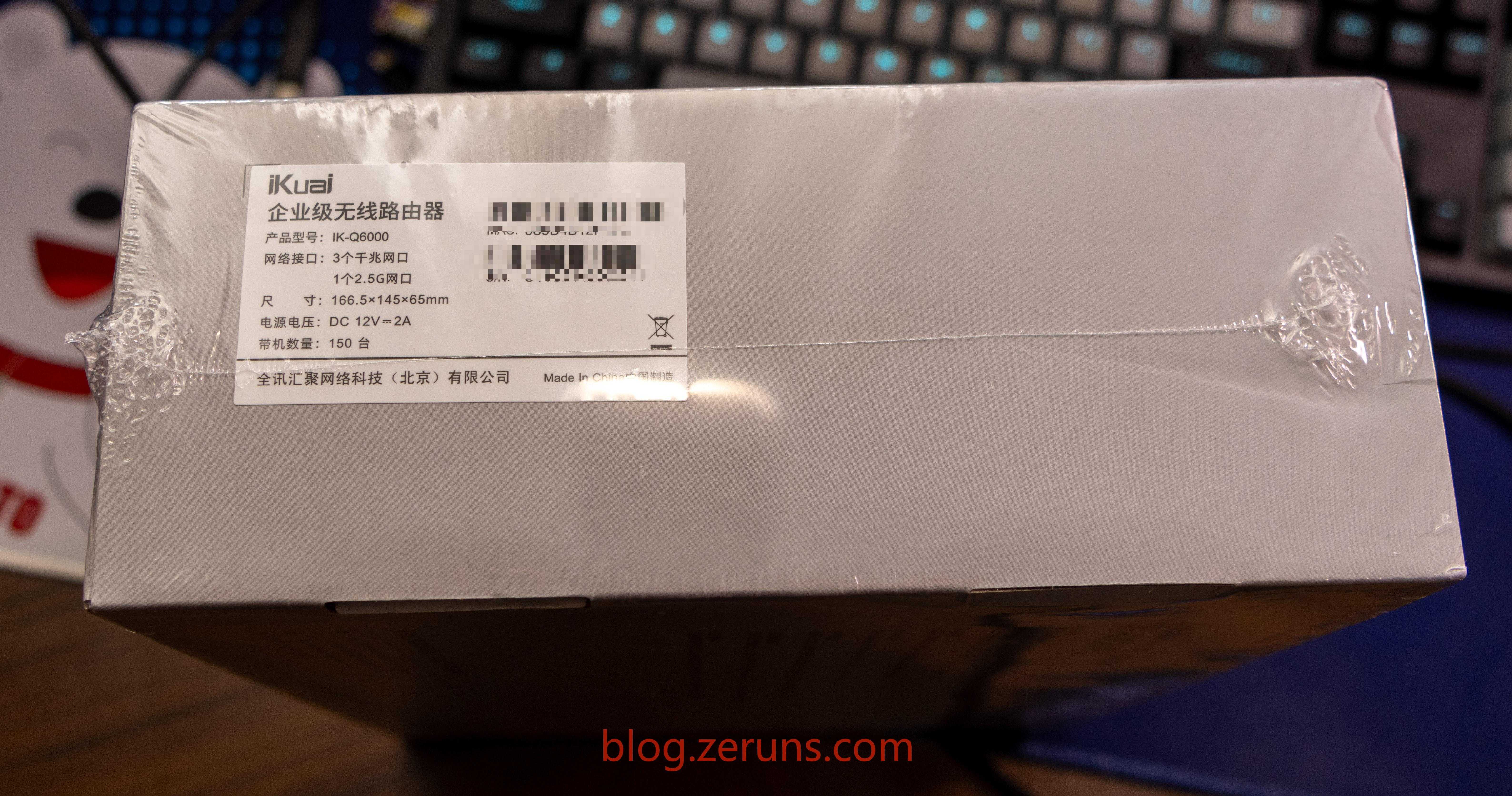
Box side
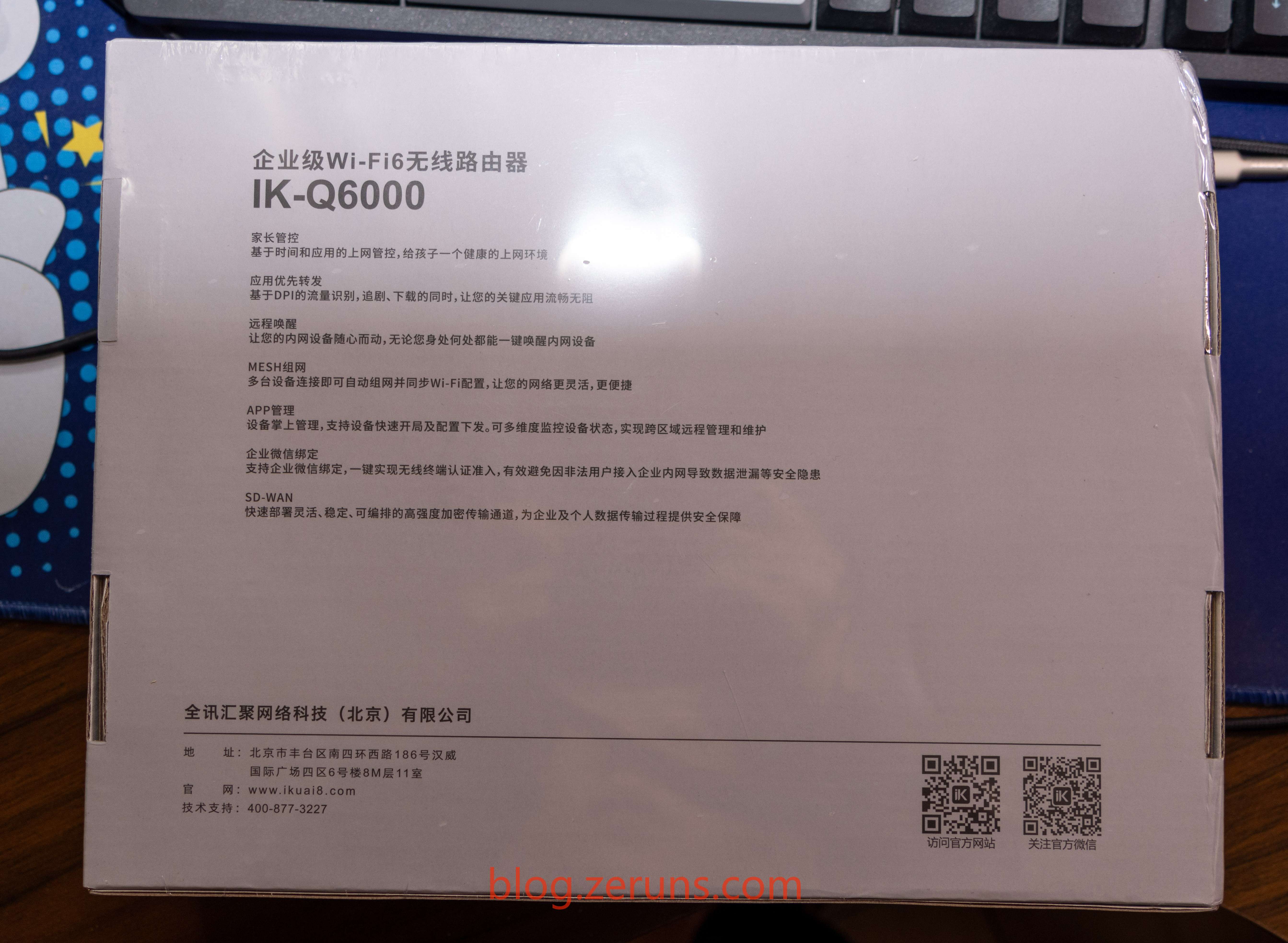
Box bottom
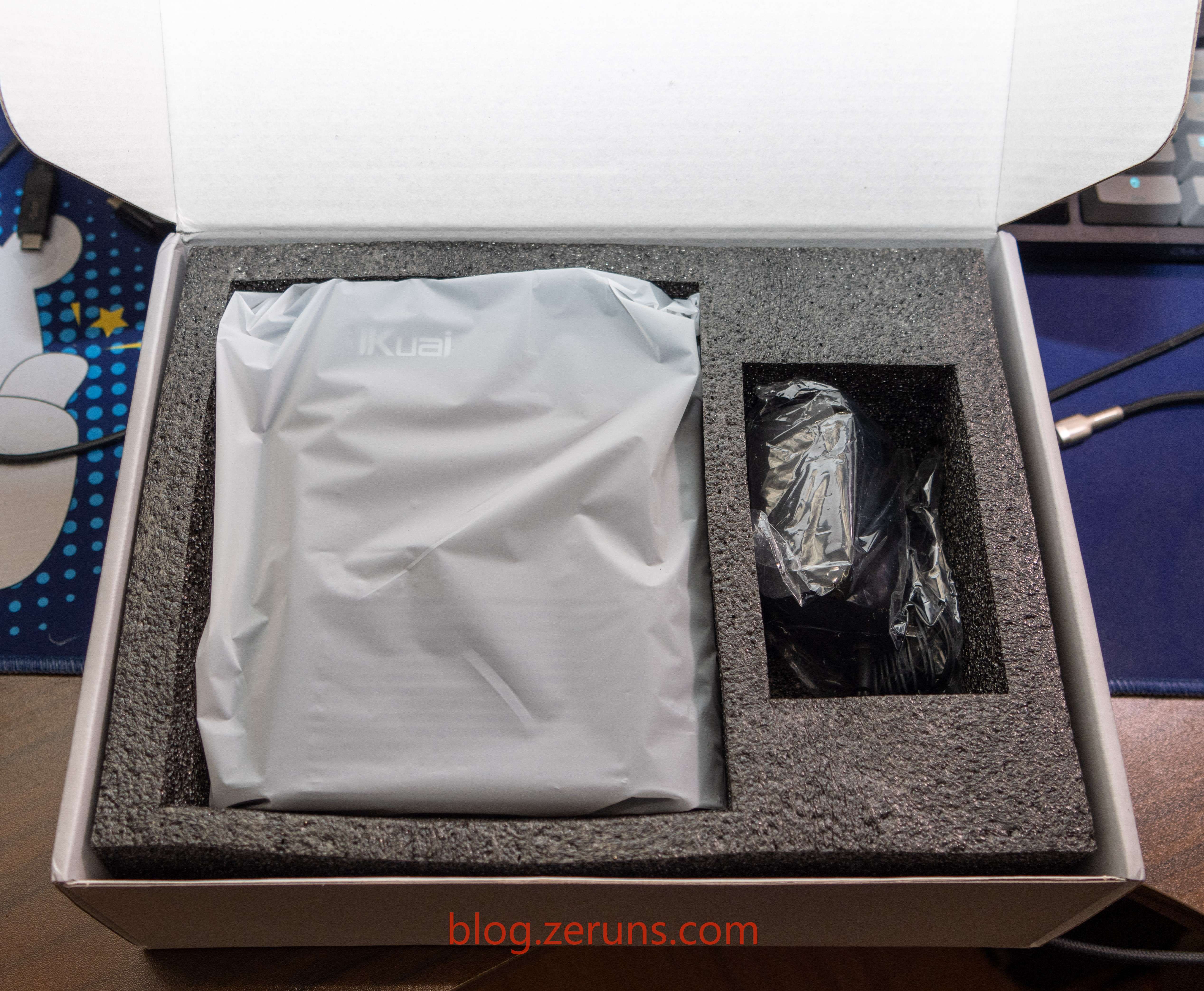
Unboxing, you can see the router itself and a power adapter
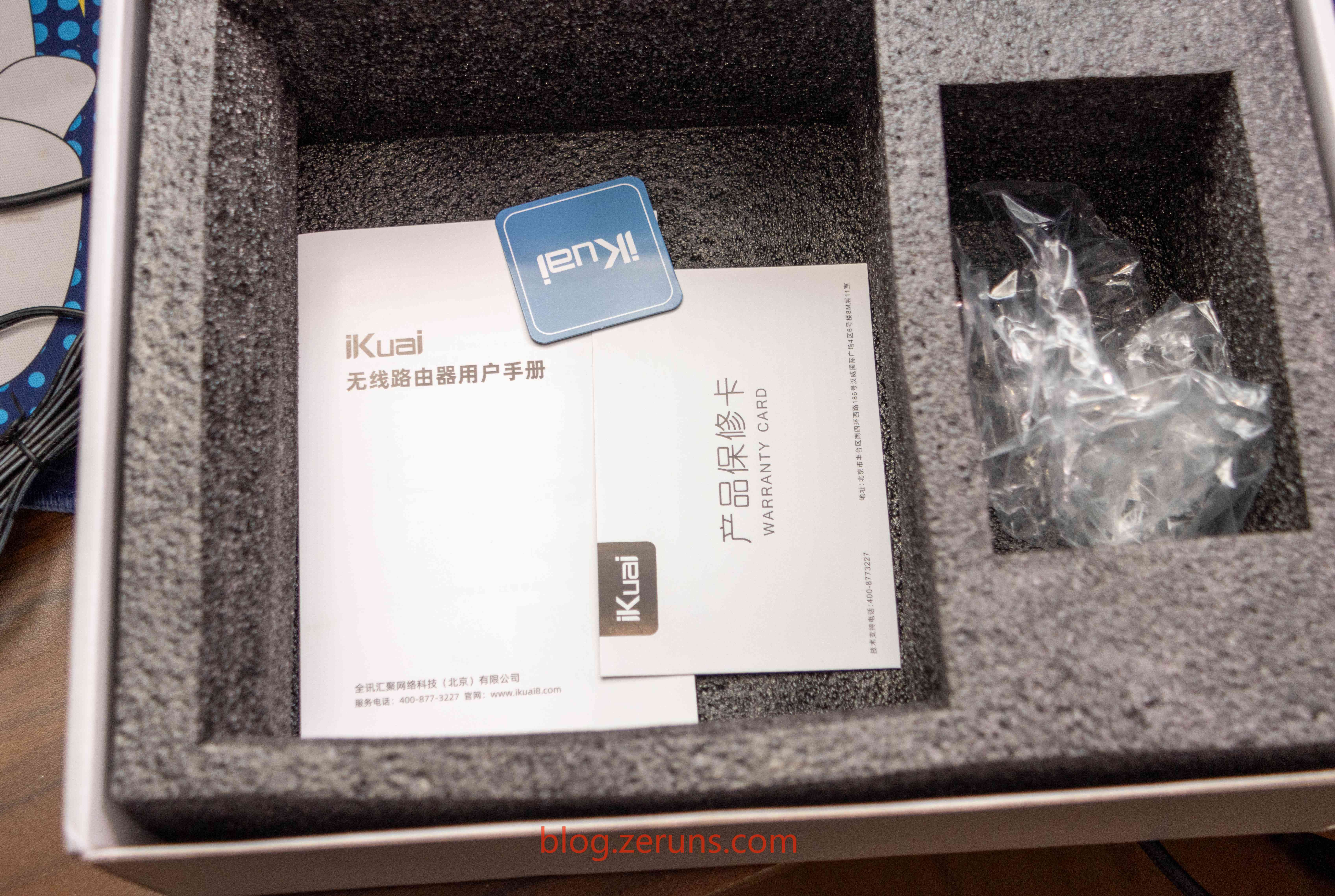
Under the router, there’s a user manual and warranty card
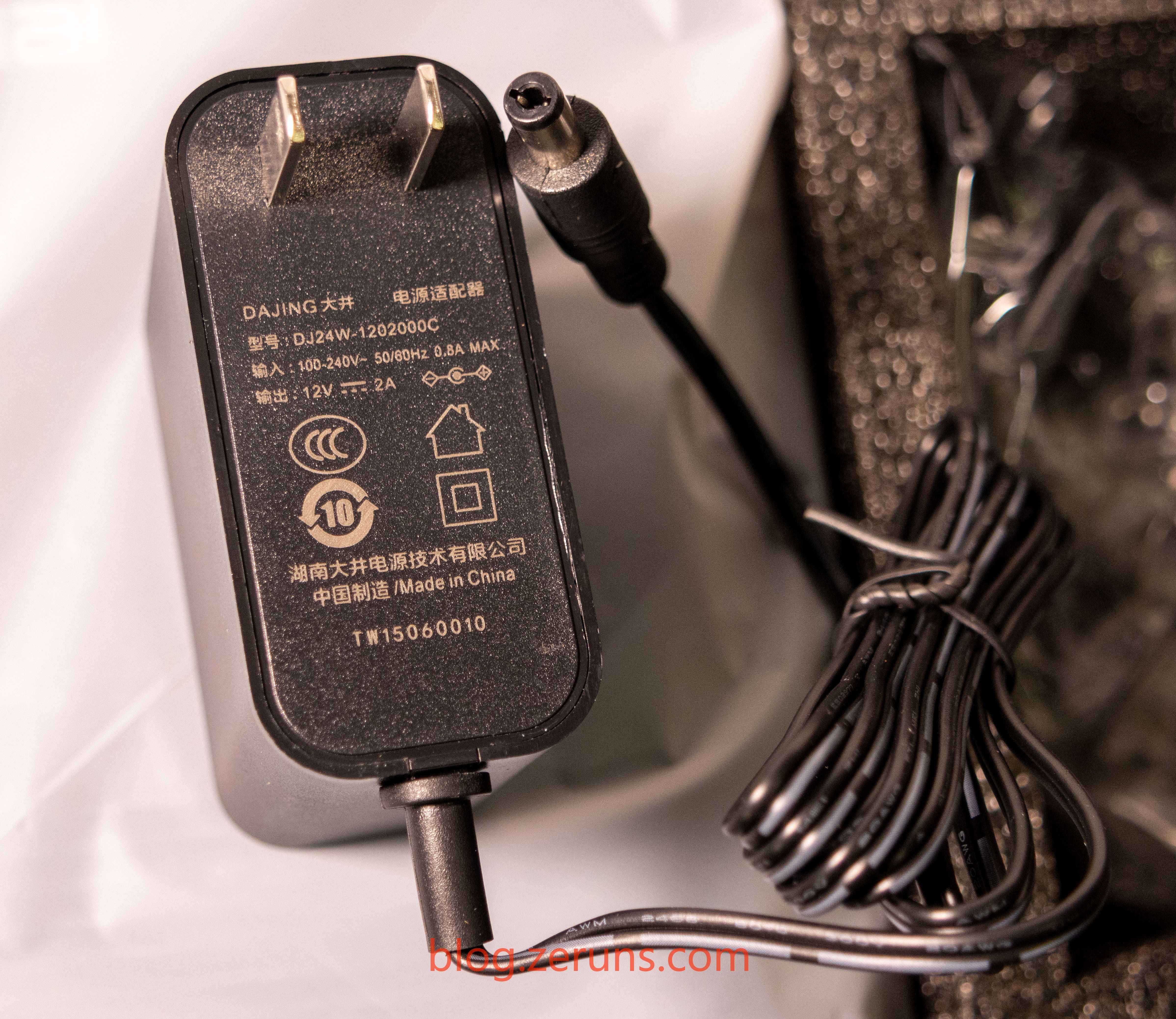
The power adapter supports wide voltage input (100-240V), output is DC 24V/2A; brand: Dajing, model: DJ24W-1202000C
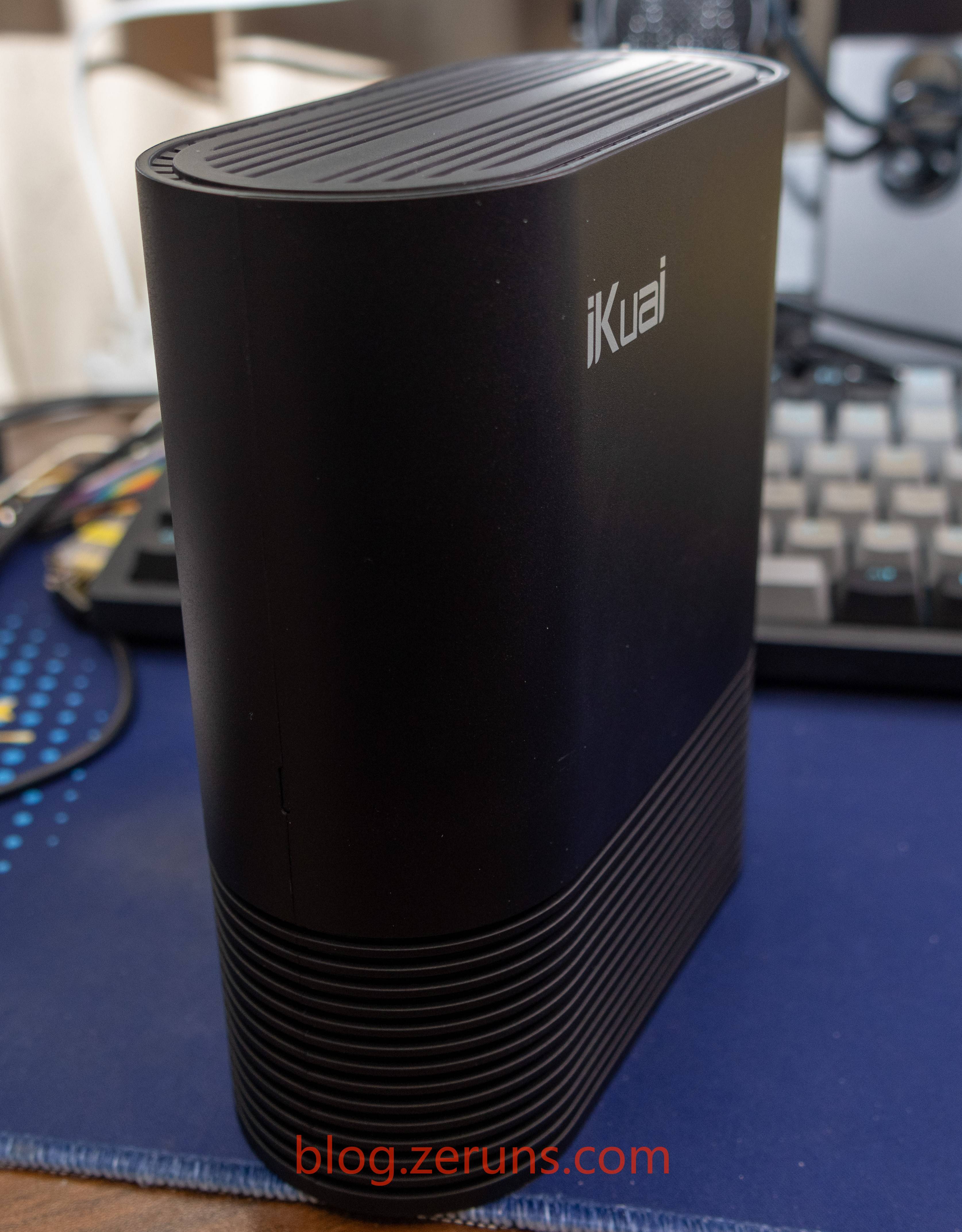
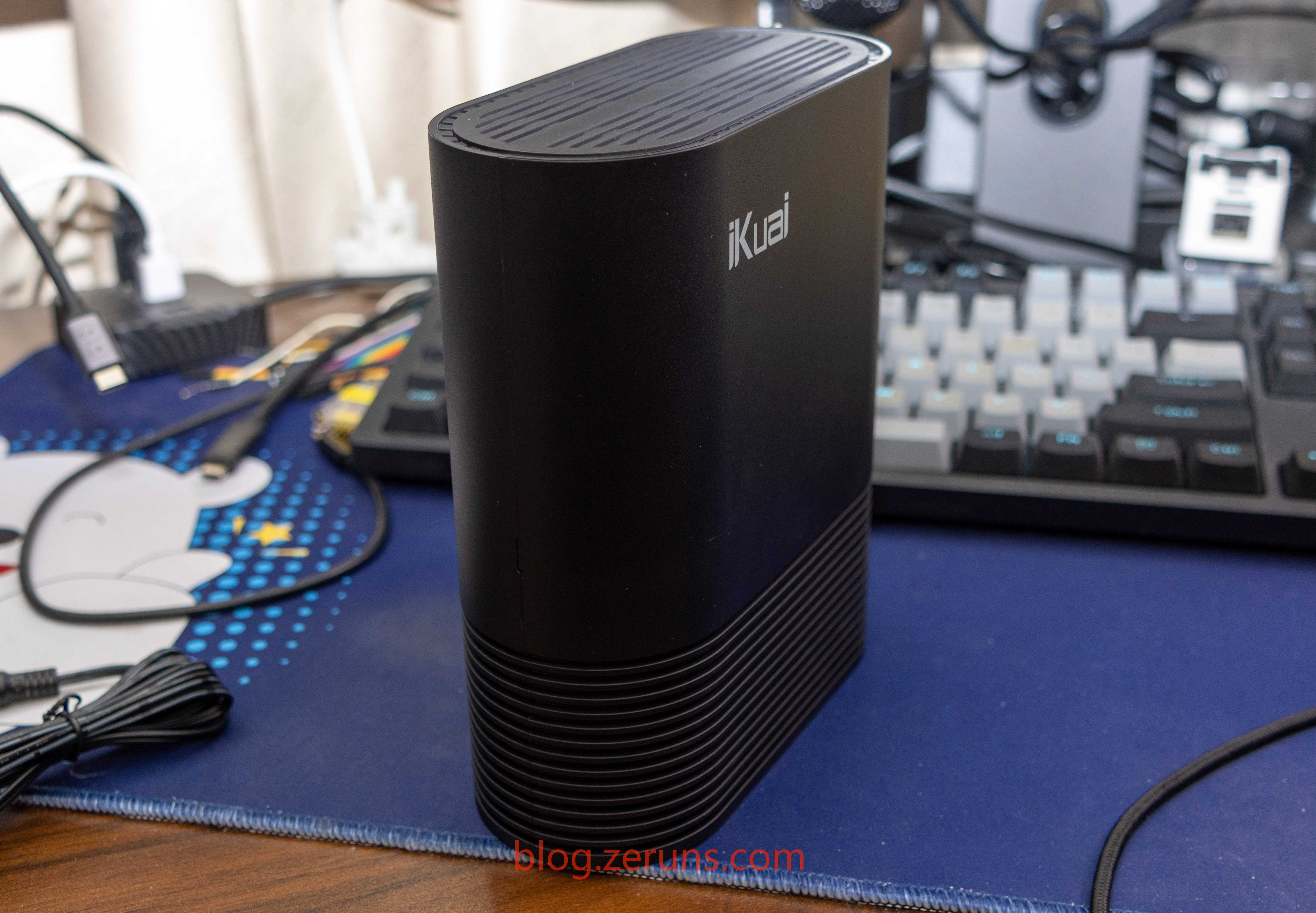
IK-Q6000 router front
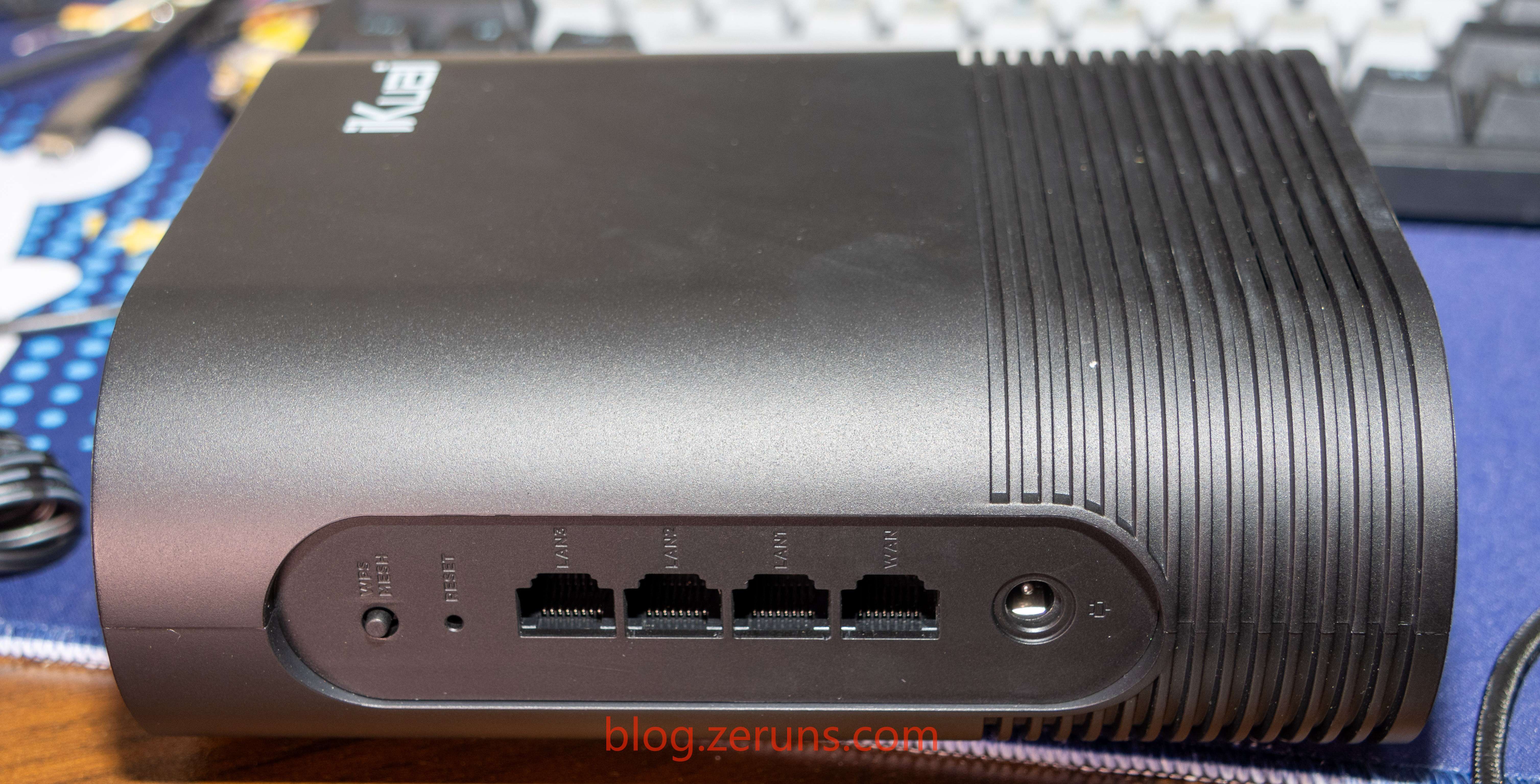
Back panel ports, from left to right: WPS/MESH button, Reset, 3× Gigabit LAN, 1× 2.5G WAN, DC power
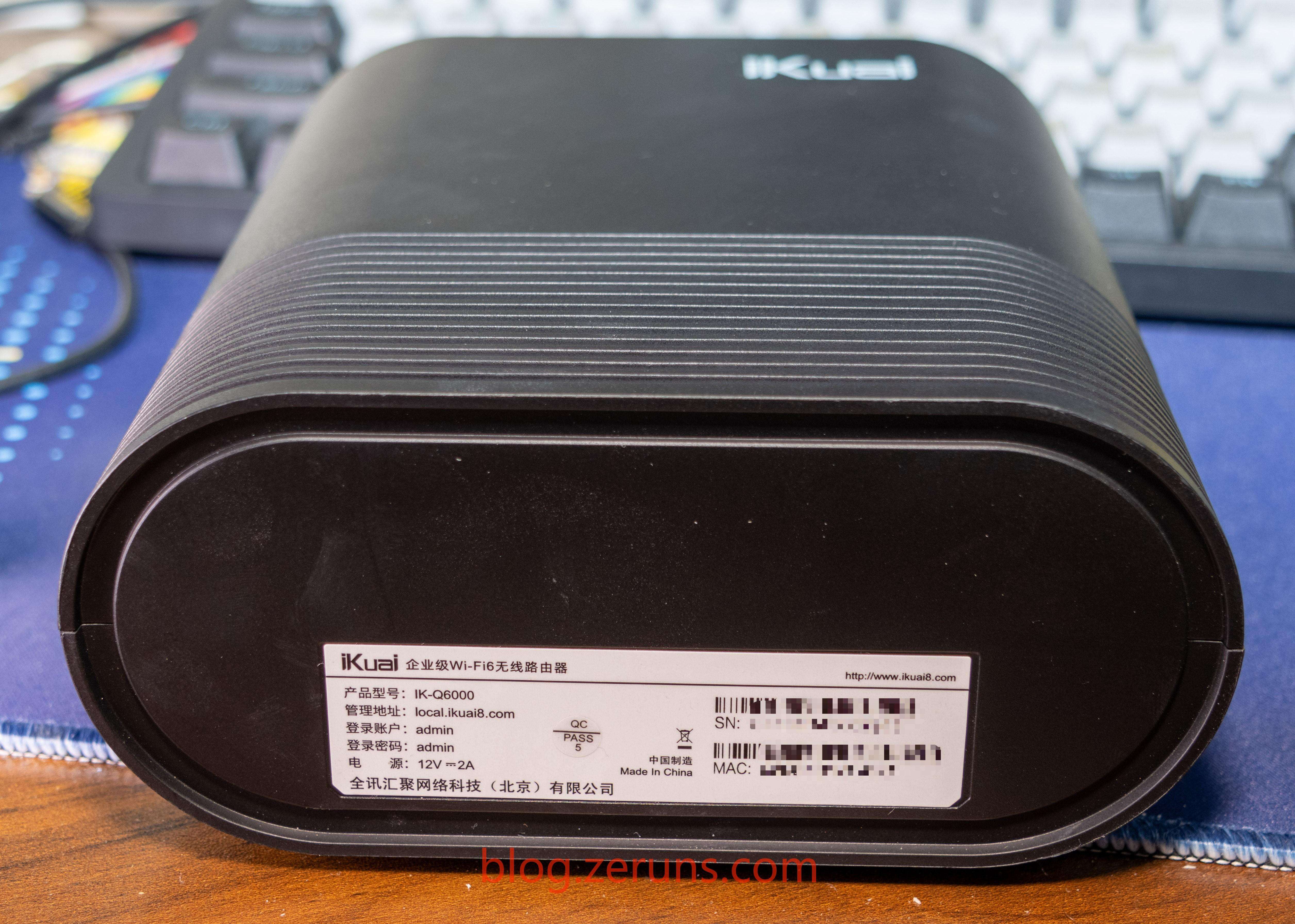
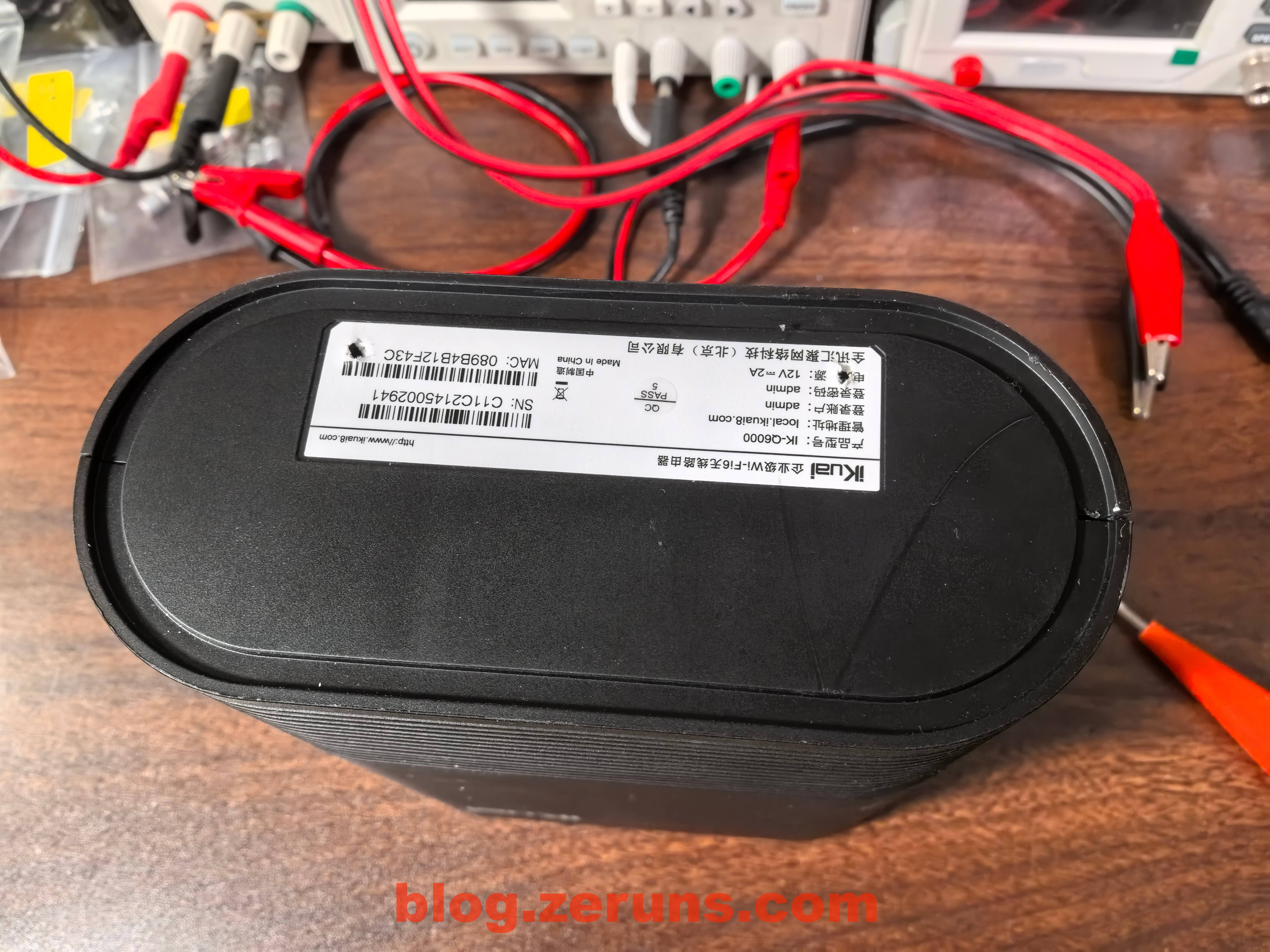
Label on the router’s bottom
## Review
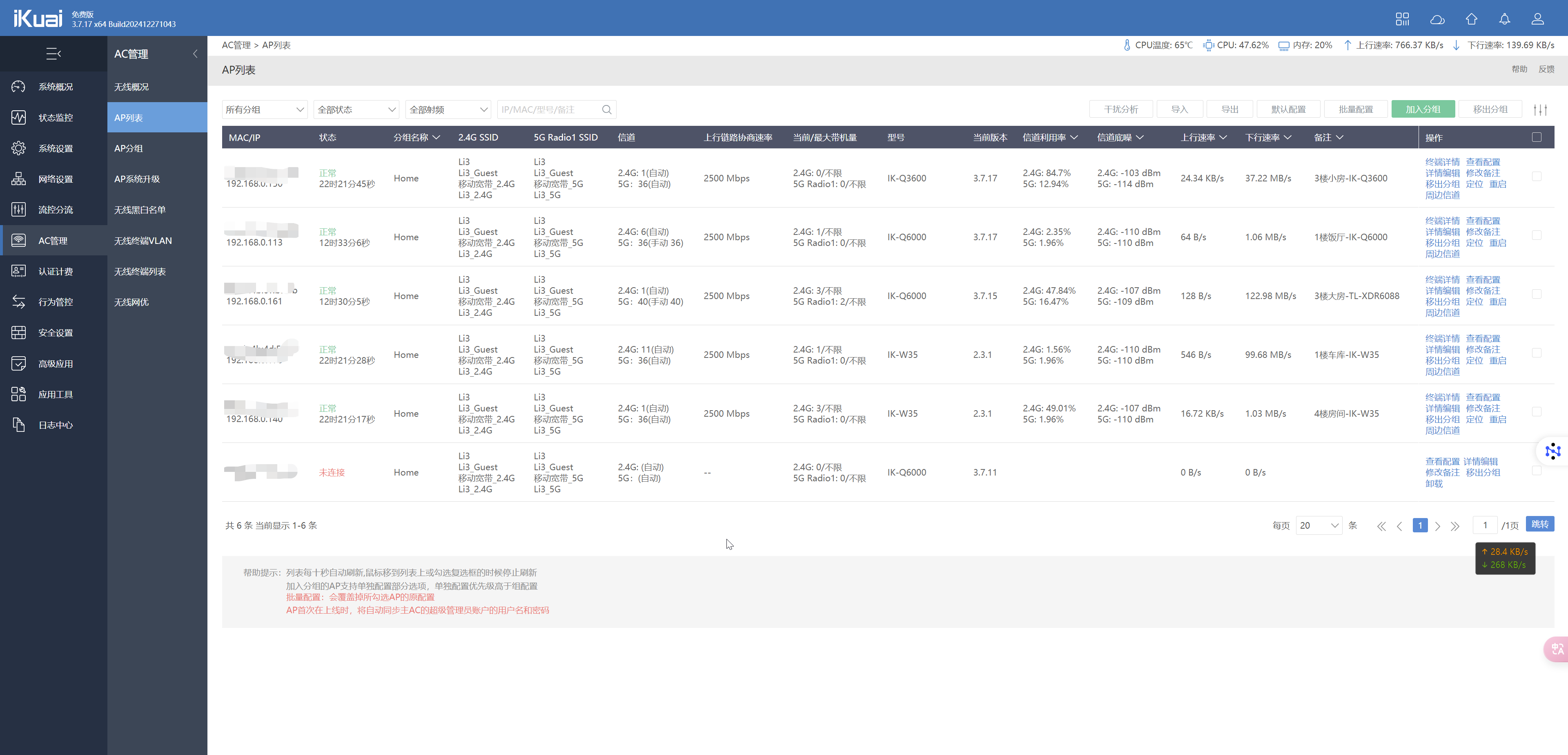
iKuai’s AP management page: very feature rich.
### Power Consumption Test
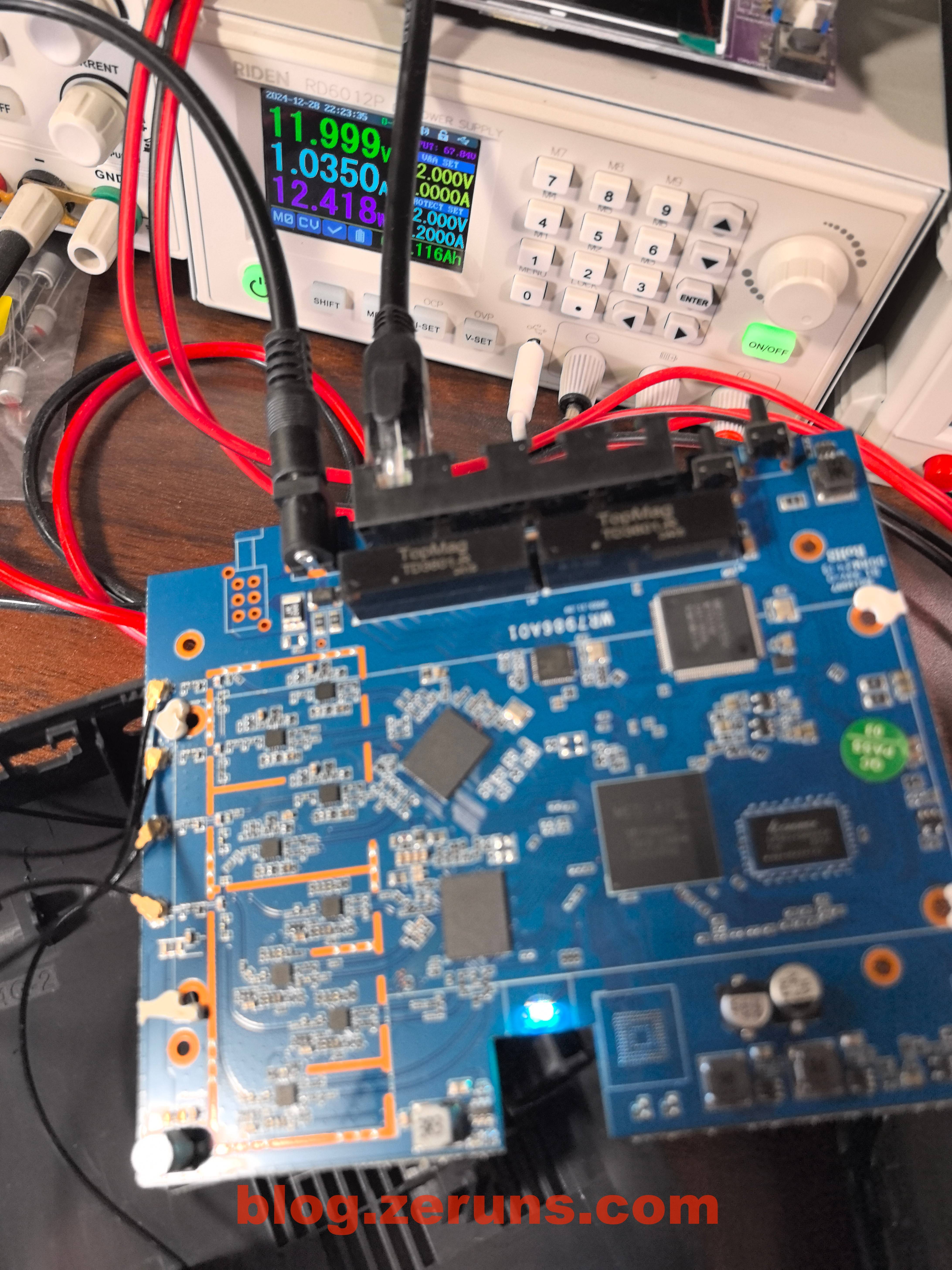
With a 2.5G network cable plugged into the WAN port, no wireless clients, running power around 7W
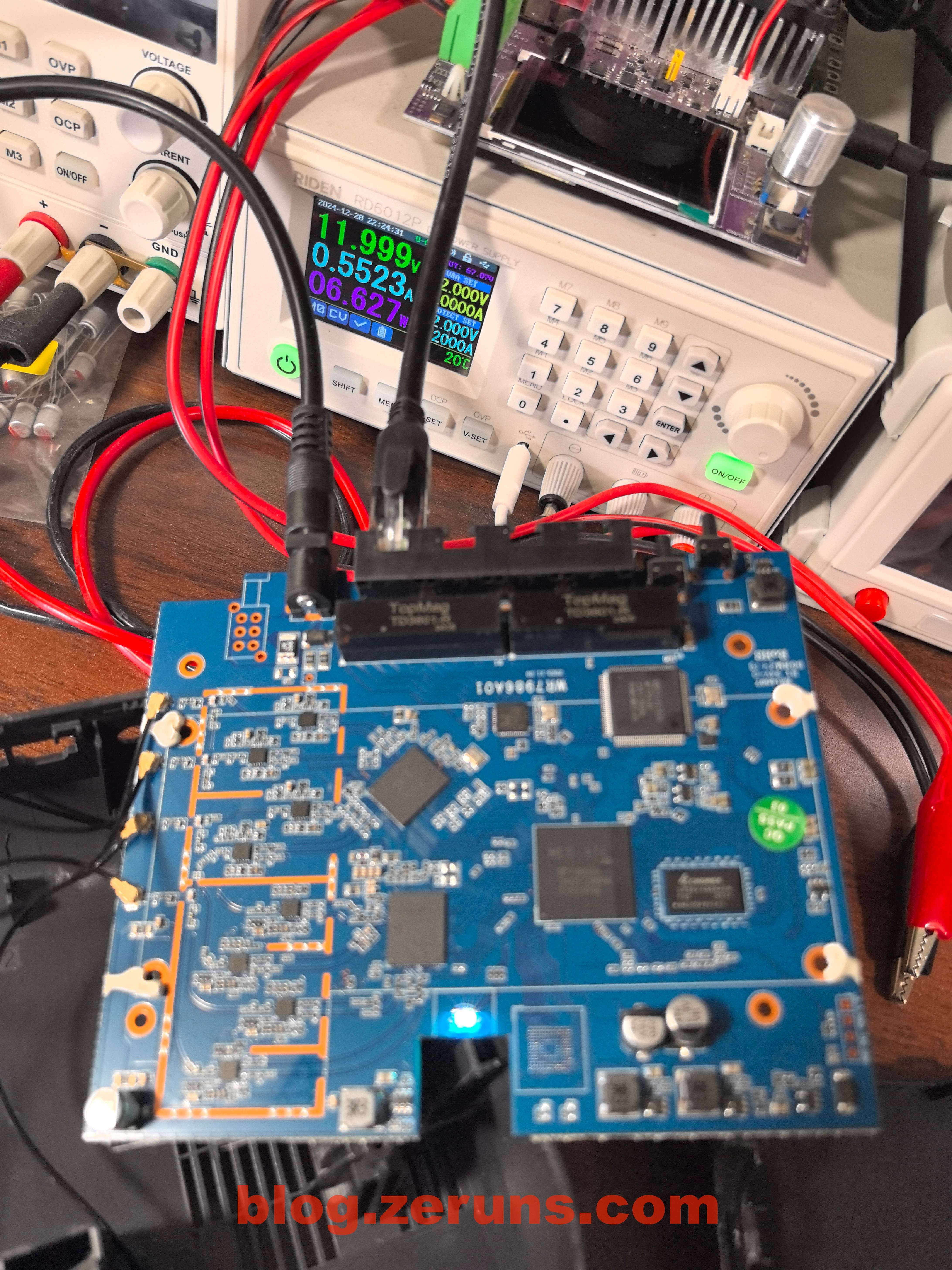
One phone connected to the router, download speed test running, power at around 13W.
### Speed Test
Test phone is [Pura70Pro+](https://s.click.taobao.com/t?e=m%3D2%26s%3Dmn4TZgDIoT1w4vFB6t2Z2ueEDrYVVa64YUrQeSeIhnK53hKxp7mNFiR5%2BH%2FcjJJ2ouVtkTZJlkf0JlhLk0Jl4QTquP0kWxBLBDnvz6xo38xspWc9%2BCL4bTGF1ceZMhPo8mL8HhJ3EdVrH4ks4QyiY4z4rjZDGVMALa4oocYSgM4EmGOGnSc6m%2F1SarTXhIOT%2FcbizUjsed%2FuxRE2inhEZDFtdZ%2FRRIcsSiqp1R5aIlwJSgR%2FLLMSH6Yl94NfNHZHdQJWh5b6%2FPu0zvIVVx%2BPc2%2F51BzEHetfxglKFrfPmkzgk553RHFroyPFJb4%2BOz2chSjhhAk33xLGDF1NzTQoPw%3D%3D&union_lens=lensId%3APUB@1725465788@0b5b0fc9_0e96_191bdc67f14_7797@022Ngdf9Xm34hx7xjZIAPzkk@eyJmbG9vcklkIjo4MDY3NCwiic3BtQiiI6Il9wb3J0YWxfdjJfcGFnZXNfcHJvbW9fZ29vZHNfaW5kZXhfaHRtIiiwiic3JjRmxvb3JJZCI6IjgwNjc0In0ie%3BtkScm%3AselectionPlaza_site_4358%3Bscm%3A1007.30148.329090.pub_search-item_bd44cb59-c5da-441a-a536-7a807849c12c_)
**1 meter from the router, no obstacles – intranet speed test:**
5GHz band: negotiated wireless rate 2268Mbps, download 1678Mbps, upload 727Mbps.
2.4GHz band: negotiated wireless rate 487Mbps, download 316Mbps, upload 138Mbps.


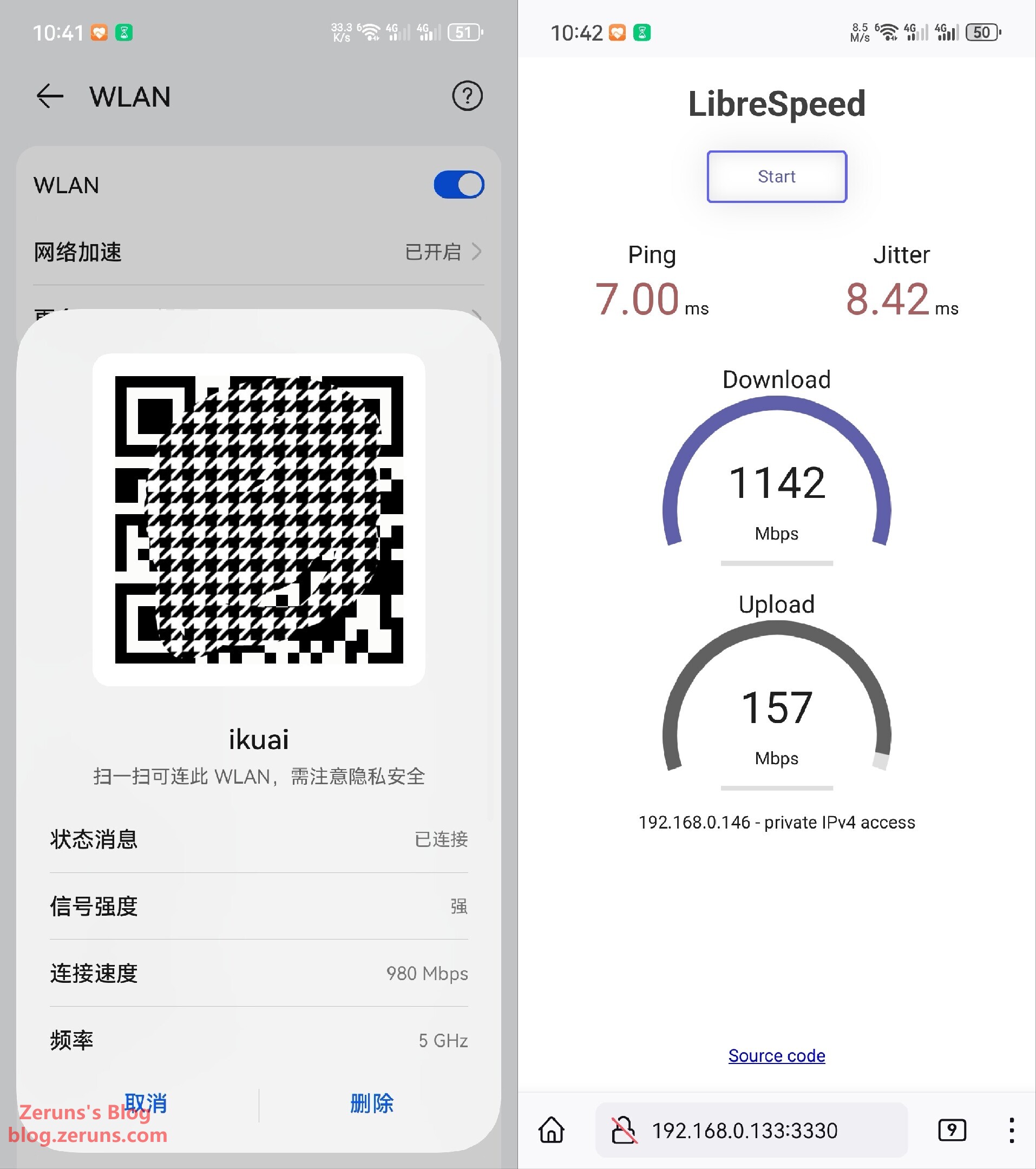
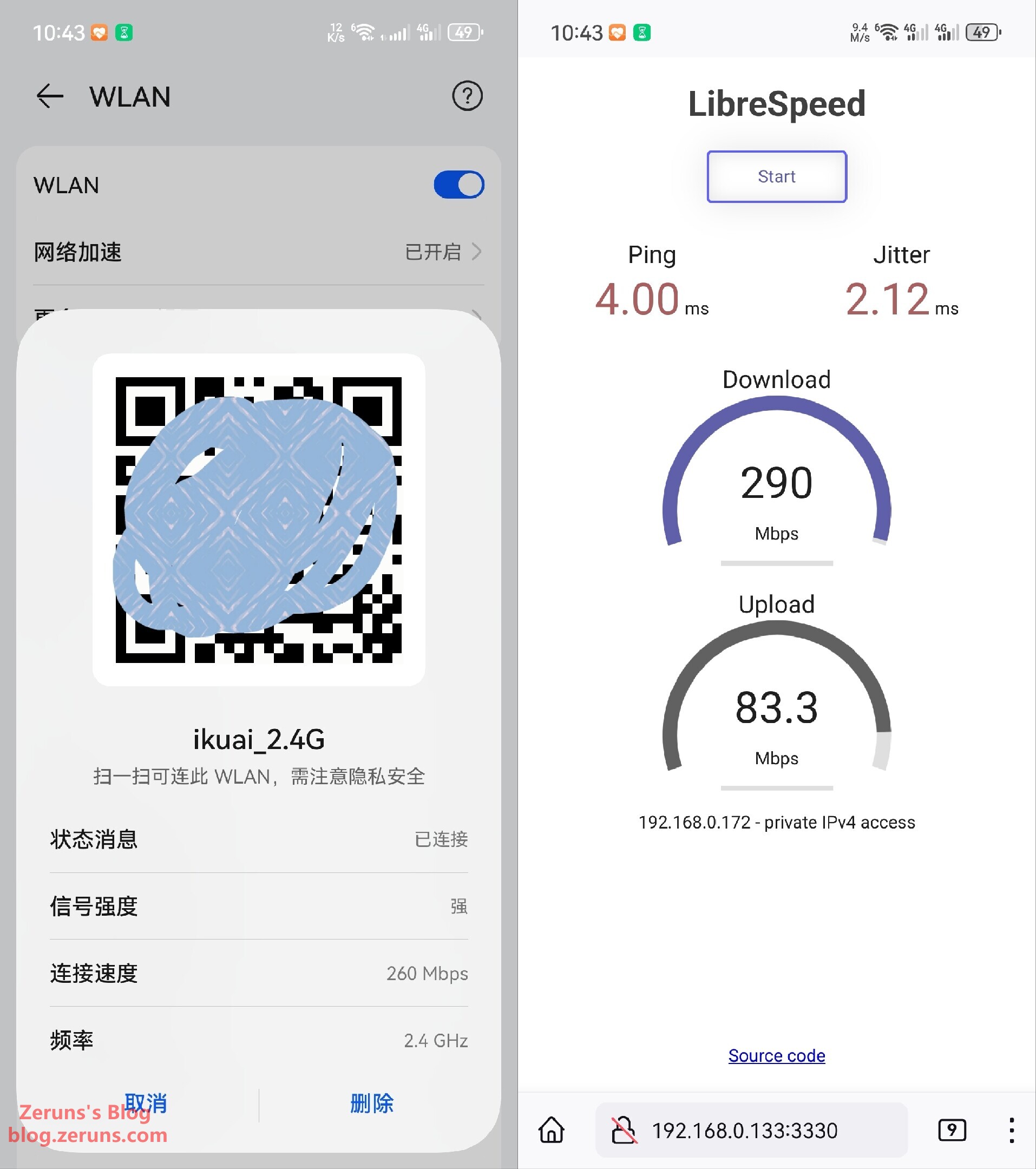
**1 wall between router and device – intranet speed test:**
5GHz band: negotiated wireless rate 980Mbps, download 1142Mbps, upload 157Mbps.
2.4GHz band: negotiated wireless rate 260Mbps, download 290Mbps, upload 83.3Mbps.
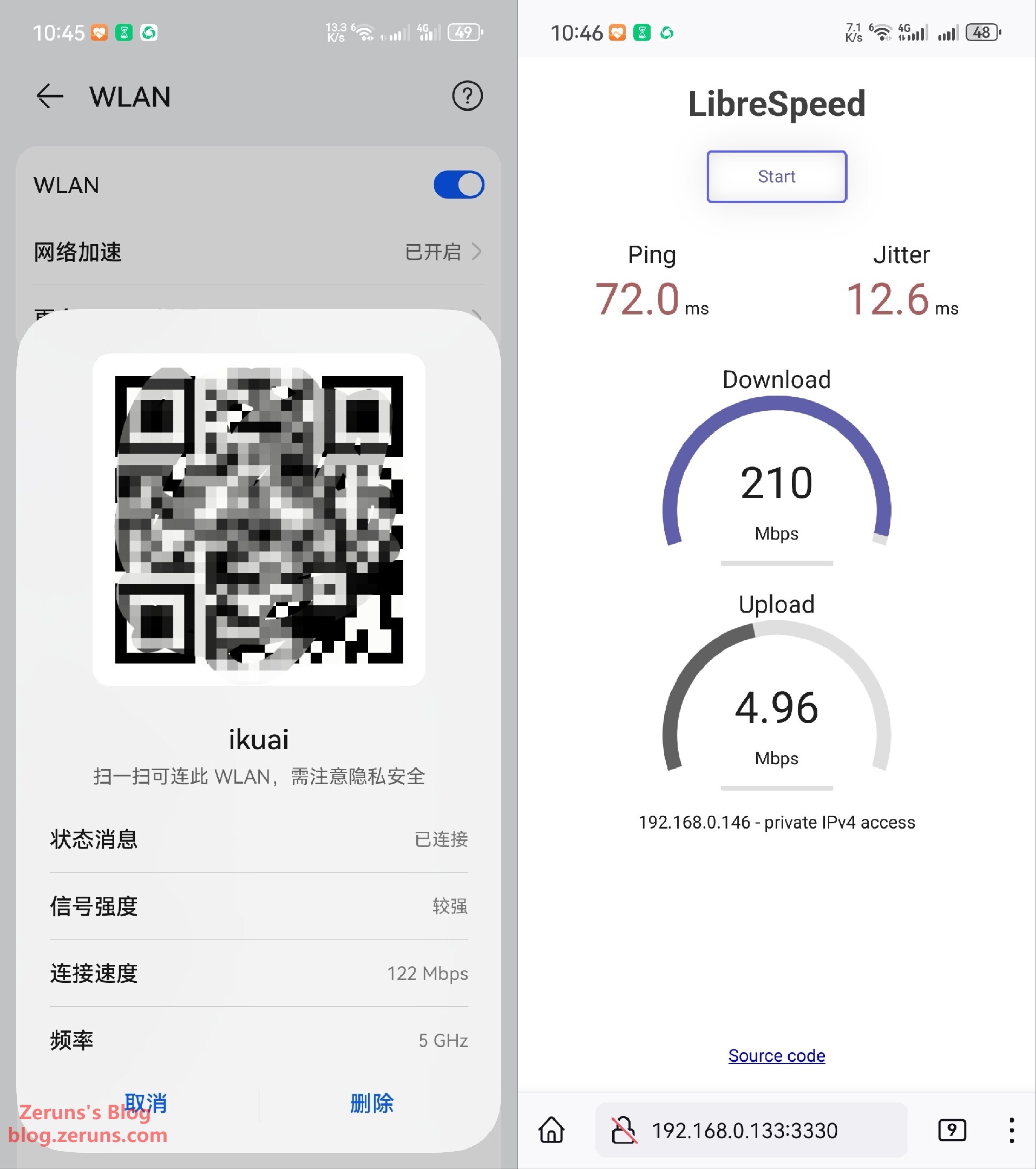
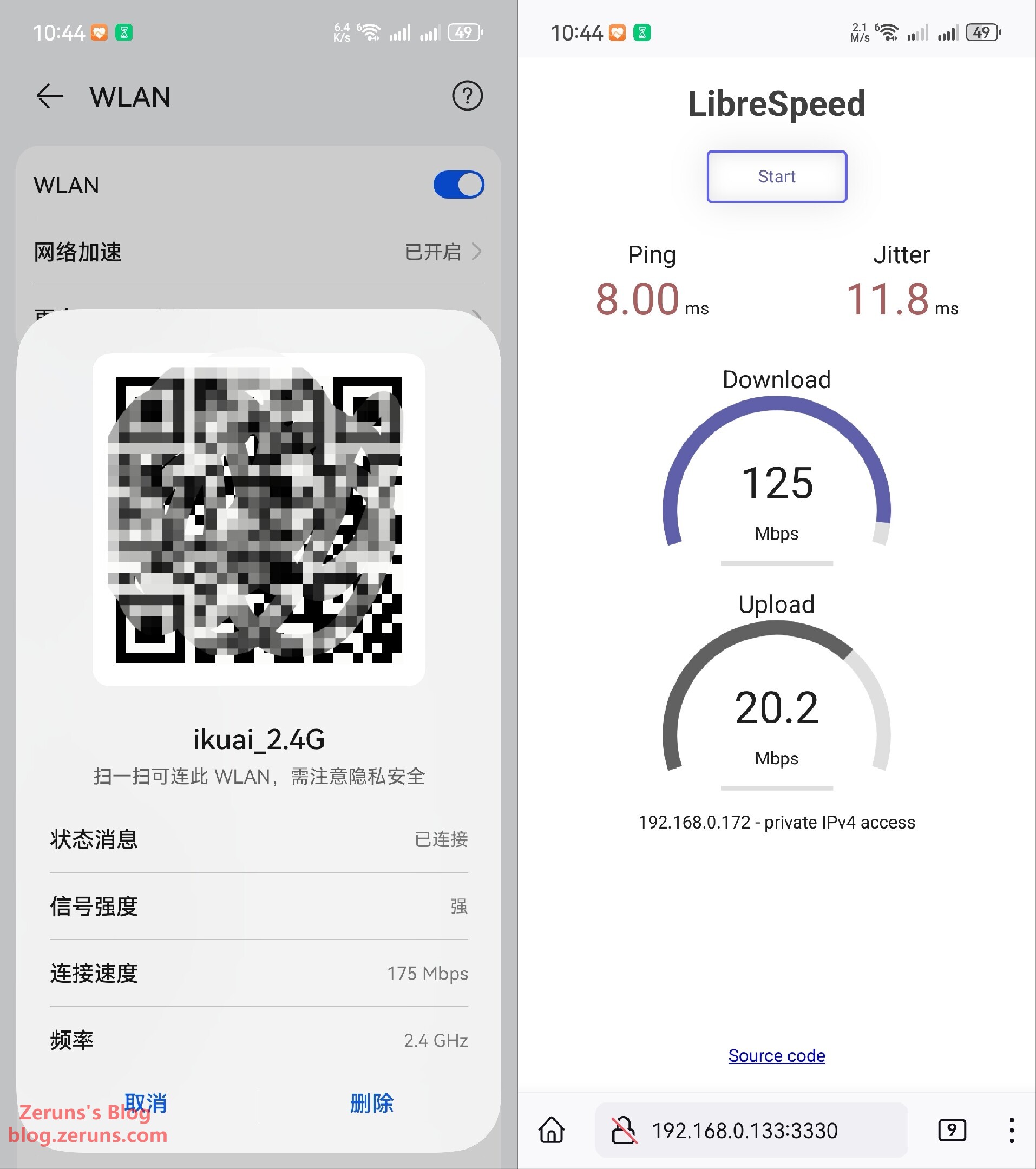
**2 walls between router and device – intranet speed test:**
5GHz band: negotiated wireless rate 122Mbps, download 210Mbps, upload 4.96Mbps.
2.4GHz band: negotiated wireless rate 175Mbps, download 125Mbps, upload 20.2Mbps.
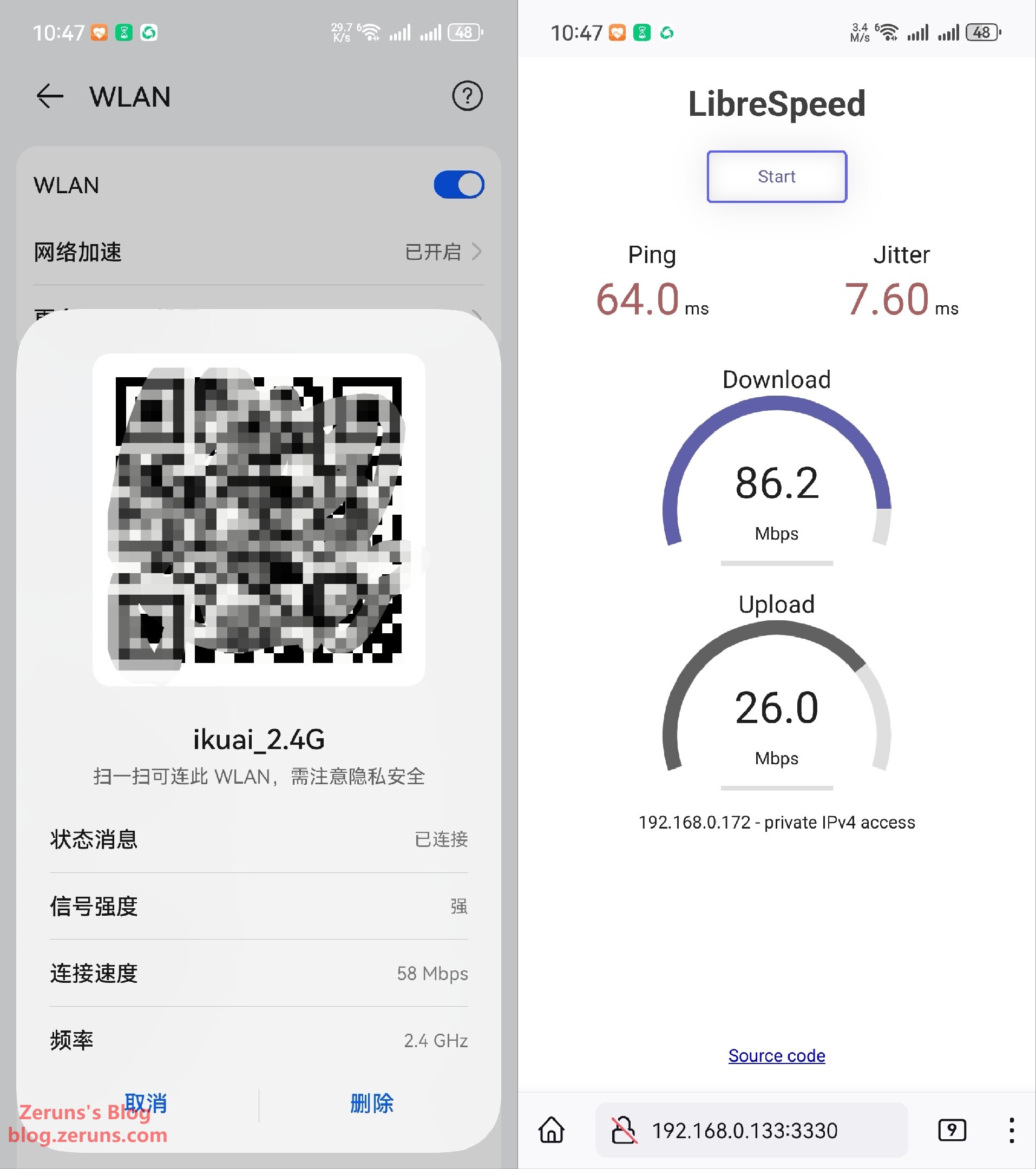
**1 floor slab between router and device – intranet speed test:**
5GHz band couldn’t connect.
2.4GHz band: negotiated wireless rate 58Mbps, download 86.2Mbps, upload 26Mbps.
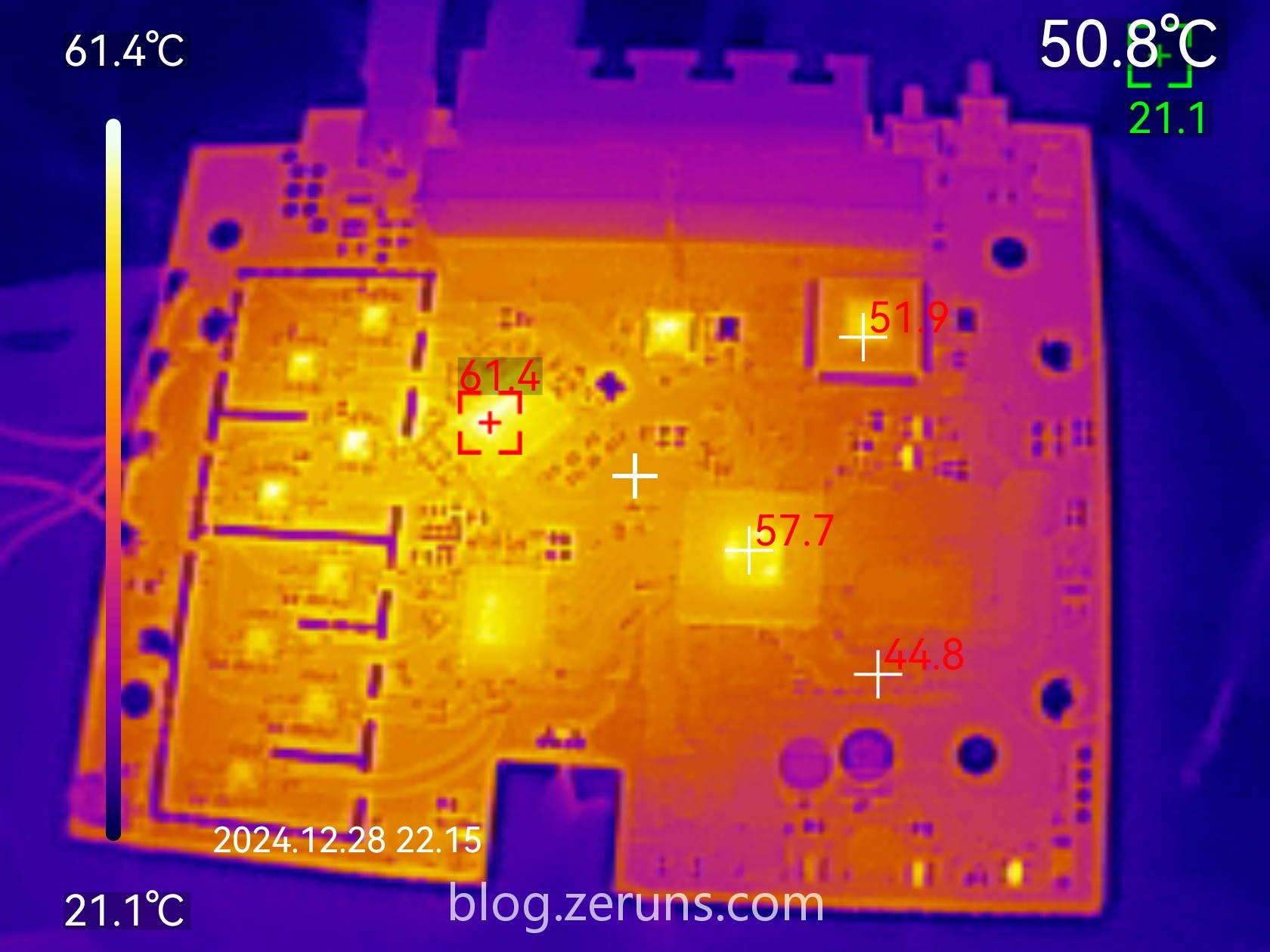
### Thermal Imaging for Heat Generation
UNI-T UTi261M thermal imager unboxing and results: [https://blog.zeruns.com/archives/798.html](https://blog.zeruns.com/archives/798.html)
Thermal image of the front side of the router PCB, with heatsink removed, hottest is the wireless RF chip at 61.4°C (ambient temp ~21°C)
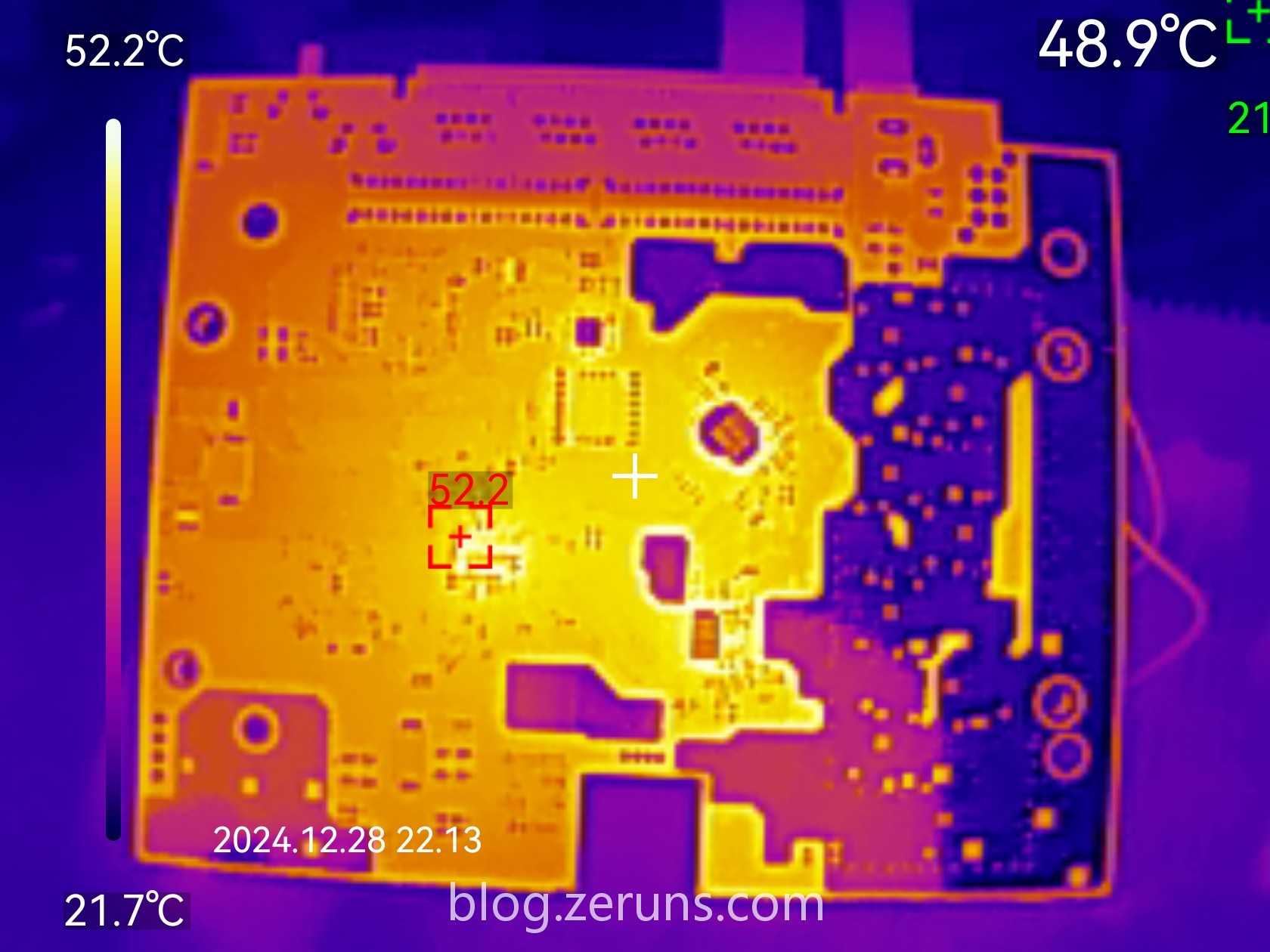
Thermal image of PCB back side, hottest point 52.2°C (ambient temp ~21°C)
## Teardown
There are two screws under the Q6000’s bottom label; unscrew them and pry the case open along the seam. There are clips that are fairly tight, so you can’t open it non-destructively—clips will definitely break.
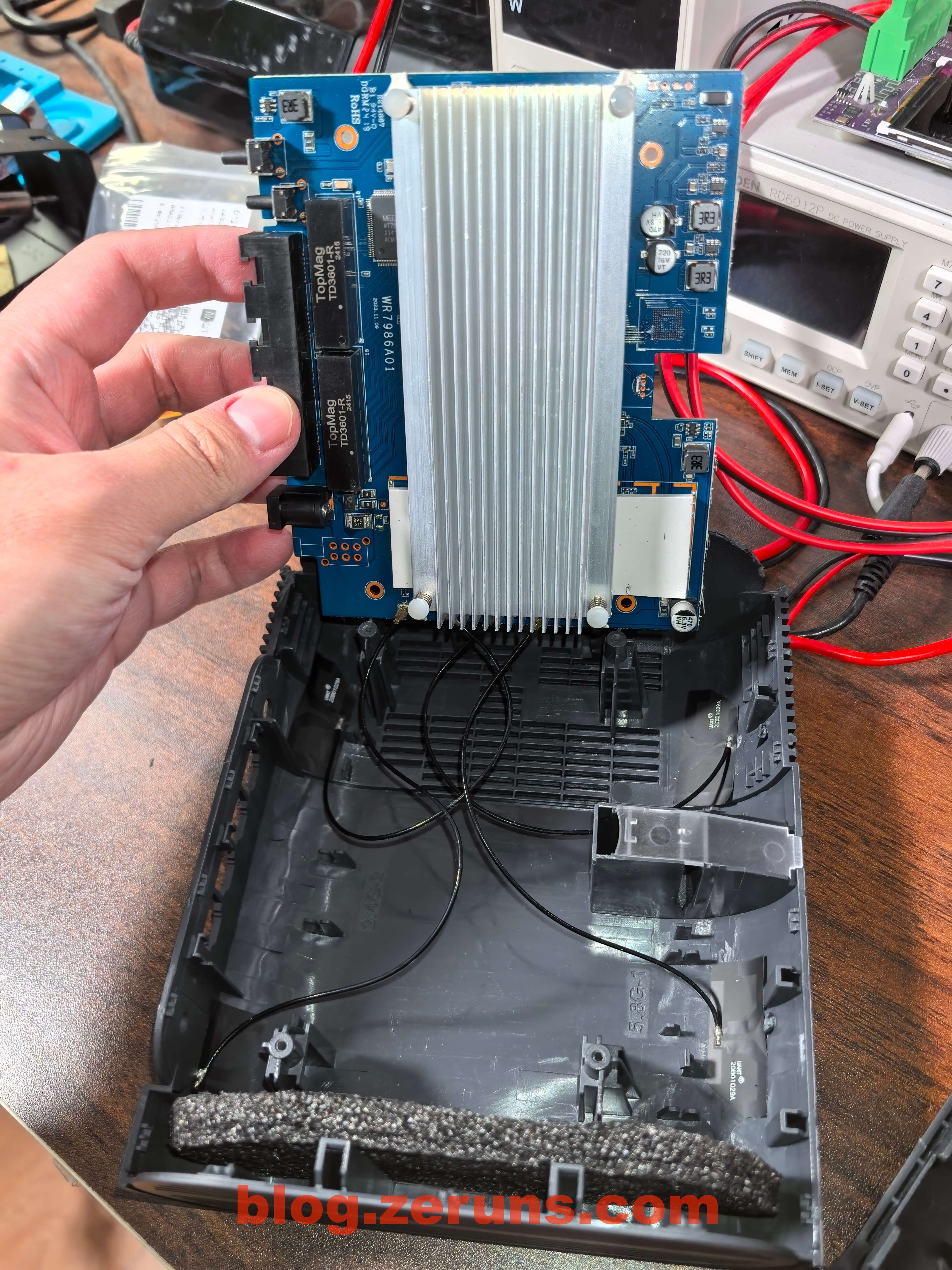
After prying open the case
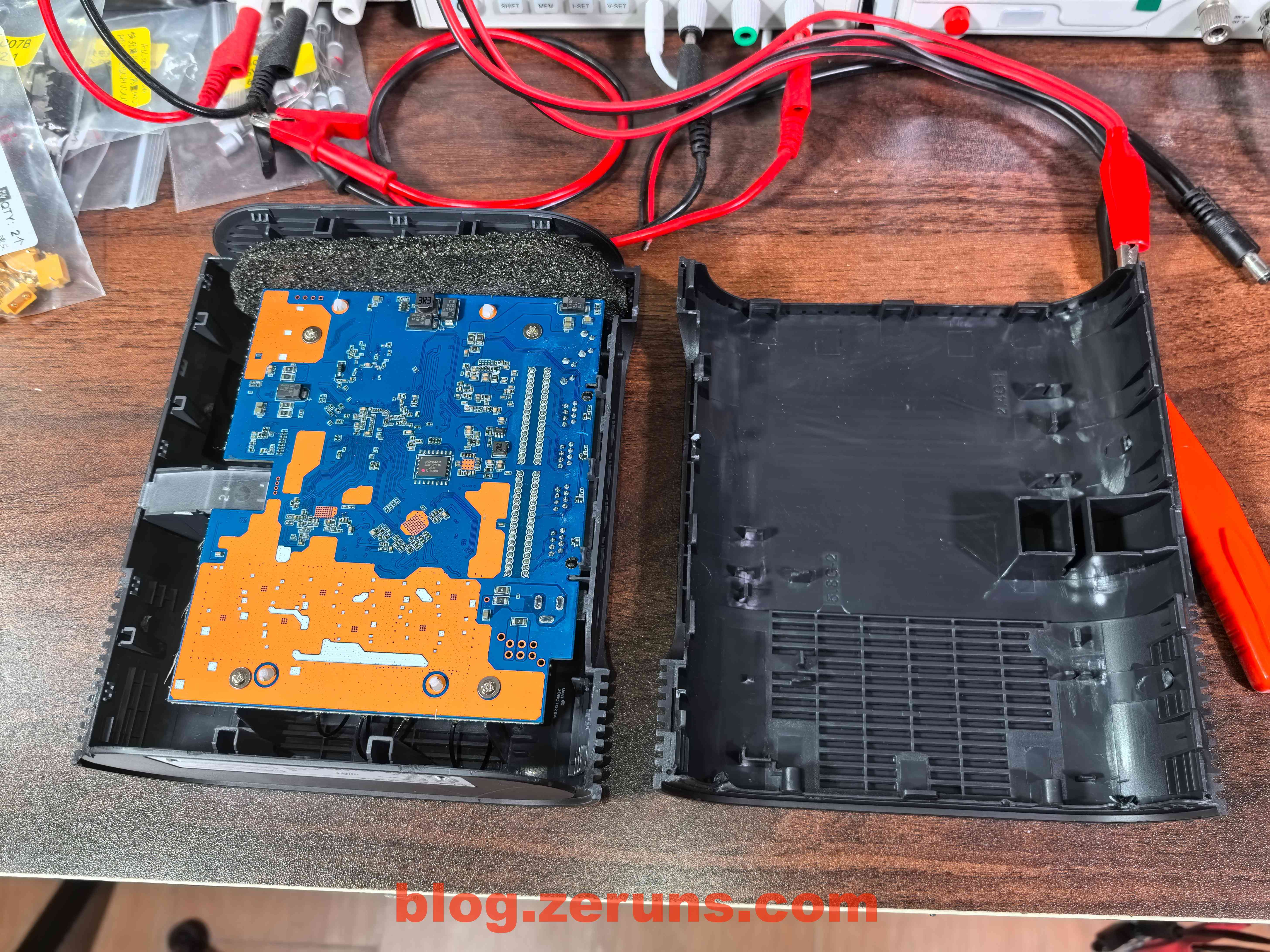
The back side of the router’s PCB

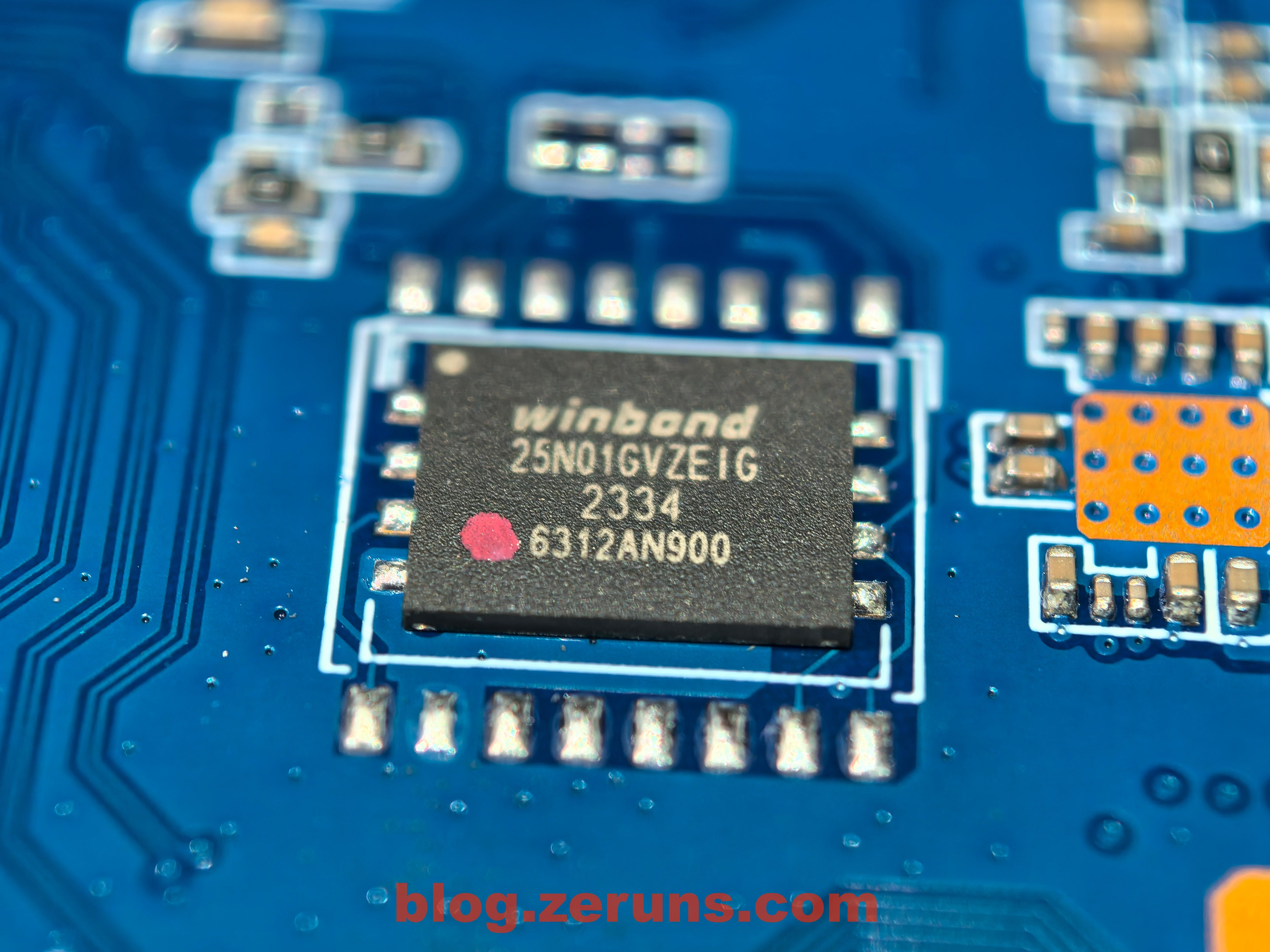
The chip at the center back of the Q6000 PCB is marked 25N01GVZEIG, a NAND flash chip, 1Gbit (128MByte), brand Winbond
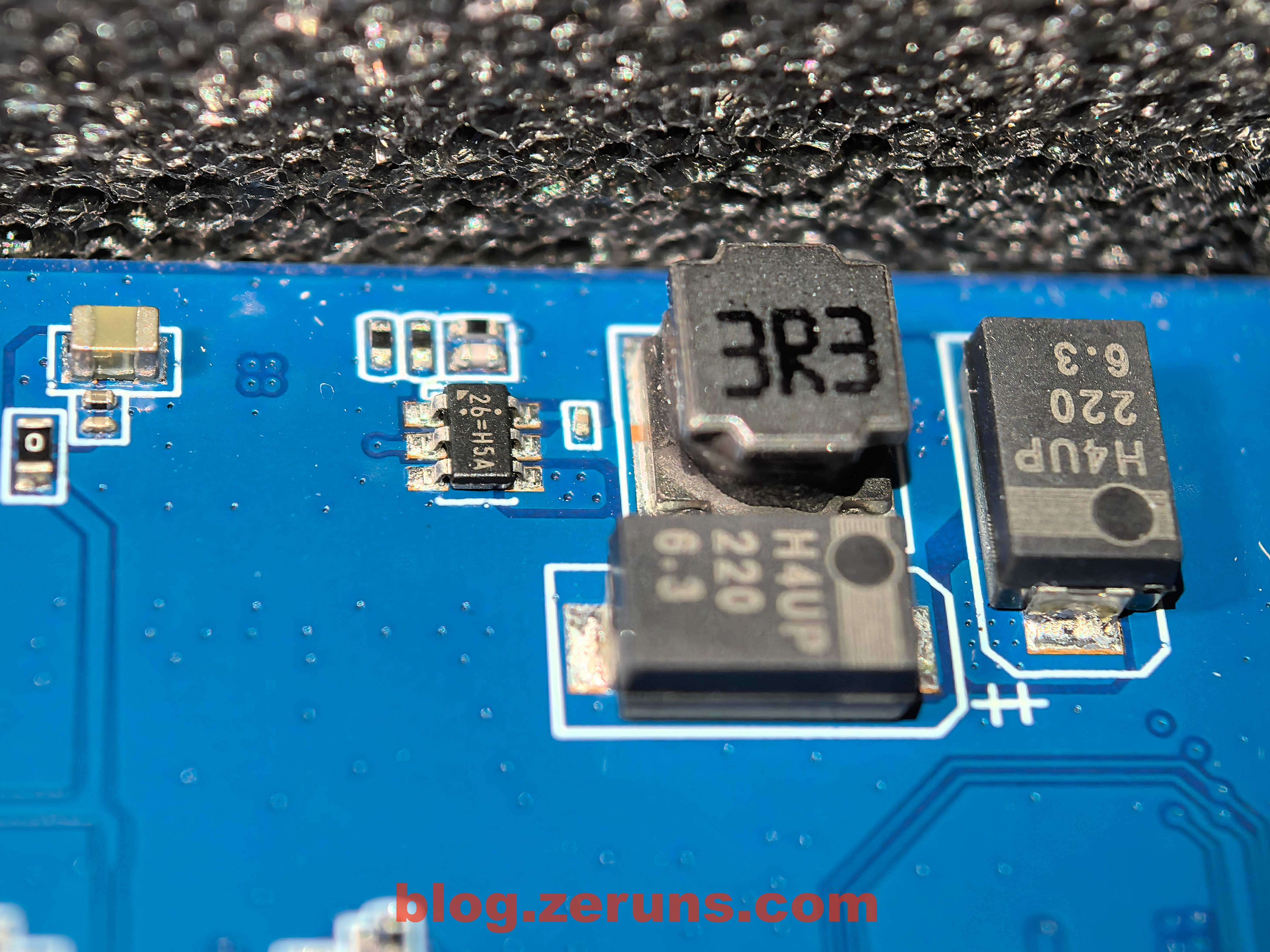
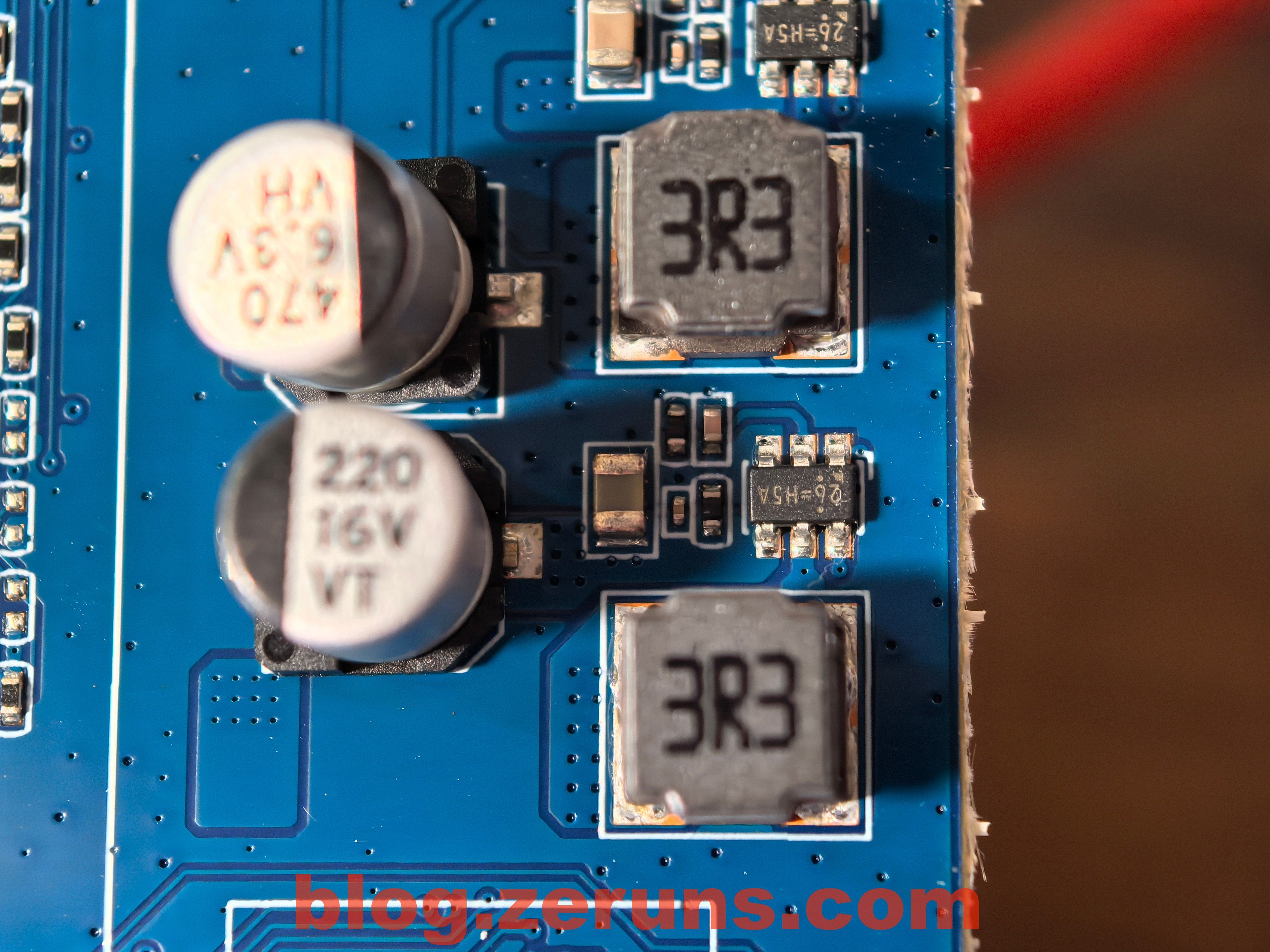
Unknown DCDC power chip model, silkscreened 26=H5A, and tantalum capacitors used for filtering.
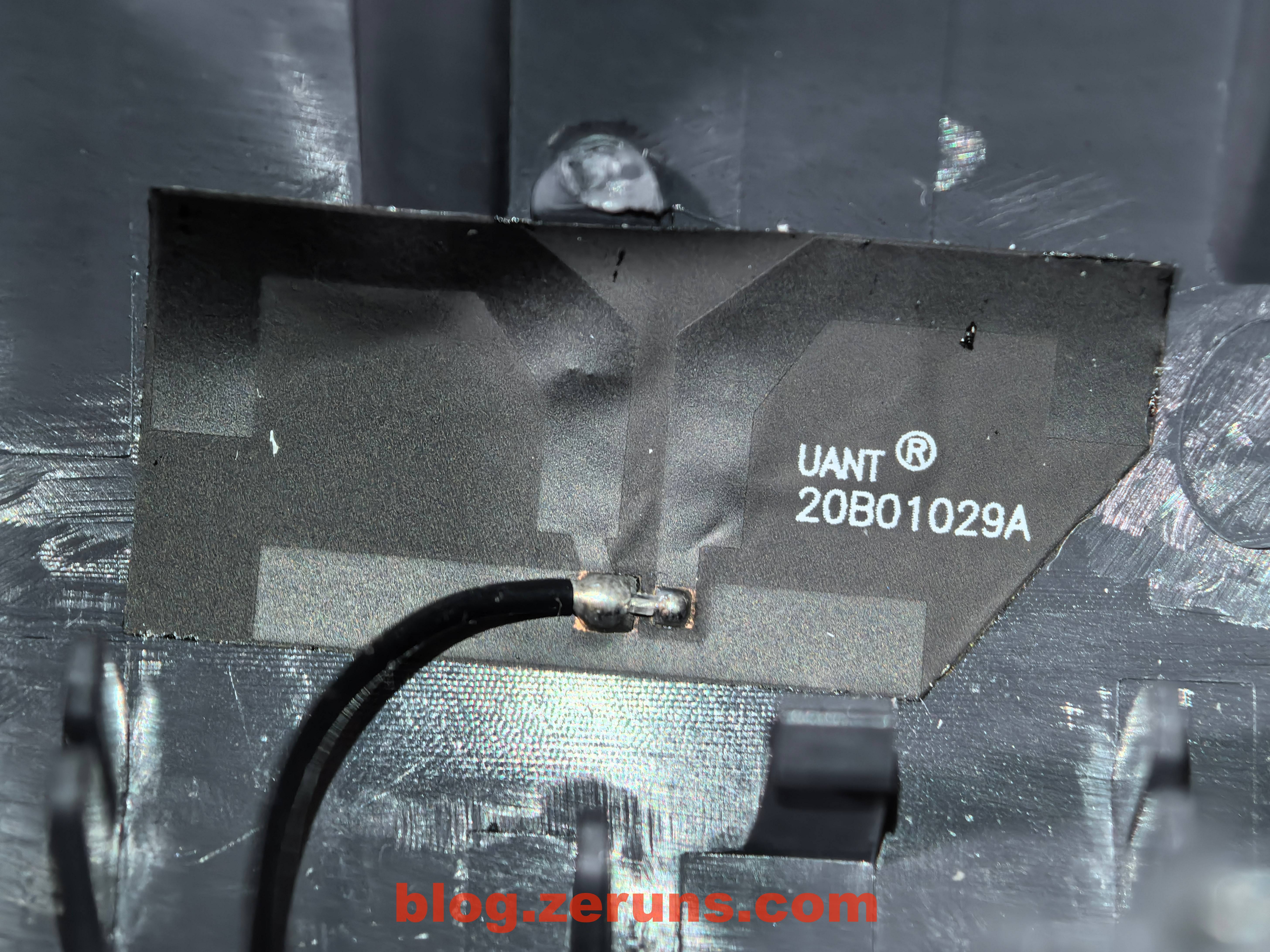
Flip the PCB over, there’s a large aluminum heatsink; four FPC antennas are attached to the inside of the plastic shell via coax cables to the mainboard.
FPC antenna
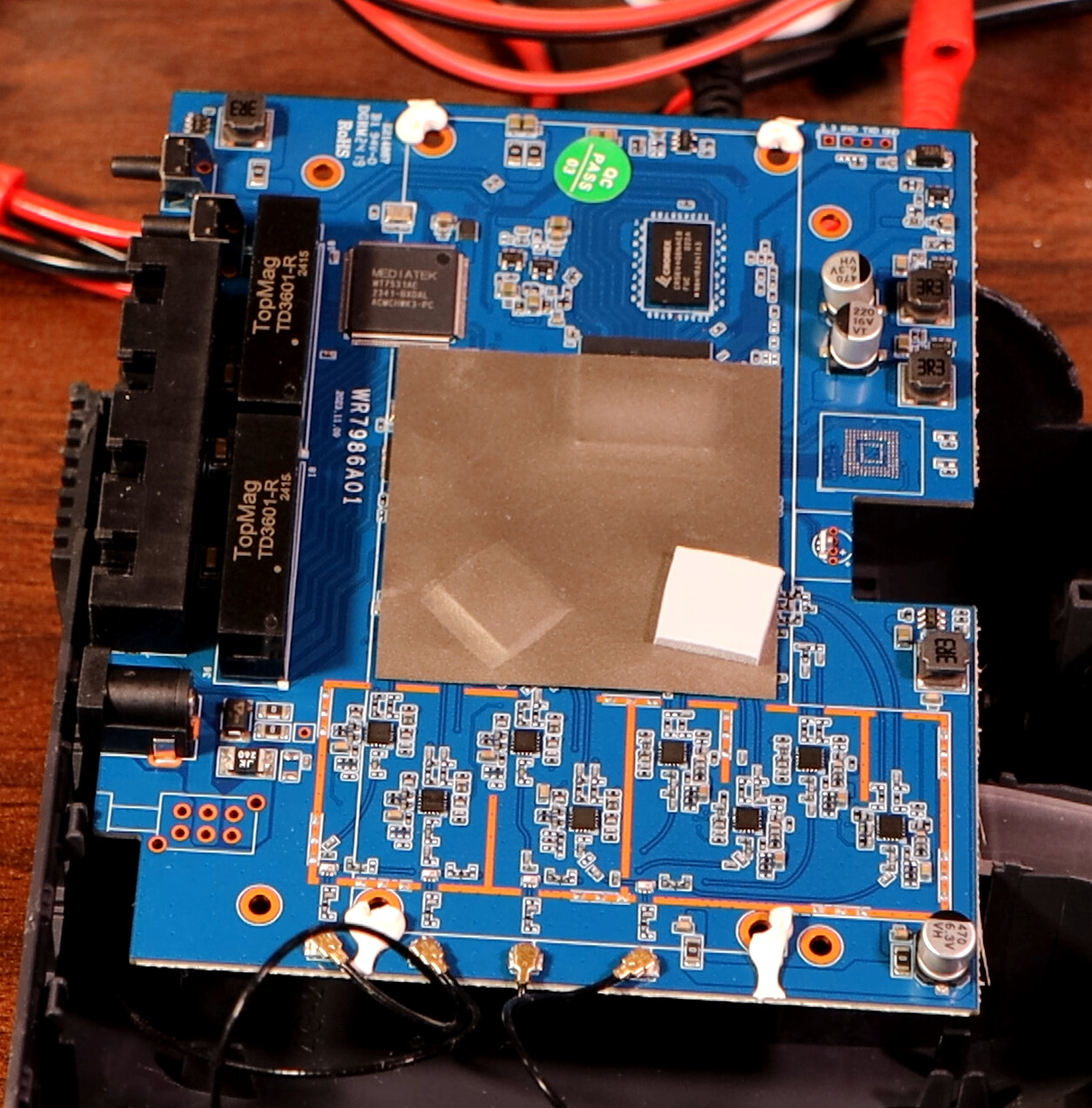
Remove the heatsink and you’ll see a sticker (presumably for EMC) on the PCB instead of a metal shield.
The network transformer is model TD3601-R, brand TopMag.
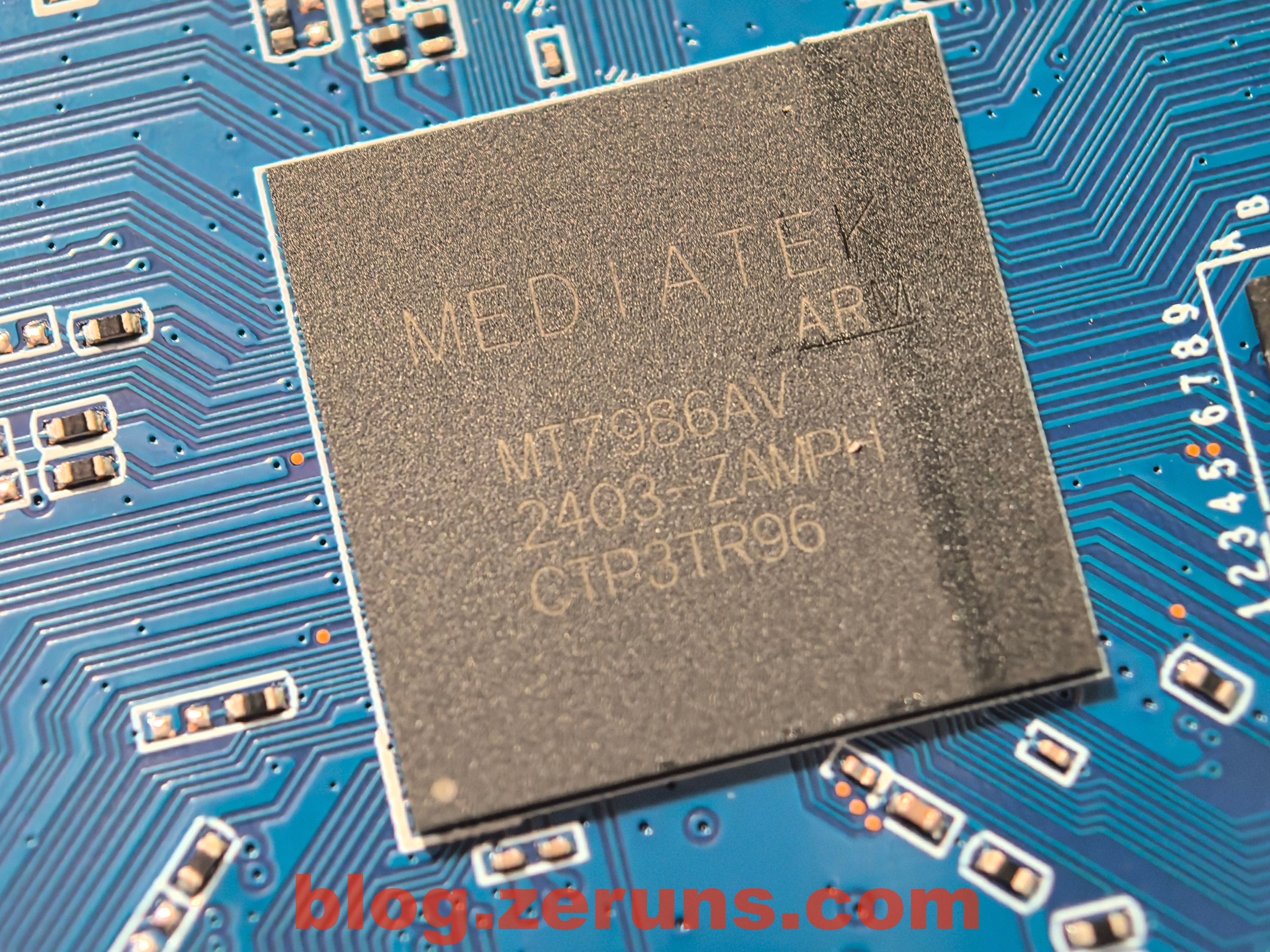
Peel off the shield sticker and you’ll see the CPU: MediaTek MT7986AV (Filogic 830).
**Official intro for MT7986AV:**[https://url.zeruns.com/5t4u9](https://url.zeruns.com/5t4u9)
MediaTek Filogic 830 delivers a high-performance, advanced single-chip wireless network platform for routers, repeaters, access points, and mesh network devices. Fabricated on a highly efficient 12nm process, it packs a powerful quad-core Arm Cortex-A53 CPU, integrates dual-band 4×x4 Wi-Fi 6/6E, two 2.5G Ethernet ports, hardware-based network accelerator, and full Wi-Fi Alliance Wi-Fi 6 Release 2 support. Filogic 830 also integrates dual-band Wi-Fi 6 baseband, supports up to 1024QAM modulation, OFDMA for up to 24 users, BW160, and eight spatial streams (SS).
The Filogic 830 SoC platform is versatile, offering multiple high-performance routing options on a single platform, such as:
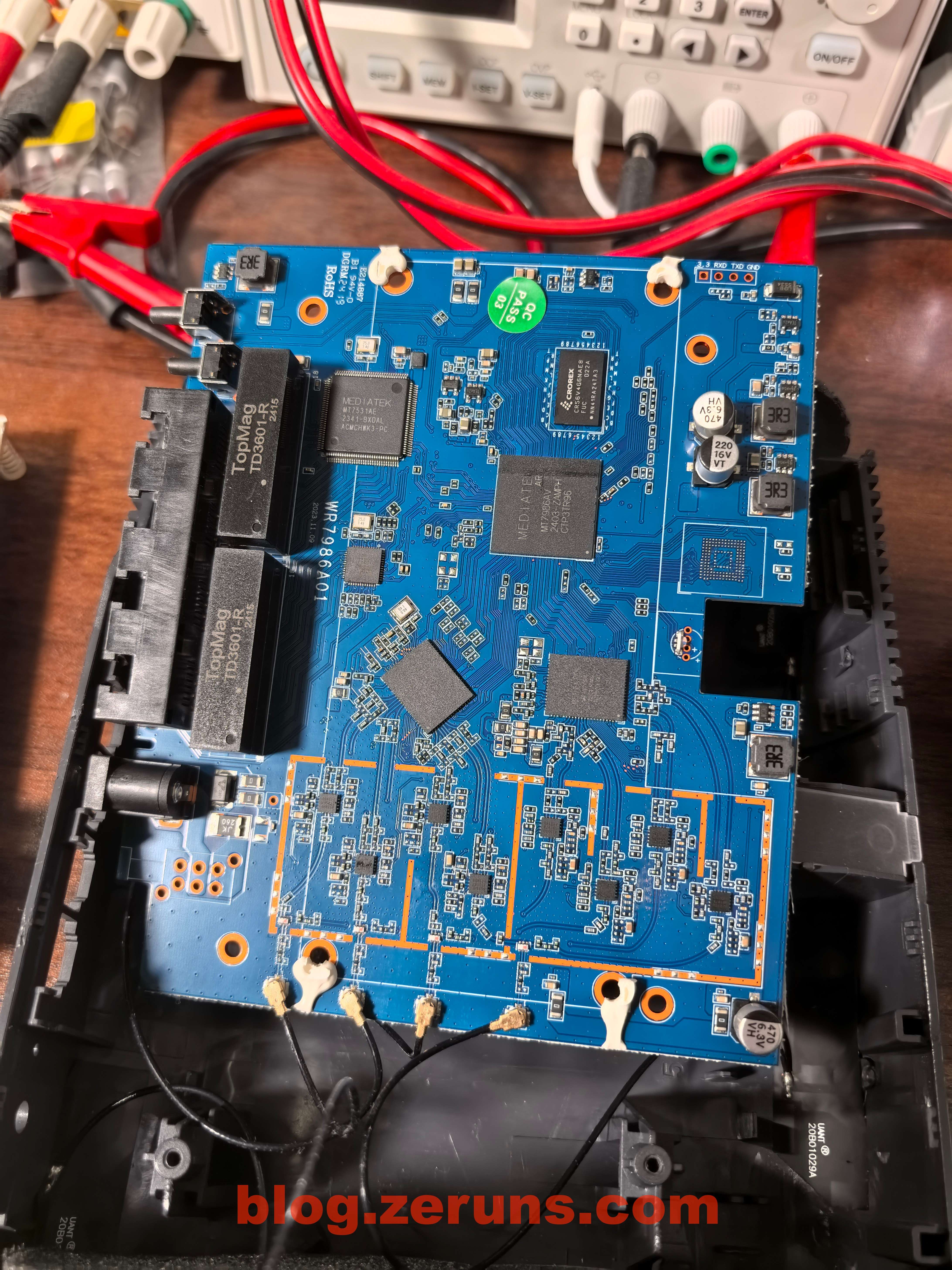
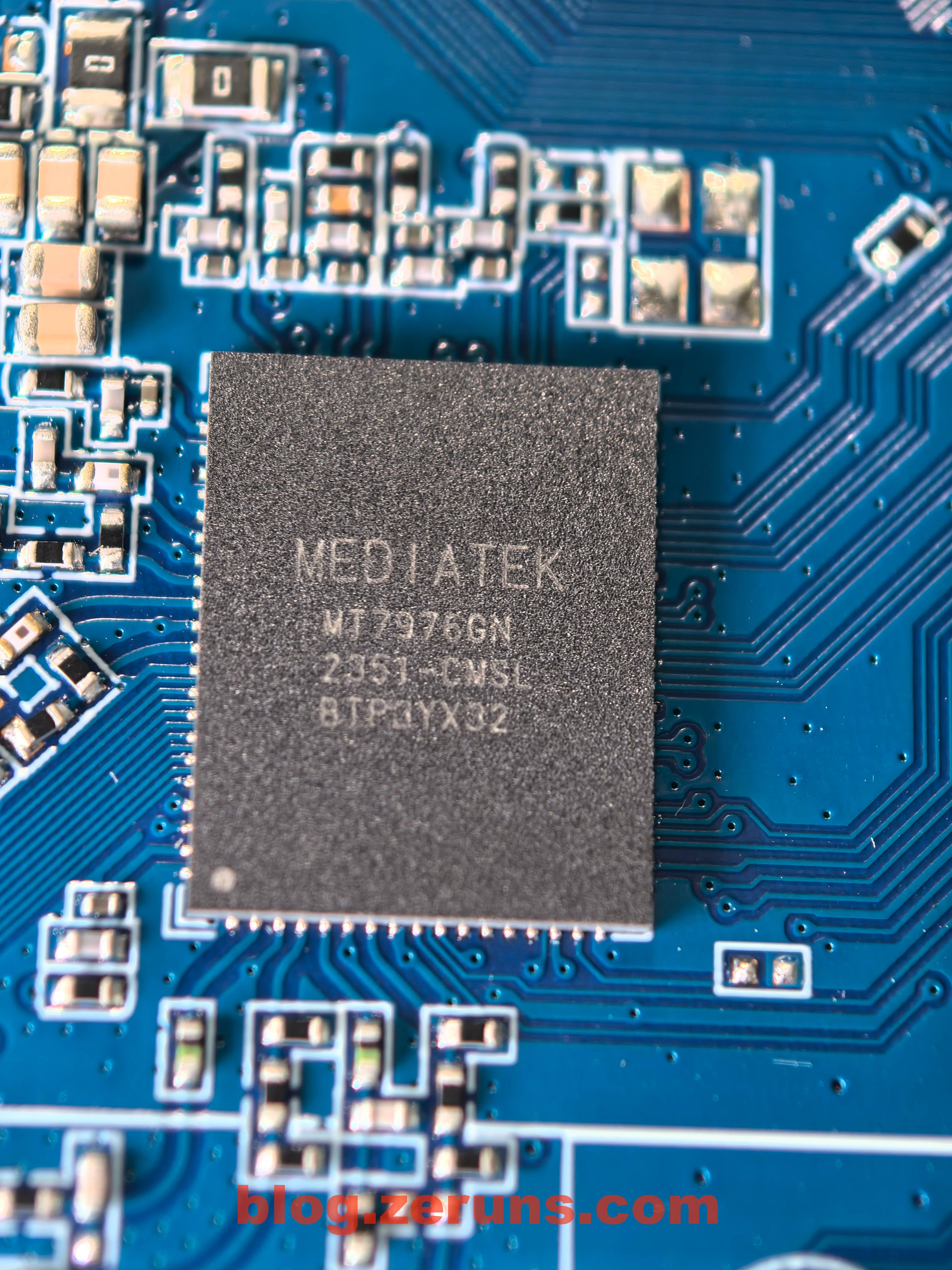
2.4GHz band RF chip: MT7976GN
Supports 4×x4 MIMO WiFi6, 40MHz bandwidth, 1024-QAM, max speed 1147Mbps.
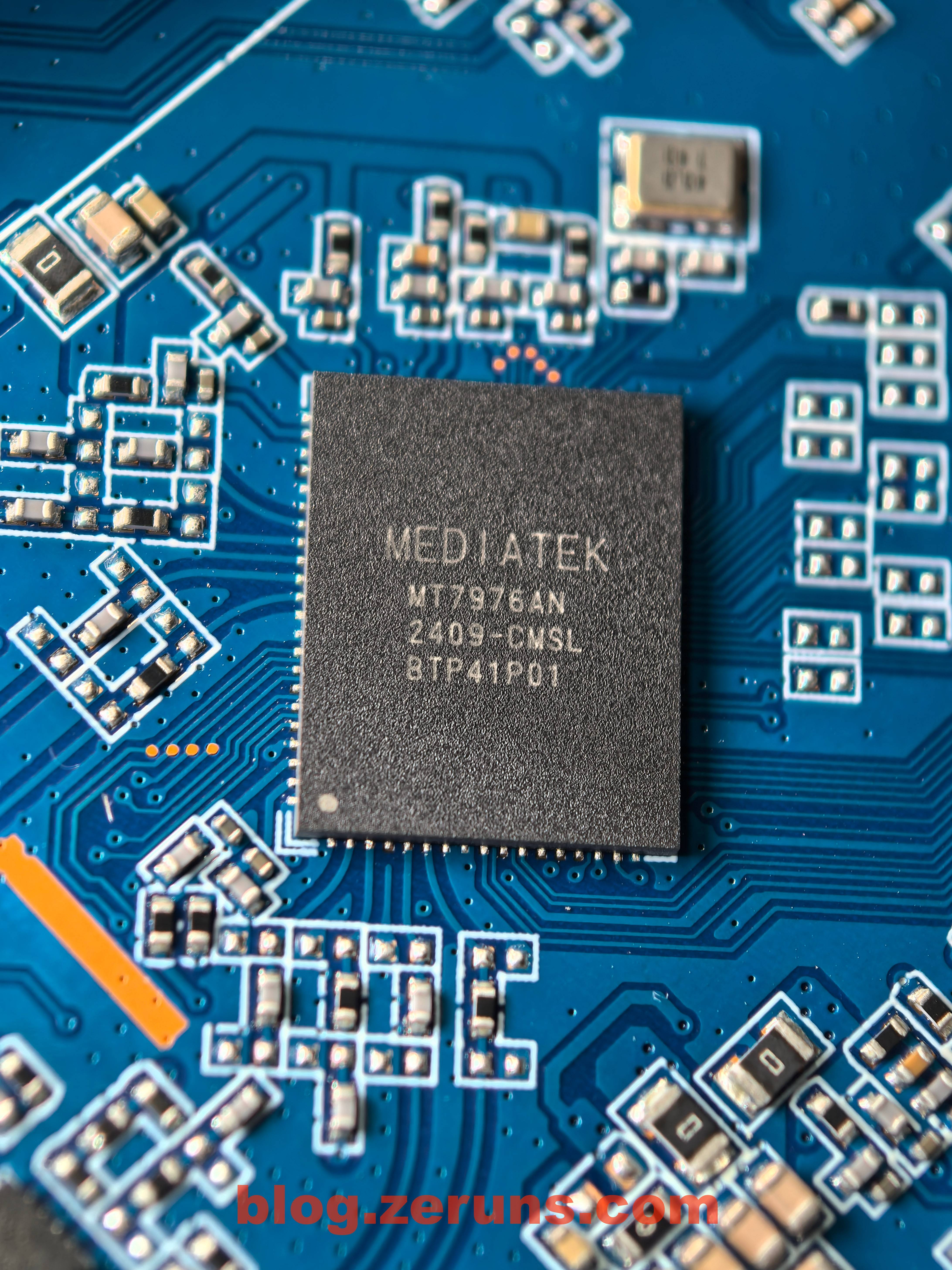
5GHz band RF chip: MT7976AN
Supports 4×x4 MIMO, 160MHz bandwidth, theoretical max speed 4804Mbps.
Both 2.4GHz and 5GHz bands each have four independent external FEM chips.
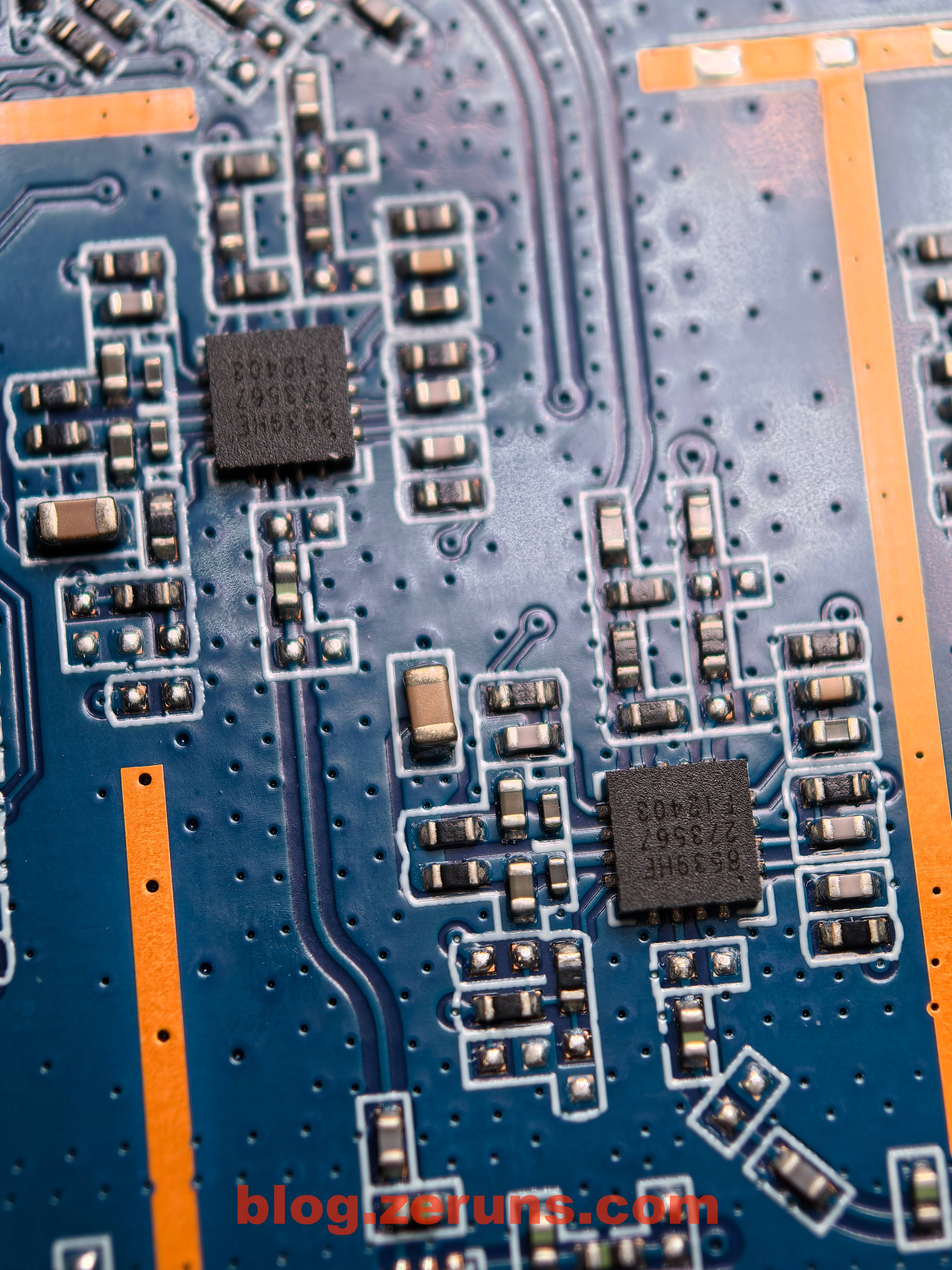
2.4GHz independent FEM chip silkscreened 8239SD, identified as Shanghai Kangxi Communication KCT8239S,
Official site: [https://url.zeruns.com/Ry1G8](https://url.zeruns.com/Ry1G8)
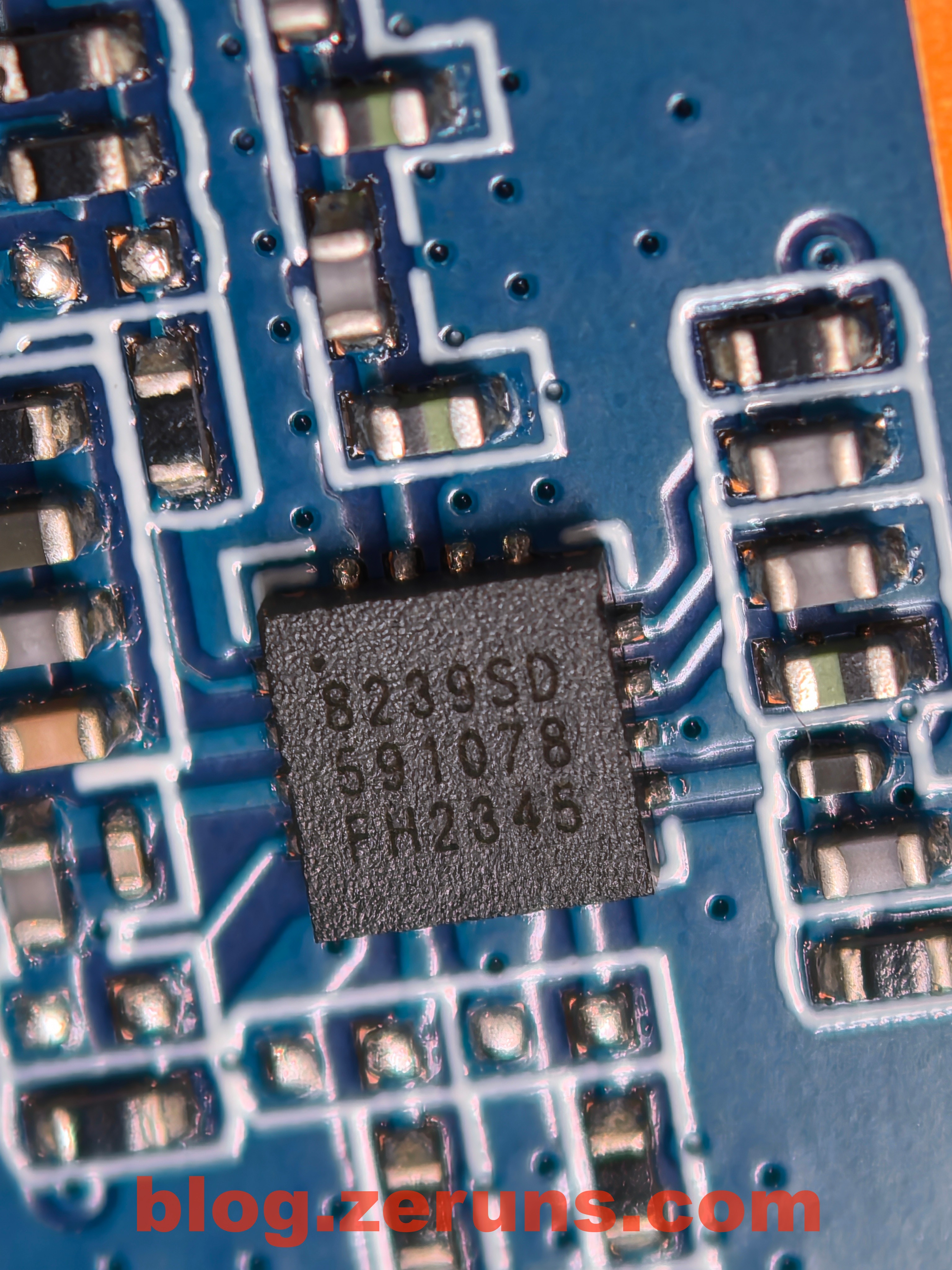
5GHz independent FEM chip silkscreened 8539HE, identified as Shanghai Kangxi Communication KCT8539HE,
Official site: [https://url.zeruns.com/AL2oN](https://url.zeruns.com/AL2oN)
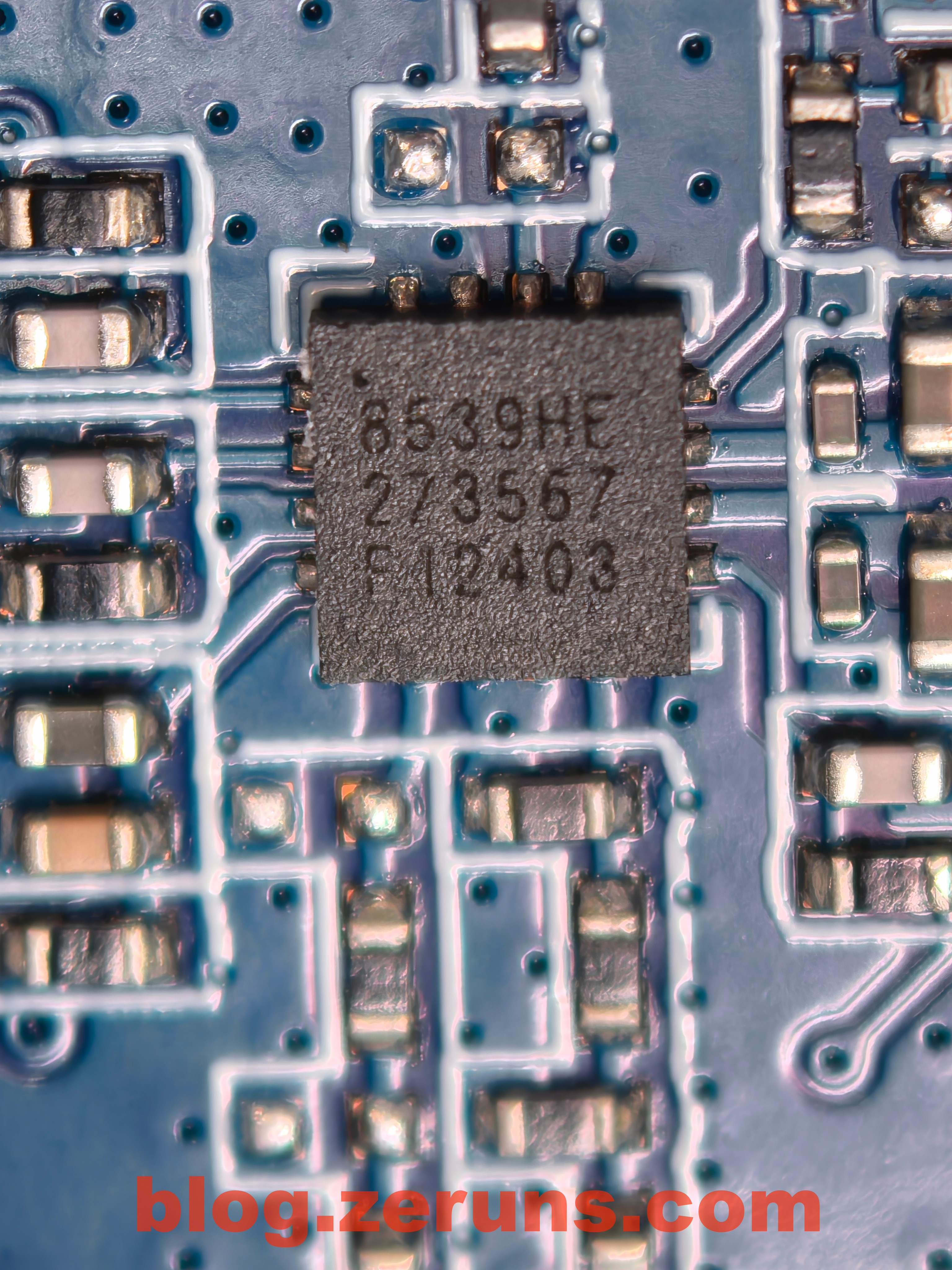
2.5G port chip: Realtek RTL8221B – highly integrated Ethernet PHY transceiver, supports 10/100/1000M/2.5G
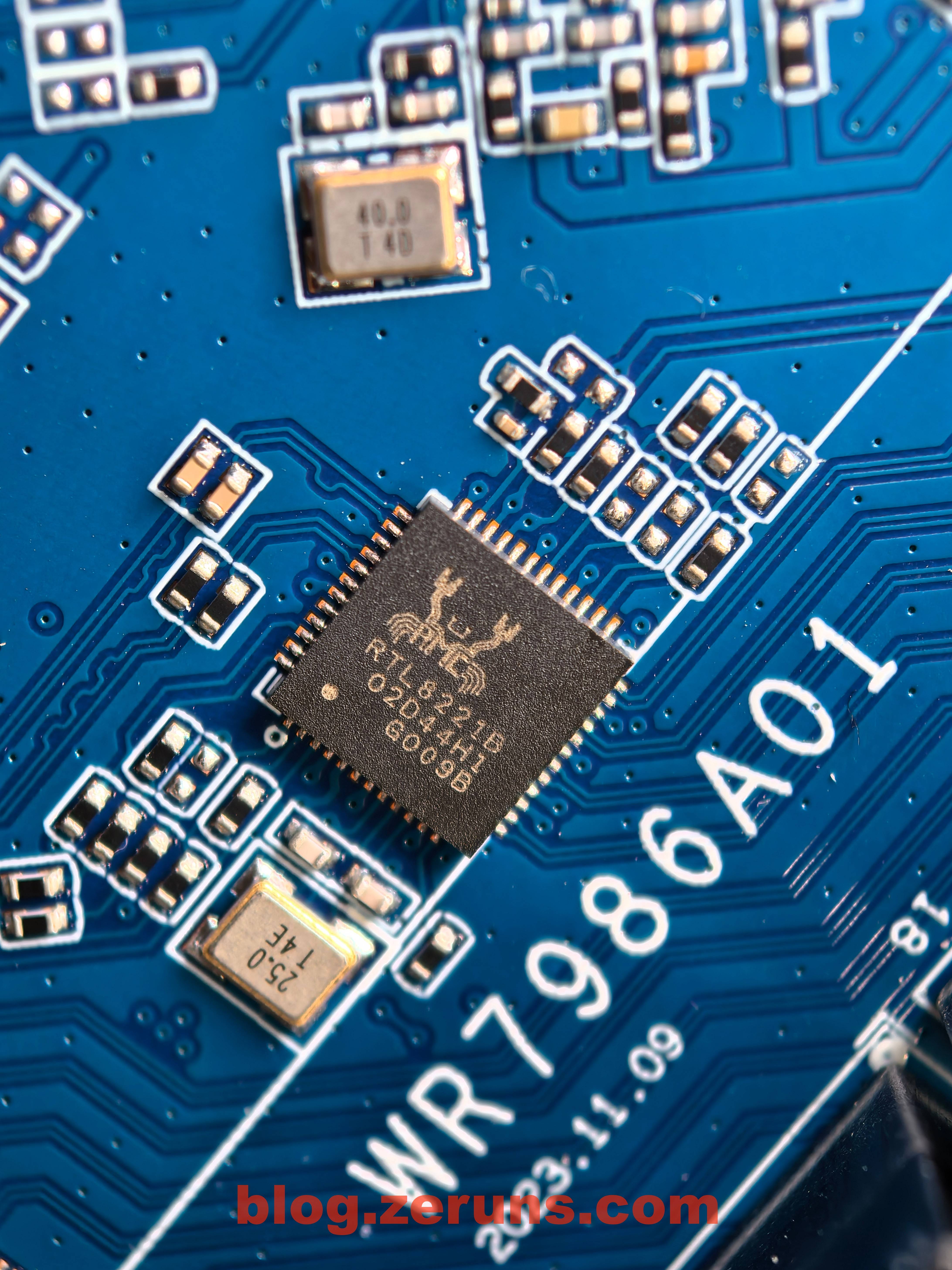
Gigabit port switch chip: MT7531AE
The MT7531AE is a Mediatek highly integrated wired Ethernet switch chip, with 7-port gigabit Ethernet MAC, 5-port gigabit Ethernet PHY, 2-port high-speed SGMII interfaces (up to 2.5Gbps) for 2.5G backbone or external PHY connection.
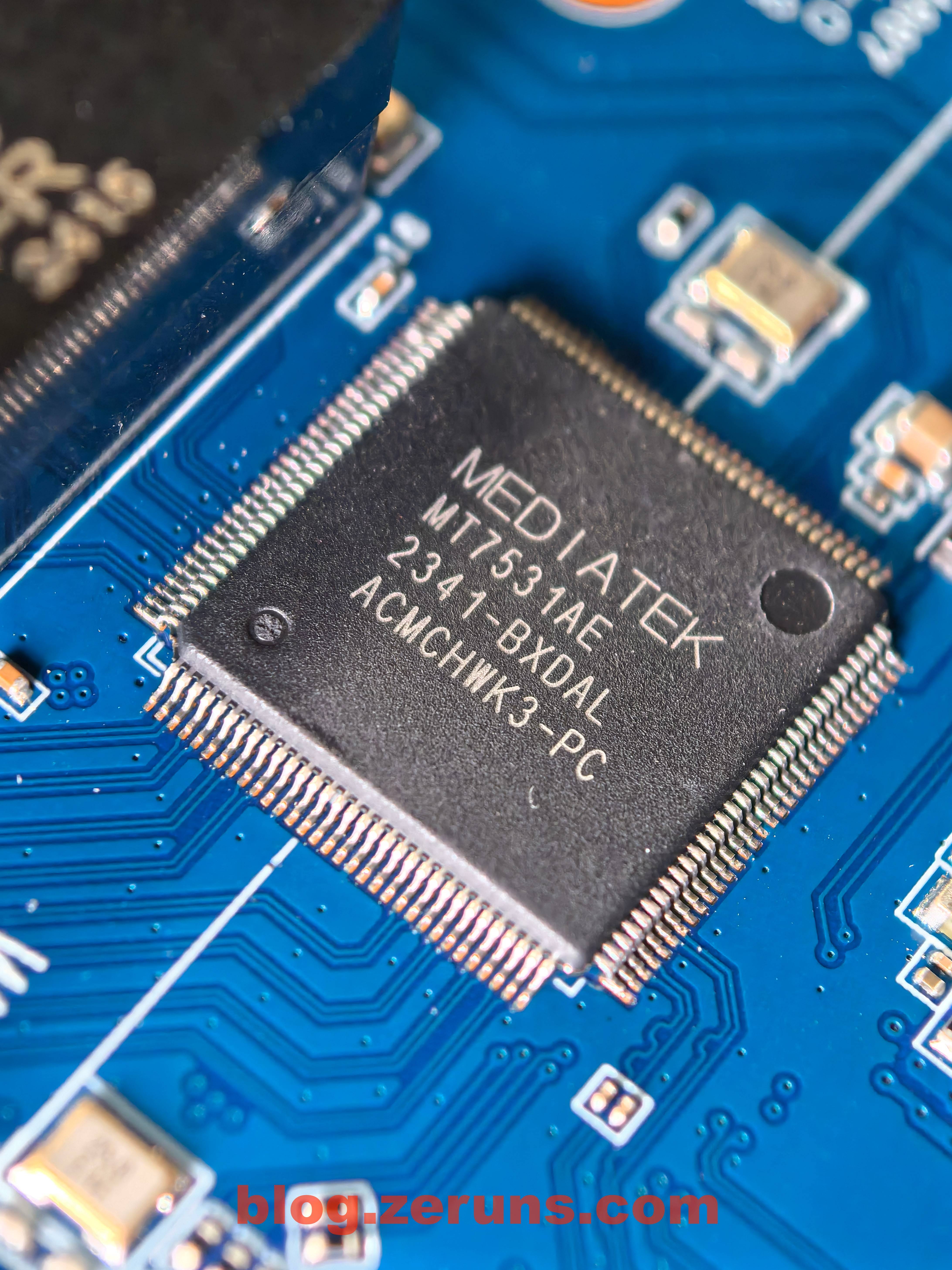
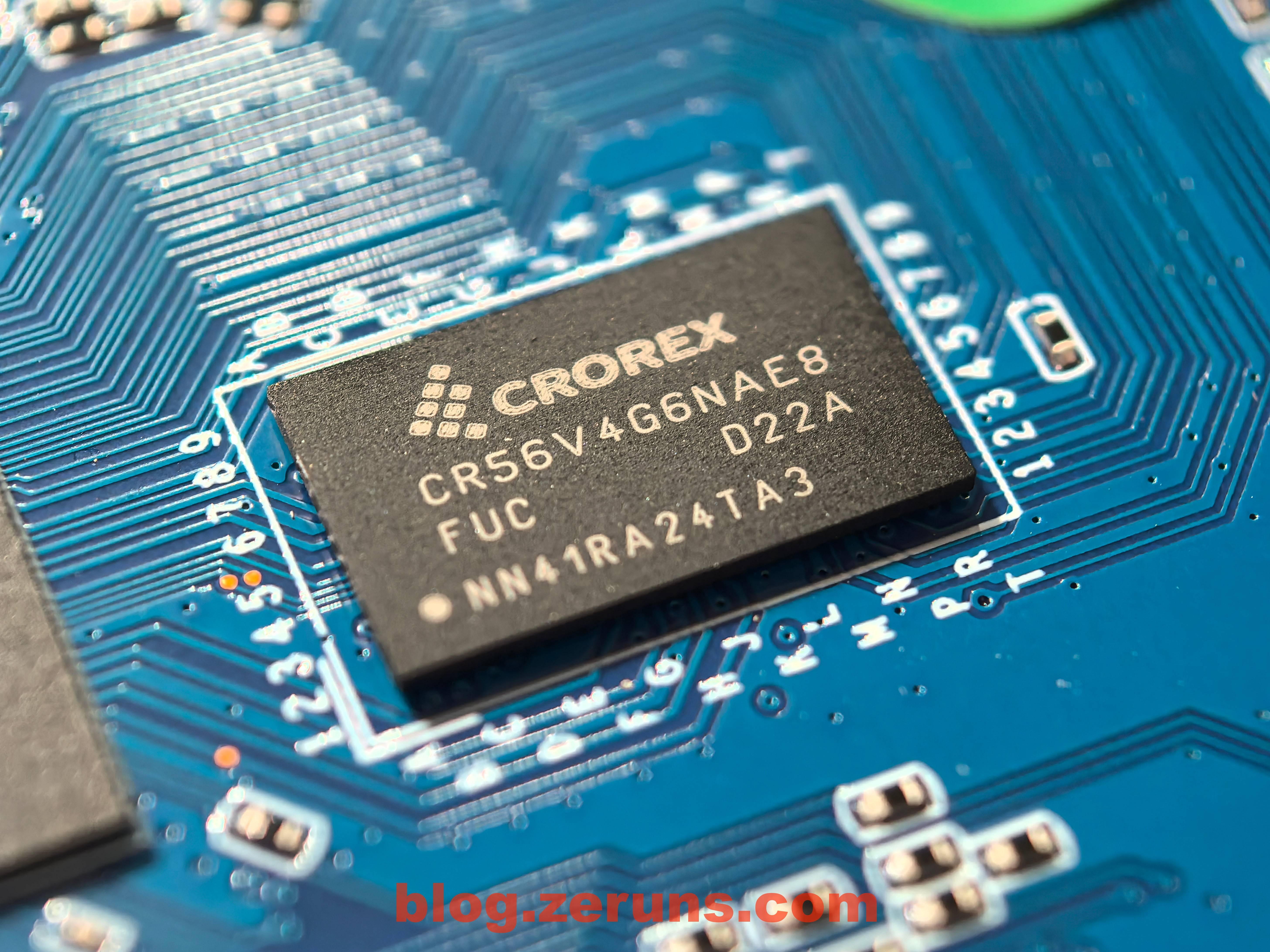
Next to the CPU is a chip marked CR56V4G6NAE8. Couldn’t find info, but PCB traces suggest it’s a RAM chip.
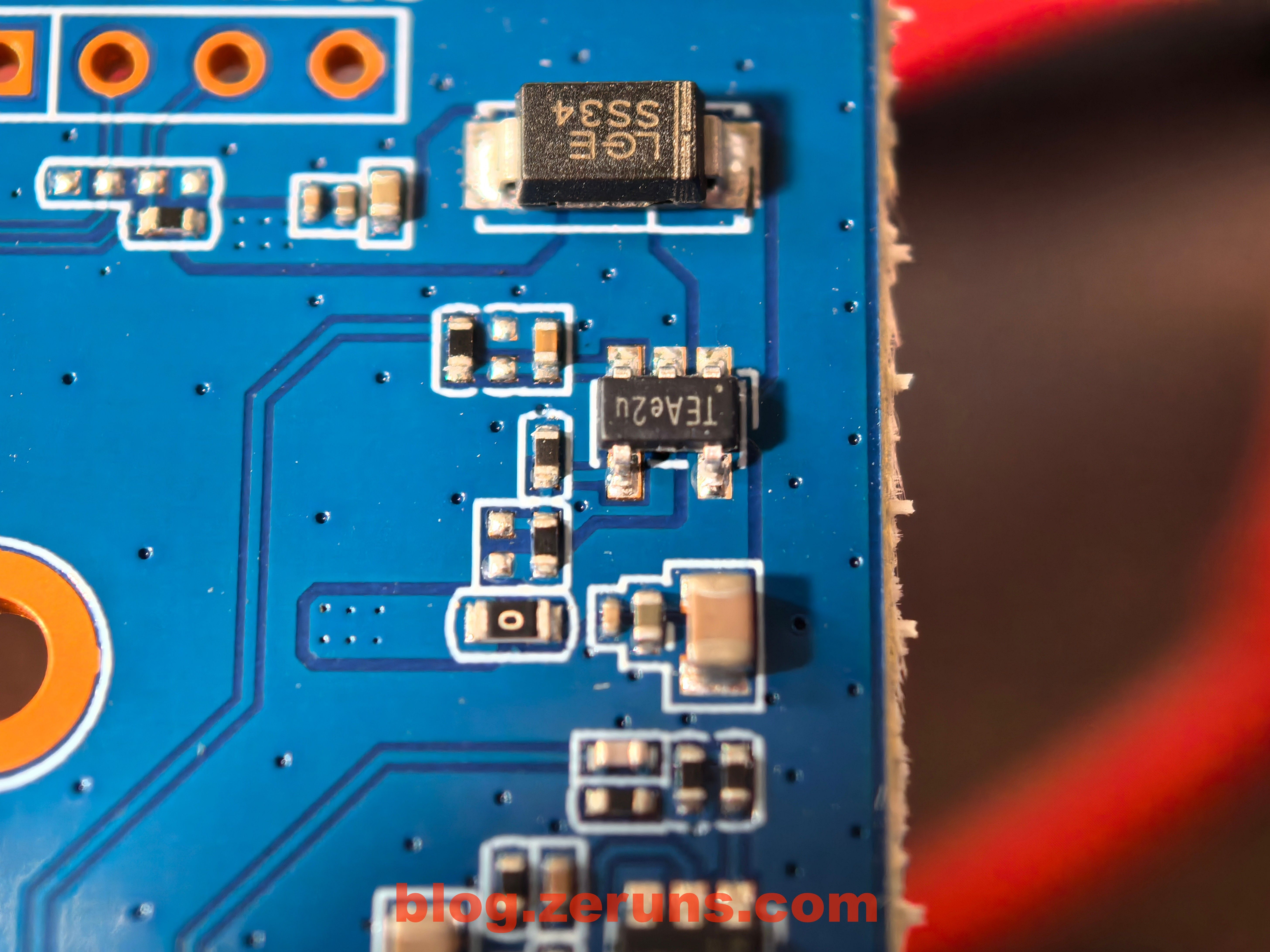
Other power-related circuitry.
## Recommended Reading
English version: [https://blog.zeruns.top/archives/24.html](https://blog.zeruns.top/archives/24.html)