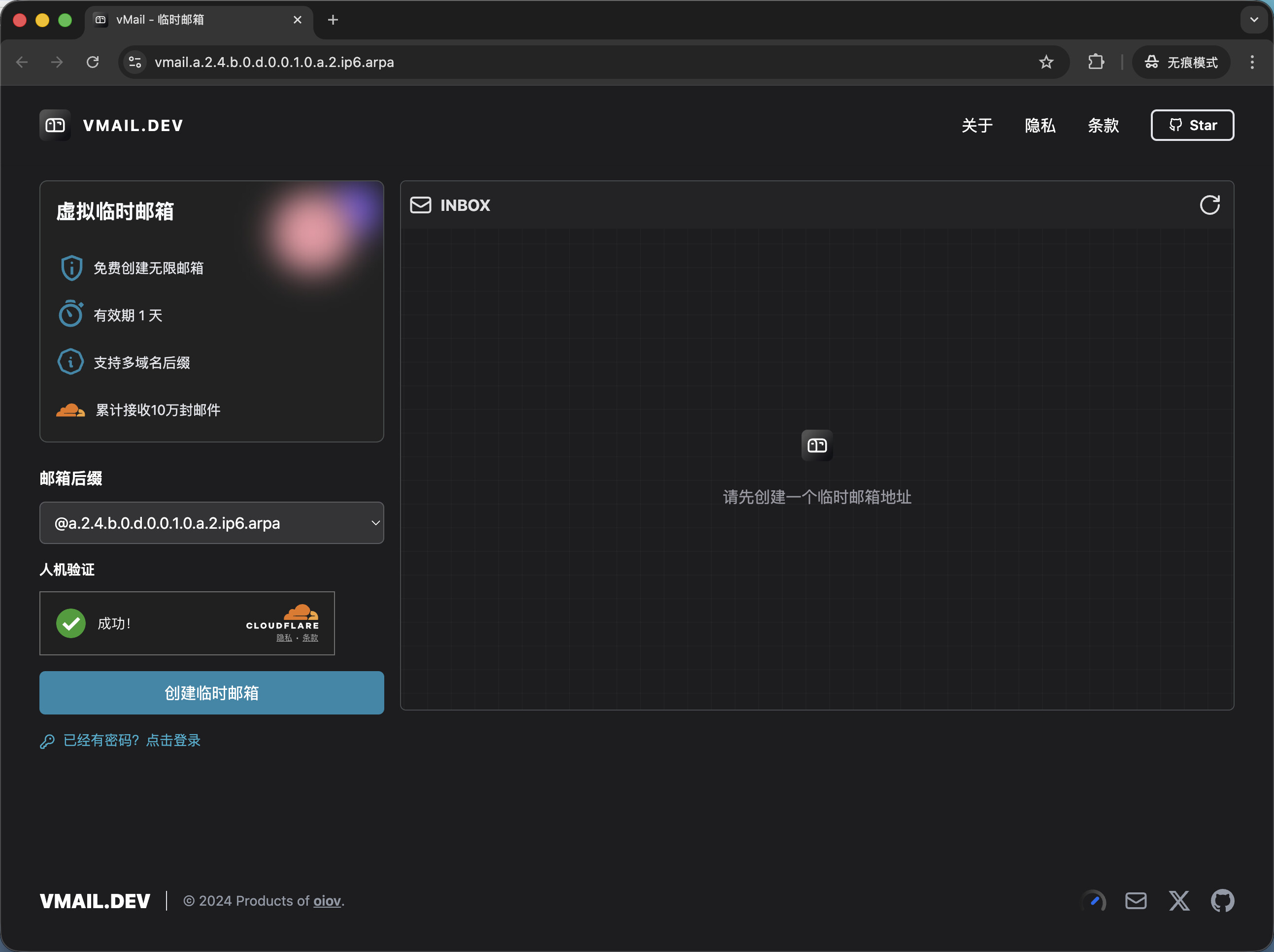
The original author’s code is an application built on Cloudflare + Turso database + Vercel frontend. Deployment is complex, but this temporary‑email interface is very beautiful and I really like it. The author says it will basically no longer be updated. Although the page mentions that D1 might be supported in the future, the author says there will be no more updates, so you have to modify the code yourself.
This project includes a pre‑configured GitHub Action workflow file (.github/workflows/deploy.yml) that can help you automatically deploy the vMail application to Cloudflare Workers.
Configure GitHub Secrets
To allow GitHub Actions to securely access your Cloudflare and database accounts, you need to add the following sensitive information as Secrets in your GitHub repository.
Go to your repository page, click Settings → Secrets and variables → Actions, and then add the following Repository secrets:
Secret Name
Description
Example Value
CF_API_TOKEN
Cloudflare API Token used to authorize Wrangler operations. Make sure this token has permission to edit Workers and D1 databases.
xxxxxxxxxxxxxxxxxxxxxxxxxxxxxxxx
CF_ACCOUNT_ID
Your Cloudflare account ID, which can be found on the right side of the Cloudflare dashboard home page.
xxxxxxxxxxxxxxxxxxxxxxxxxxxxxxxx
D1_DATABASE_ID
Your D1 database ID.
xxxxxxxx-xxxx-xxxx-xxxx-xxxxxxxxxxxx
D1_DATABASE_NAME
Your D1 database name.
vmail
EMAIL_DOMAIN
Your email domain(s). If you have multiple domains, separate them with commas.
vmail.dev,example.com
COOKIES_SECRET
Secret key used to encrypt cookies; set it to a random, sufficiently complex string.
a-very-strong-and-random-secret
TURNSTILE_KEY
Cloudflare Turnstile site key.
xxxxxxxxxxxxxxxxxxxxxxxxxxxxxx
TURNSTILE_SECRET
Cloudflare Turnstile secret key.
xxxxxxxxxxxxxxxxxxxxxxxxxxxxxx
Trigger Automatic Deployment
After configuring the above Secrets, every time you push code to the main branch, the GitHub Action will automatically run and perform the following steps:
Check credentials: Verify that CF_API_TOKEN and CF_ACCOUNT_ID are set.
Install and build: Install pnpm dependencies and build the frontend and Worker application.
Database migration: Automatically apply the migration scripts in the worker/drizzle directory to your D1 database.
Deploy application: Deploy the built application to Cloudflare.
You can also manually trigger a deployment from the Actions tab of your repository.
Notes
The workflow file (.github/workflows/deploy.yml) automatically reads the configuration from your Secrets and applies it to the wrangler.toml file. Do not write sensitive information directly into wrangler.toml.
If your database schema changes (e.g., you modify worker/src/database/schema.ts), remember to generate a new migration file and commit it to the repository; the GitHub Action will automatically apply the update.
This interface is quite good, but I think in terms of functionality the CloudFlare free temp domain email is stronger. The slight drawback is that it cannot generate randomly, but CF’s support for alias forwarding is almost the same.