The previous tutorial taught everyone how to install Openclaw and use advanced features, making it a great helper for your work, even your good girlfriend. However, more people installed and used it just to follow the trend. After consuming massive amounts of tokens, they couldn’t afford to continue, or had no idea where to start, and got bored after trying it a couple of times.
This is why I created this tutorial. Many people don’t know how to uninstall when they’re at a loss. Here I’ve gathered the official uninstall methods for Windows, Mac, and Linux. No matter what device you’re using, you can find your own uninstall solution.
If you want to learn about installation, you can refer to: OpenClaw Complete Tutorial from Beginner to Advanced
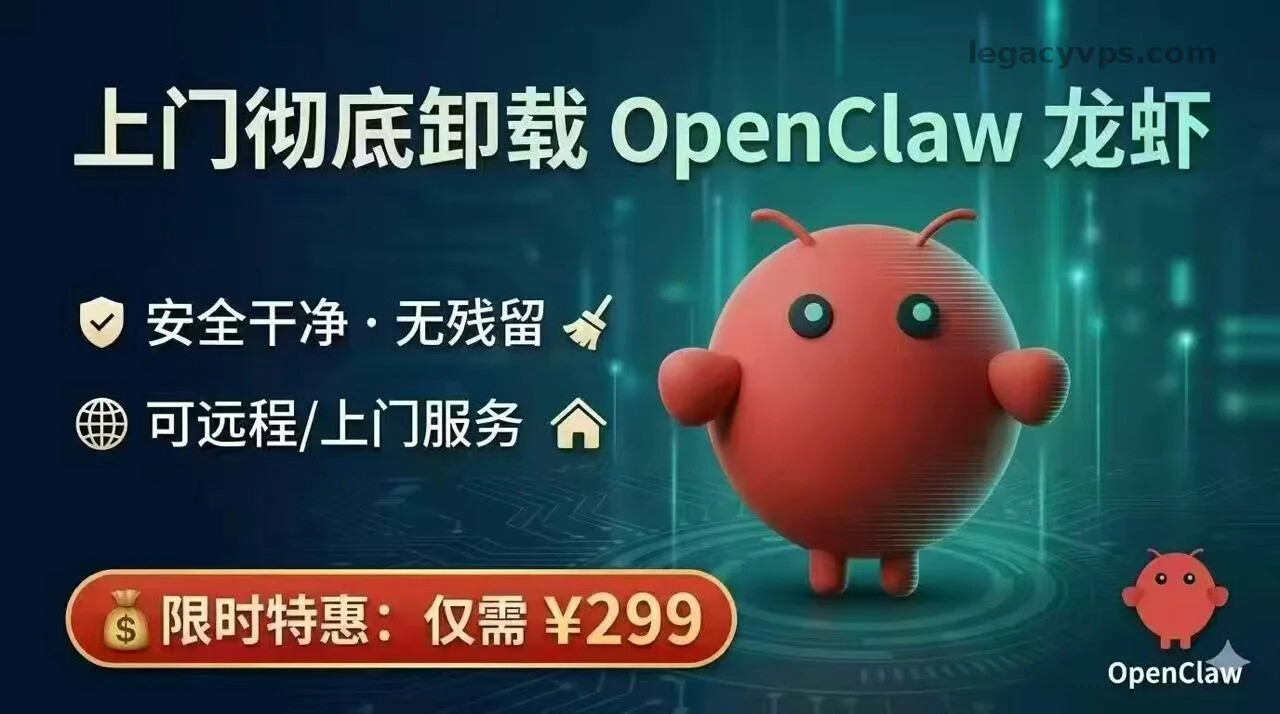
By the way, let me share a business opportunity with you. Xianyu (Idle Fish) doesn’t have bulk Openclaw uninstall services yet. After learning this tutorial, you can go charge people for uninstall services.
1. Official Uninstall Method
If you installed using the official script, the most recommended approach is still the official automatic uninstall script (because it’s the simplest and most convenient):
# Interactive
openclaw uninstall

# Non-interactive
openclaw uninstall --all --yes --non-interactive

# Run directly with npx
npx -y openclaw uninstall --all --yes --non-interactive
Note: If this command succeeds, many core components will be removed (such as: gateway service, agent runtime, config/state, workspace, etc.), but if you want a completely clean deletion, you still need to do the “cleanup check” in the next section to ensure your computer or server is clean and tidy.
2. Step-by-Step Uninstall (If You’re Confident Enough)
Follow the steps in order, ensuring services are stopped first, then files are deleted, and finally CLI/applications are removed.
1) Stop gateway
openclaw gateway stop
2) Uninstall gateway startup item
openclaw gateway uninstall
3) Delete state, configuration, and workspace
rm -rf "${OPENCLAW_STATE_DIR:-$HOME/.openclaw}"
rm -rf ~/.openclaw/workspace
# If you've used profiles:
rm -rf ~/.openclaw-*
If you encounter permission issues, you can add
sudobefore the command to gain superuser privileges and easily delete file remnants. However, be careful with the folders you’re deleting. Don’t be hasty—clicking too fast could turn your server or computer into a brick. Be very careful.
4) Uninstall CLI/GUI based on installation method
- npm / pnpm / bun
npm rm -g openclaw
pnpm remove -g openclaw
bun remove -g openclaw
- Homebrew / cask (macOS)
brew uninstall openclaw-cli       # CLI package
brew uninstall --cask openclaw    # App with GUI
If you installed from source (git clone), first use
openclaw gateway uninstallto uninstall the service, make sure the service is stopped, then delete the source directory (otherwise the service may continue referencing the already-deleted path, causing deletion errors).
3. Pitfalls and Lessons Learned
If you deleted the CLI but found the backend gateway still running (or it came back after restart, and you can’t stop it no matter what), you’ll have to force uninstall according to your system:
macOS
# Force stop and remove user launch agent (replace $UID)
launchctl bootout gui/$UID/ai.openclaw.gateway
rm -f ~/Library/LaunchAgents/ai.openclaw.gateway.plist
Sometimes it could also be com.openclaw.gateway or com.clawdbot.gateway. You need to carefully check the corresponding package name and don’t get it wrong. Be careful with
rm -fas well.
Linux
# Usually named: openclaw-gateway.service, but it might be different—check the specific service name
systemctl --user disable --now openclaw-gateway.service
rm -f ~/.config/systemd/user/openclaw-gateway.service
systemctl --user daemon-reload

# If installed as a system service
sudo systemctl disable --now openclaw-gateway.service
sudo rm -f /etc/systemd/system/openclaw-gateway.service
sudo systemctl daemon-reload
Windows
Run PowerShell as Administrator:
# Scheduled task
schtasks /Delete /F /TN "OpenClaw Gateway"

# Delete gateway startup script
Remove-Item -Force "$env:USERPROFILE\.openclaw\gateway.cmd"
Depending on different distributions or versions, the unit/plist names might be
openclaw/clawdbot/gateway. The project has been renamed many times, and some people have installed old versions without upgrading, so you may need to check all of them to determine the exact name.
4. Deep Cleanup
- Finally search for residual processes and confirm listening ports
# macOS / Linux
ps aux | grep -i openclaw
lsof -iTCP -sTCP:LISTEN -P -n | grep -i openclaw
ss -lptn | grep -i openclaw
- Check systemd / launchctl / crontab / scheduled-tasks
systemctl --user list-units | grep -i openclawlaunchctl list | grep -i openclawcrontab -l | grep -i openclaw
- If you’re using Docker containers, it’s the simplest. Just a few commands. Since the environment is isolated, Docker won’t pollute the host machine, so no subsequent cleanup is needed
docker ps -a | grep openclaw
docker rm -f <container>
docker rmi <image>
5. Final Reminders
-
Server side: If you purchased cloud services, check whether you need to continue using them. If not, cancel the server to prevent secondary charges. If it was activated through an activity, check with the cloud provider to see if there are any other attached services when opening; for example, Openclaw discount packages, token gift packages—check if they will incur secondary charges.
-
Model API side: If you decide not to use models or the vendor’s API in the future, to prevent leaks, I recommend going to the corresponding vendor’s API KEY management backend to delete unused API KEYs, preventing secondary losses and unnecessary economic damage.
-
Backup side: If you want to play with Openclaw again next time, you can back up Openclaw’s configuration files and workspace before uninstalling. If you have meaningful chat histories, you can also choose to export them. This way, the next time you install and want to continue playing, you can use the official restore function. And so the little crayfish comes back.
Original address: 全网最全OpenClaw 卸载教程-传家宝VPS - 深度VPS测评 | 高性价比VPS推荐 | 2025海外云服务器排行榜
 VPS Monitoring: https://legacyvps.com/scanidc
- Overseas Payment Sharing: https://easypaylog.com
 Legacy VPS: https://legacyvps.com
 TG Exchange Group: https://t.me/legacyvps

