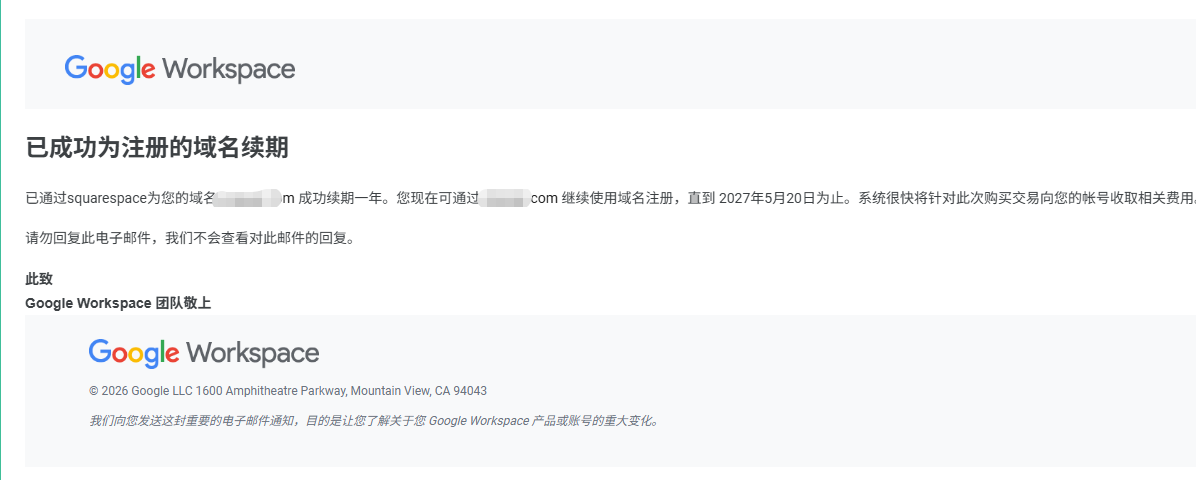
Today, a big shot in the group said that Google deducted 75 Turkish Lira to renew a domain name, which is just 11 RMB at the current exchange rate.
So I’m sharing this post. If you want to long-term get a good deal from Google, you might want to try this out.
For a long time, the price for a .com domain has been over 70 RMB or more. Sometimes the first year might be cheap, but renewal still costs over 70 RMB. Now, there’s a method where you can get a .com, .net, or other top-level domain for only 14 RMB in the first year, and theoretically, renewals will also be at the same price. However, since there hasn’t been enough time to test whether the renewal price matches the purchase price, please keep a rational attitude when reading this article.
Core idea: Take advantage of Turkey’s lower prices to make the purchase
Preparation:
- A physical credit card (virtual cards may trigger security checks and require you to upload a photo)
- A Google account
- A phone number for registering a new Google account (for receiving SMS)
Register for workspace
Click Start Free Trial
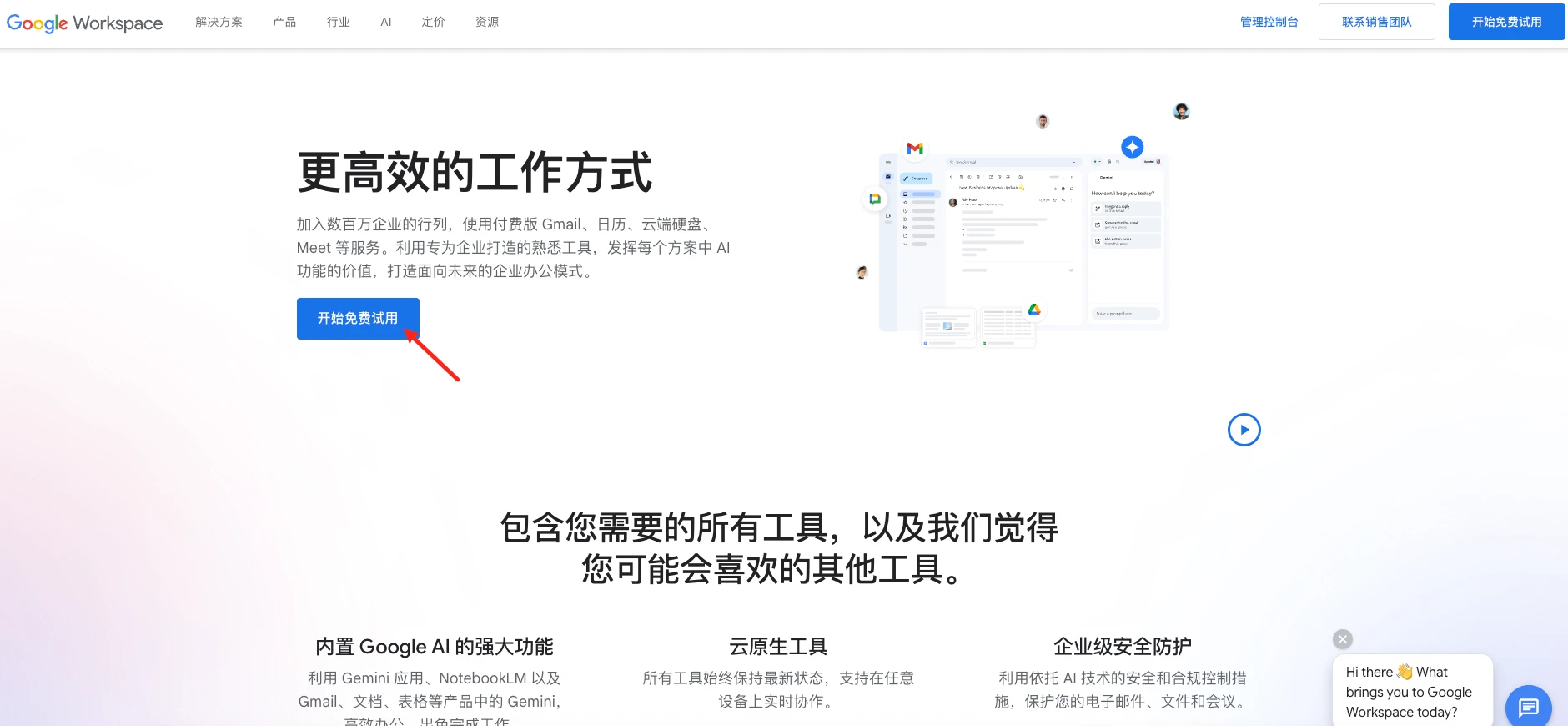
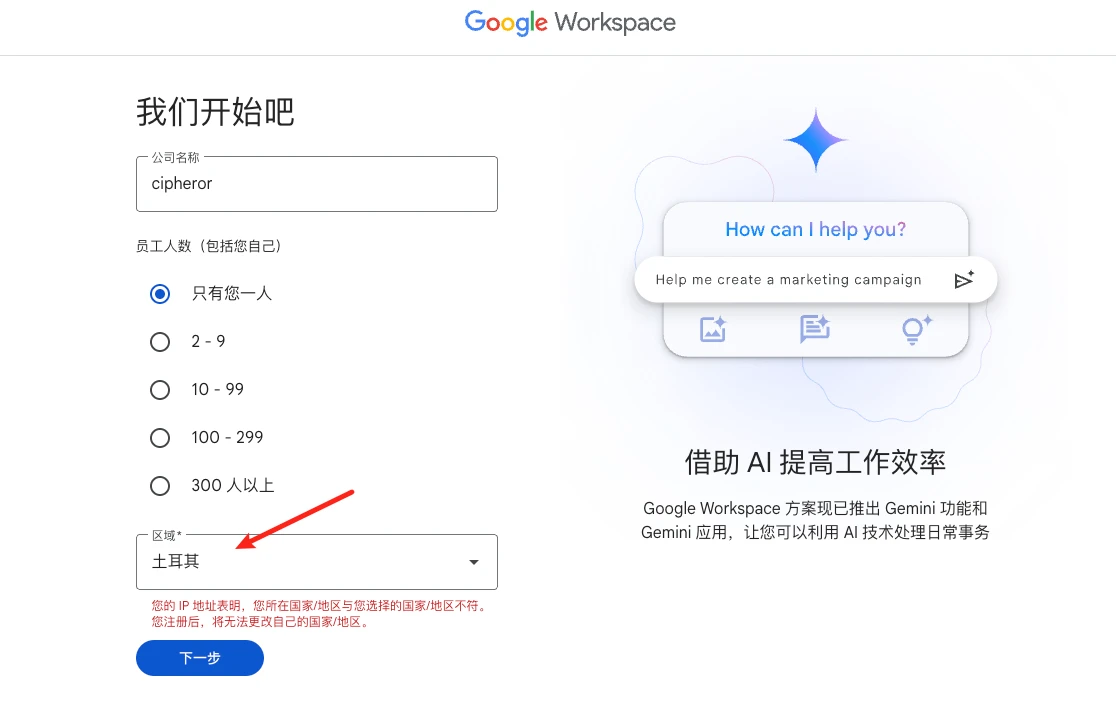
Fill in company name and other info
Be sure to select Turkey as the region
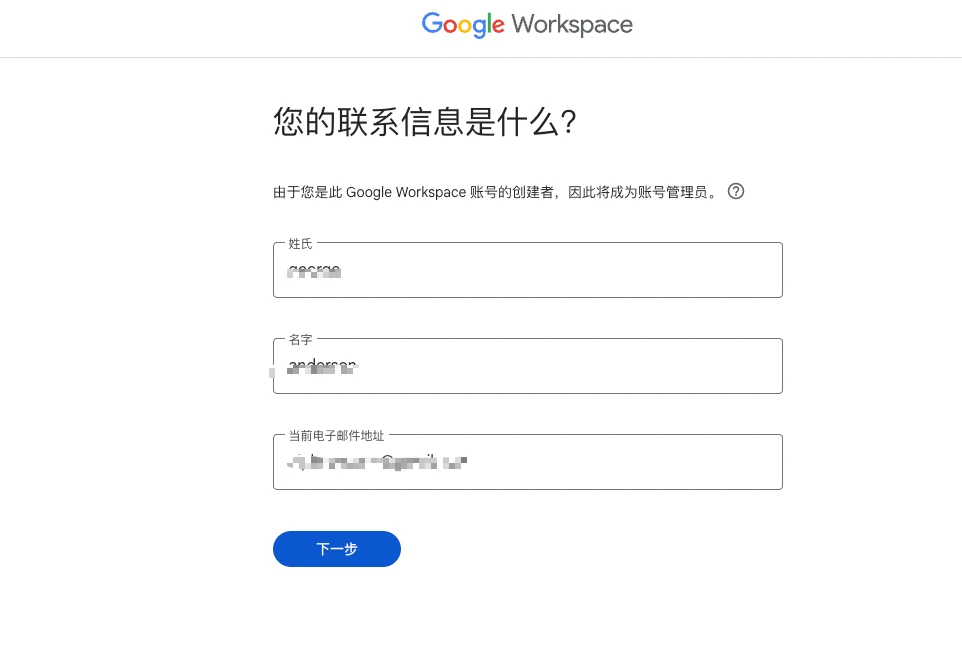
Fill in contact info
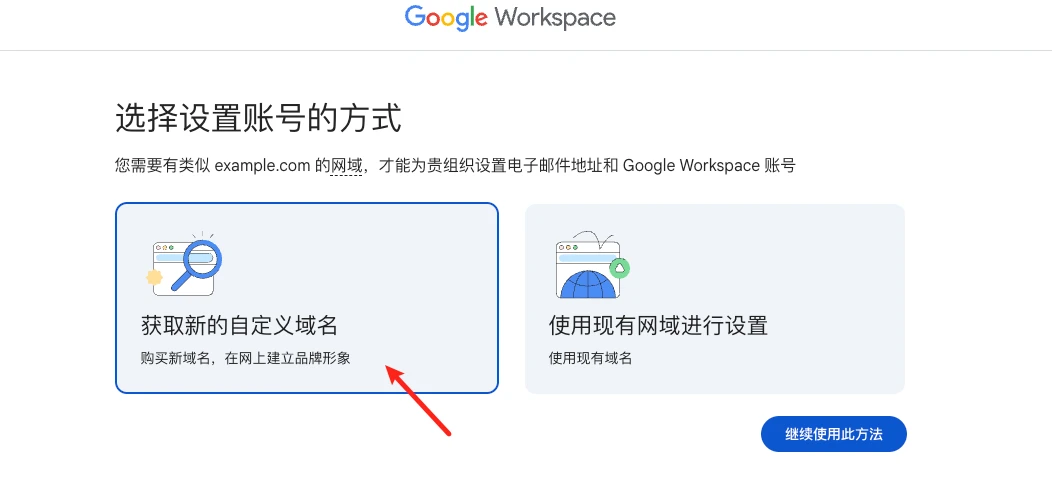
Choose account setup method
You must select Get a new custom domain
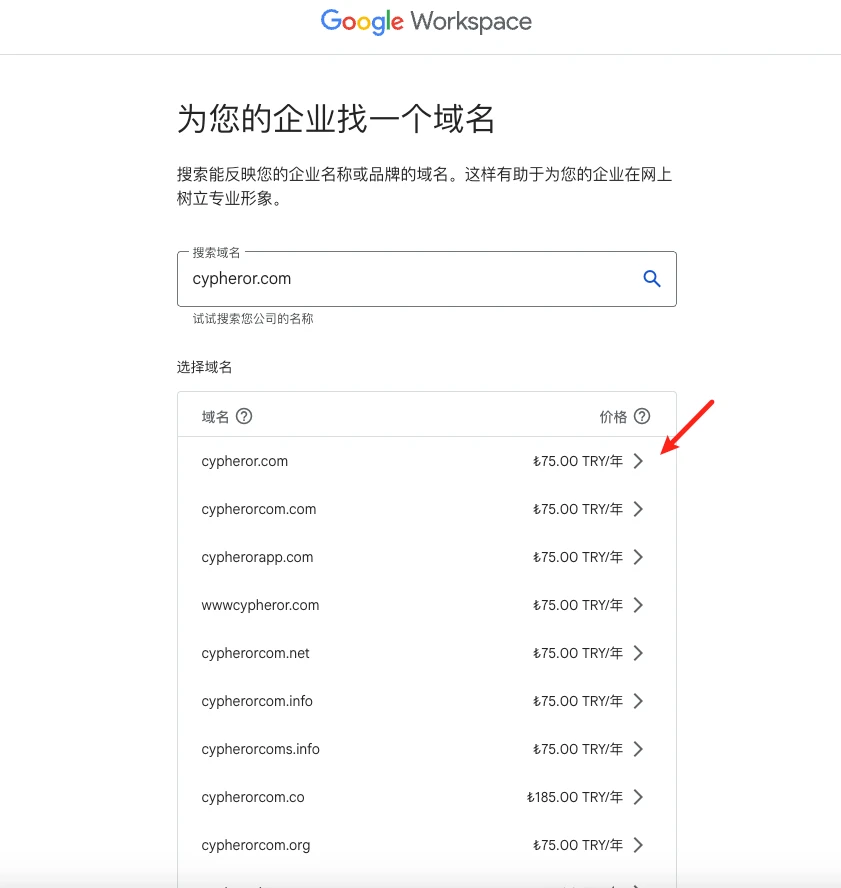
Choose the domain you want
You’ll see many top-level domains here for 75 Turkish Lira each—just choose your favorite extension
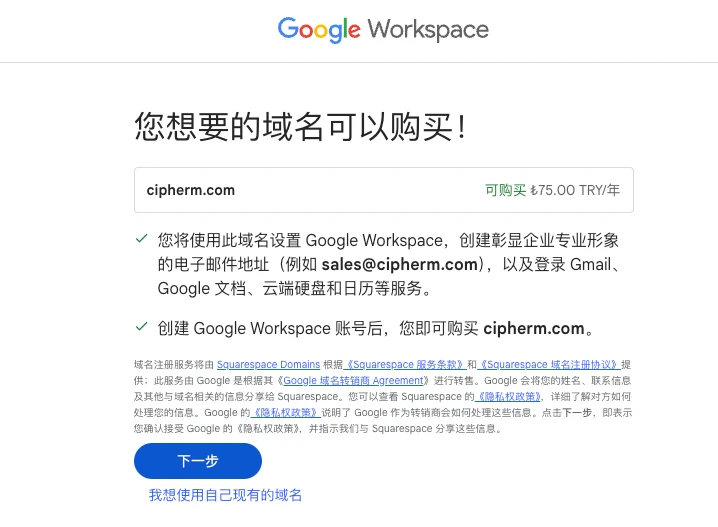
Review domain info
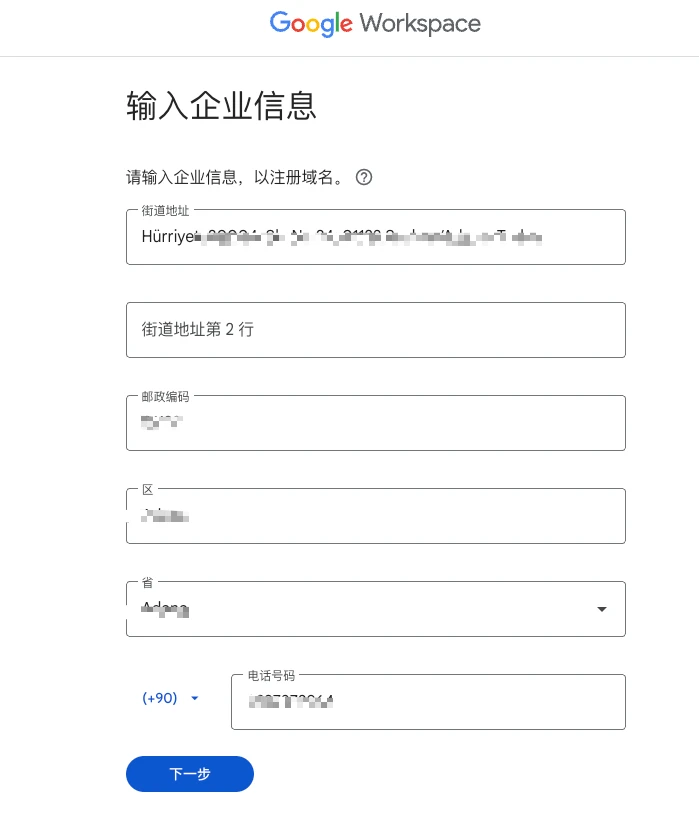
Fill in company details
It’s recommended to use a Turkey address since you’ll be paying in Lira
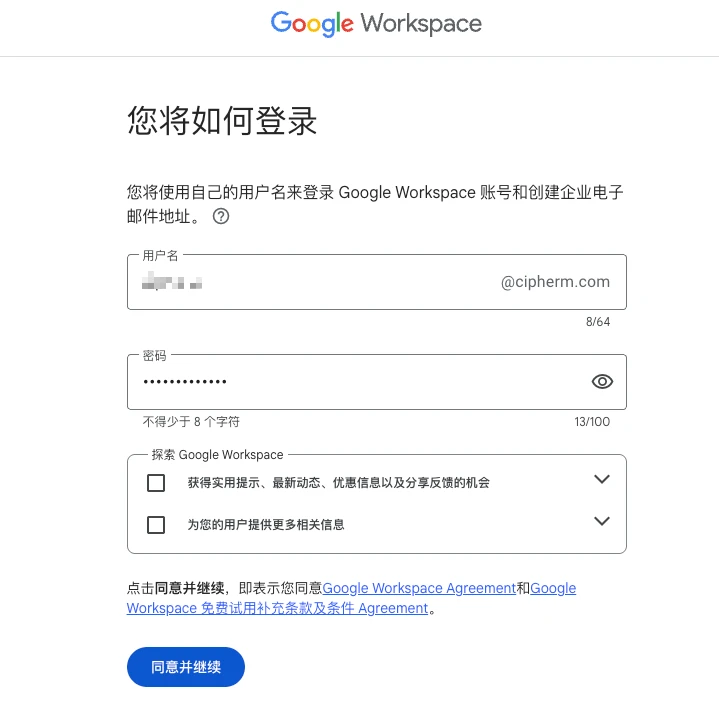
Set login details
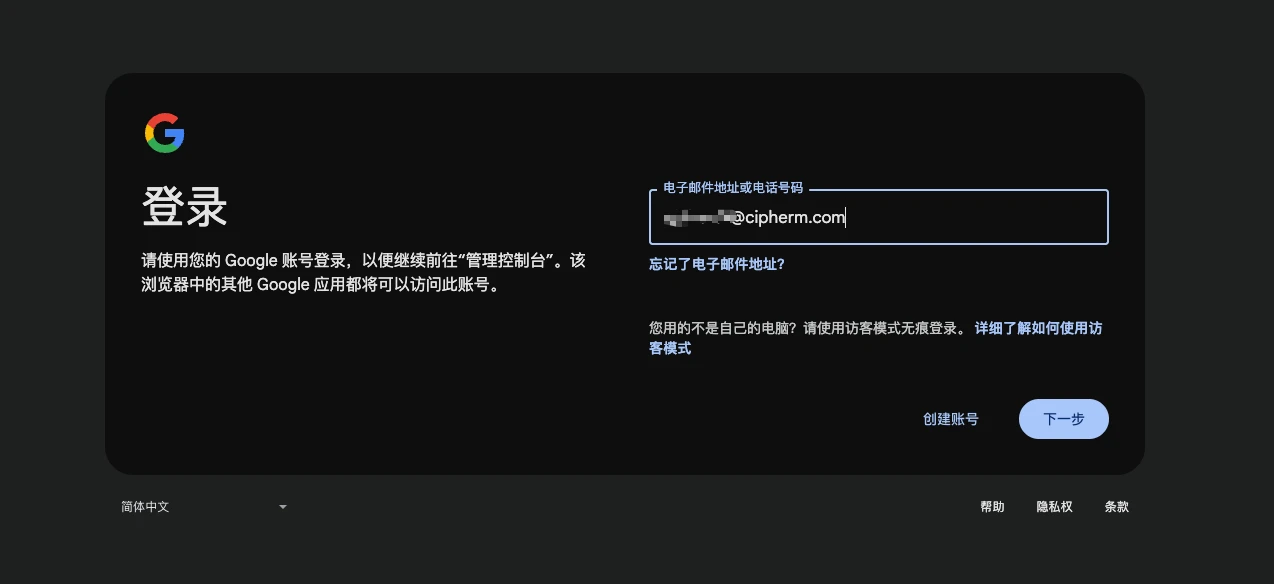
Go to login page
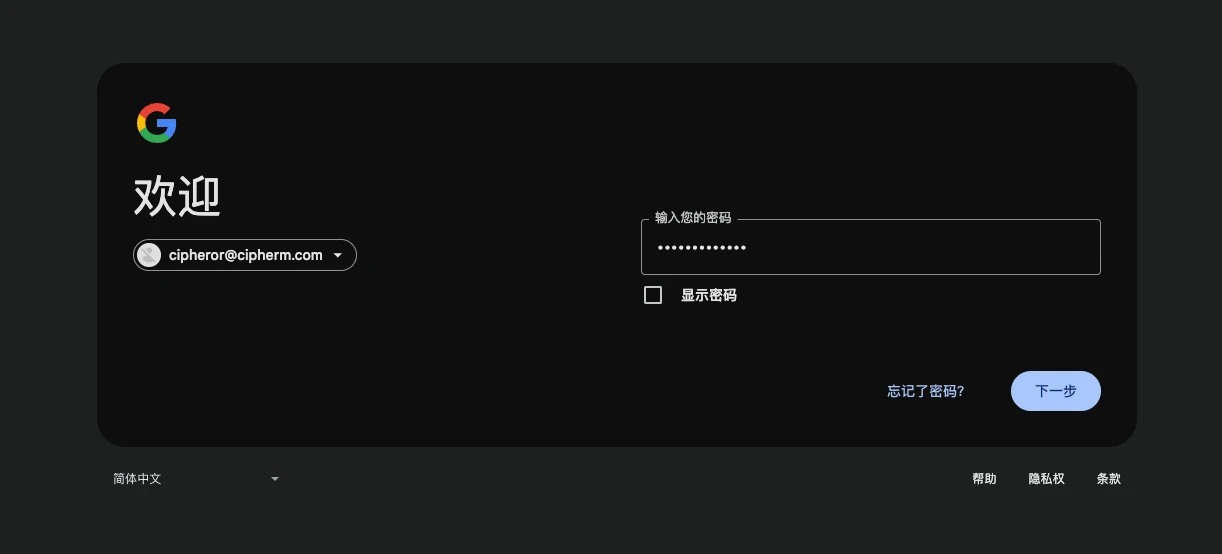
Enter password to log in
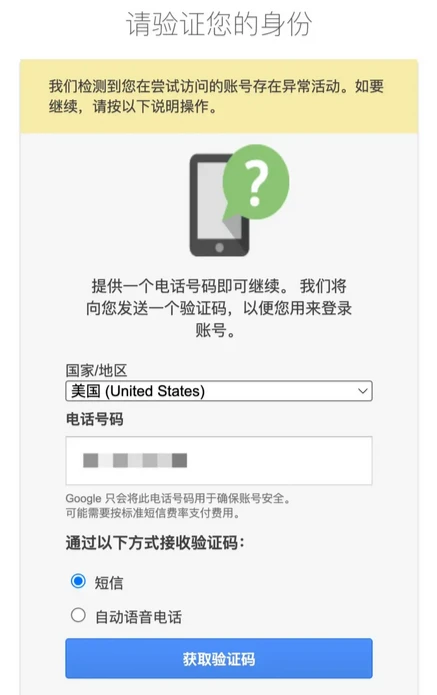
Verify phone number
Enter the phone number you prepared for SMS verification. +86 is accepted.
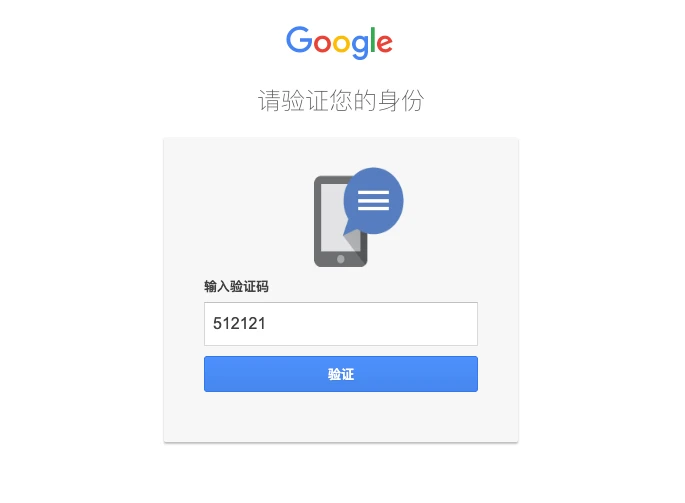
Enter the SMS code you received
Successful registration
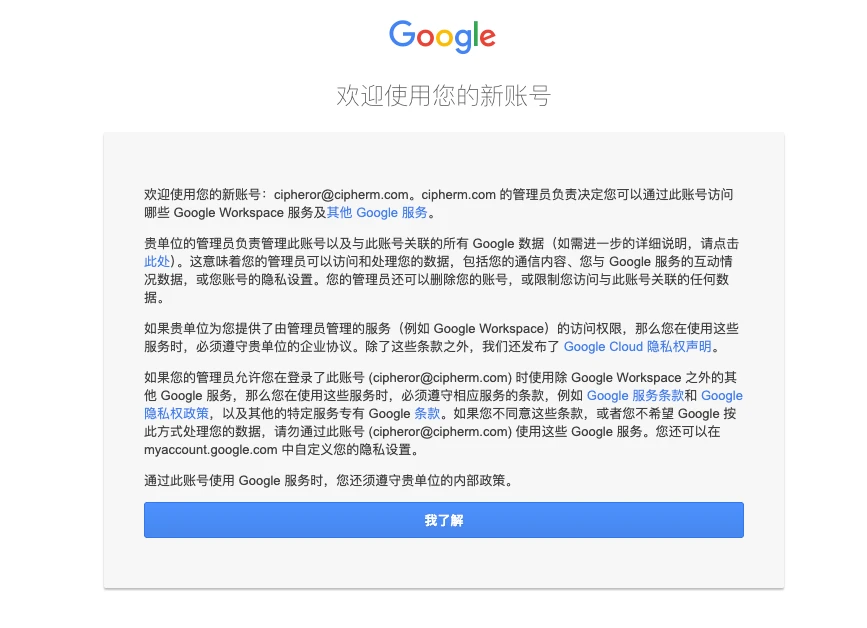
Start free trial
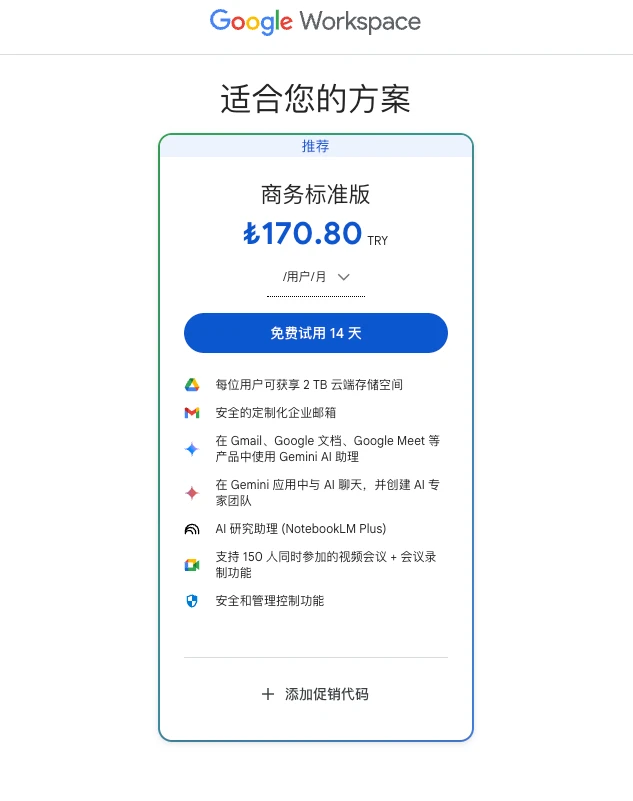
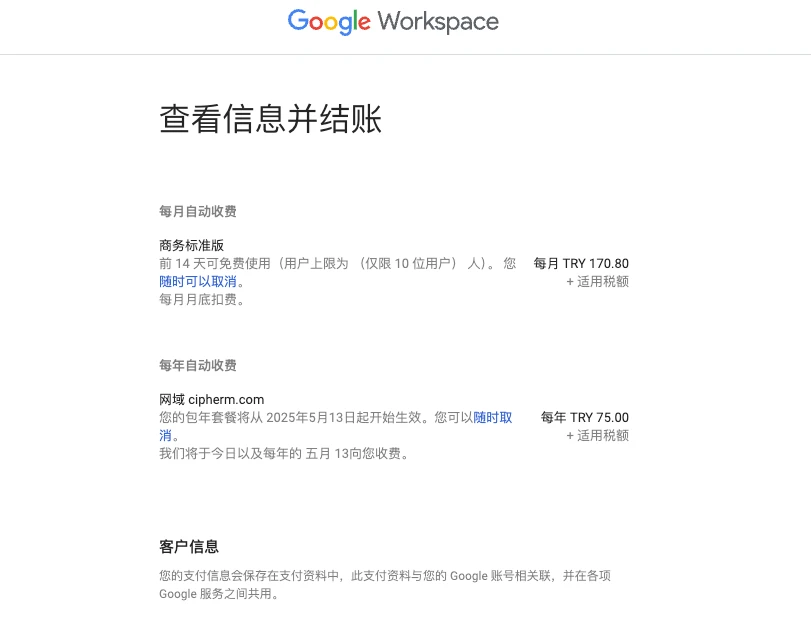
Check subscription info
The first 14 days of workspace are free and will be canceled later, so don’t worry about that. Mainly, check that your domain and price are correct.
Add payment info
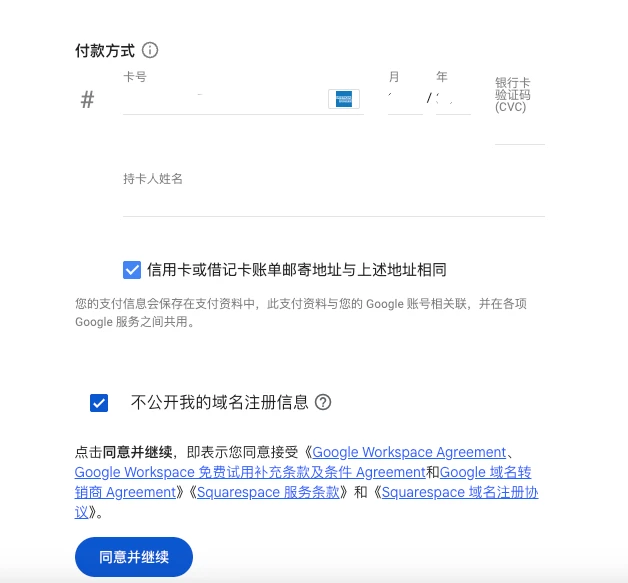
If there are no issues with your payment info, you’ll be taken to the add user info page. If your payment triggers security checks, you’ll see the following page:
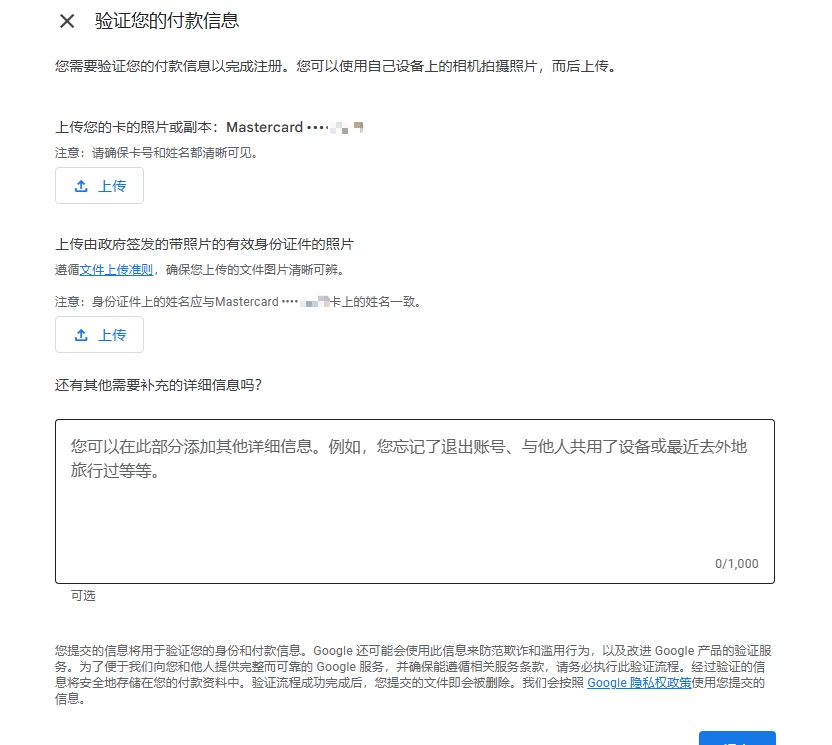
If you hit a security check, you can try uploading your ID, or just abandon this account. Also, the domain you previously chose won’t be released, so even if you change accounts, you can’t register the same domain again. Maybe after 14 days this might change, but it’s not clear yet.
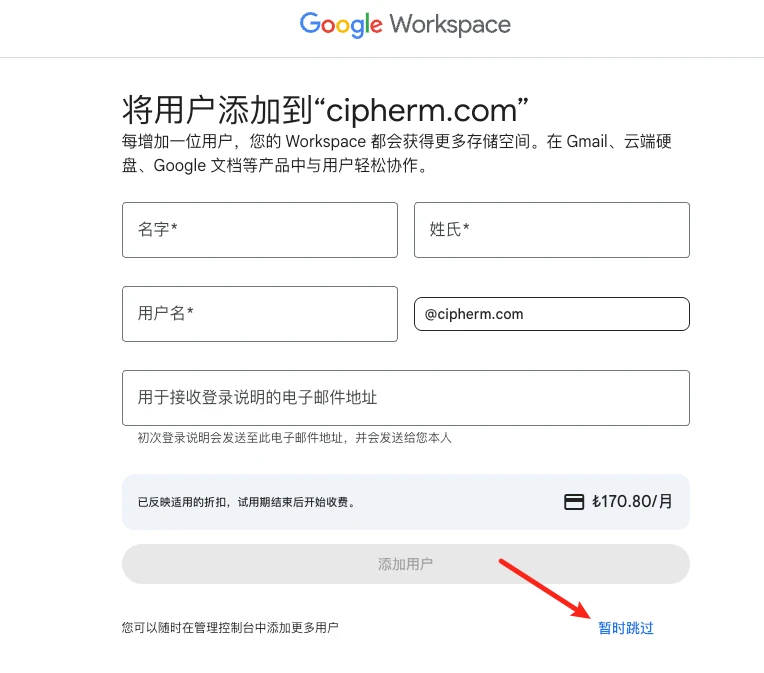
Add user info
You don’t need to add any users, just click skip
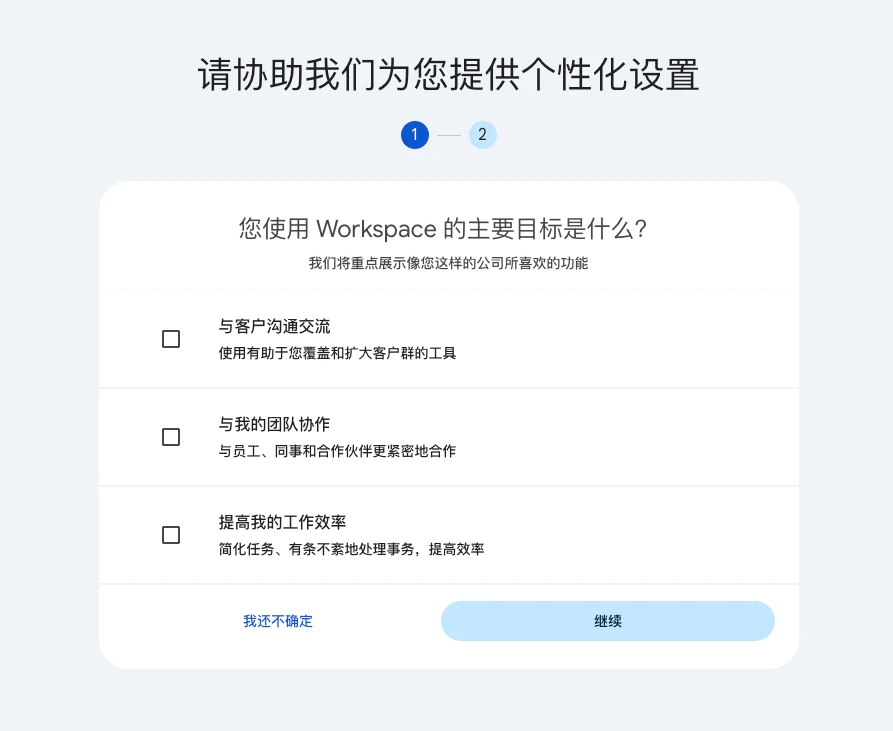
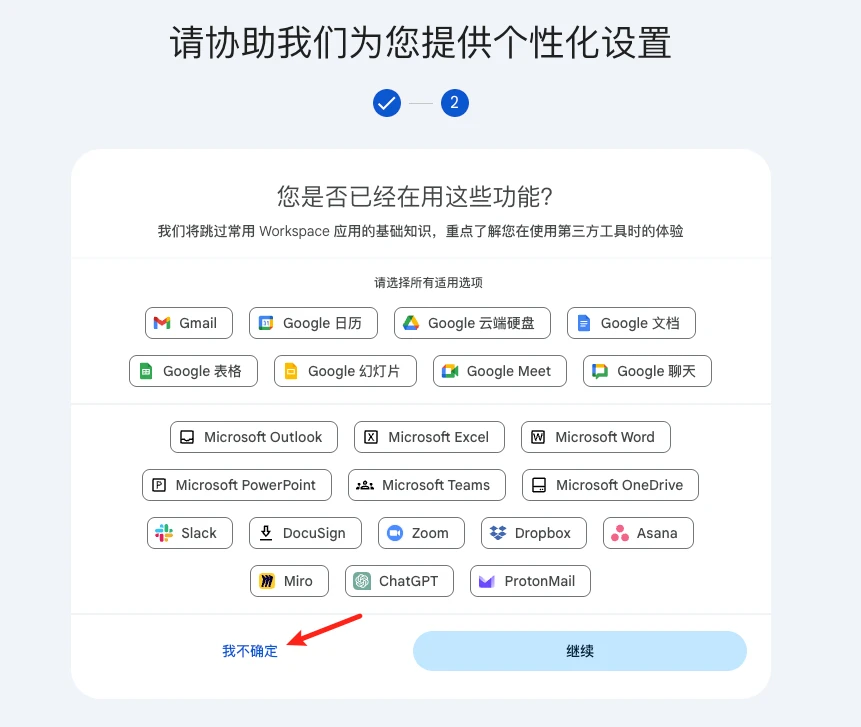
Personalize settings
You can click I’m not sure yet to skip
Setup complete
Once setup is done, you’ll arrive at this page
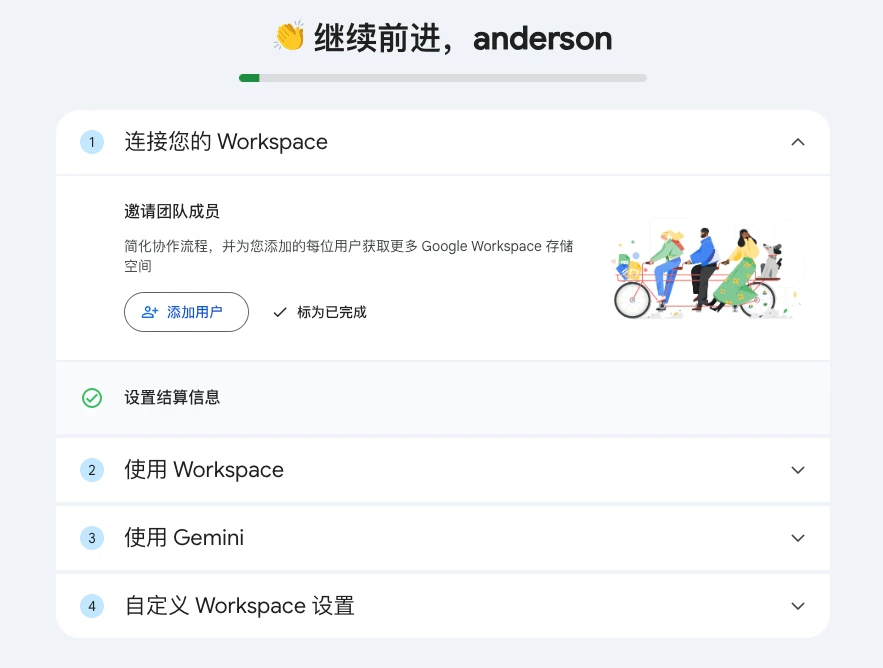
At this point, you’ll receive an email from Google with your account info
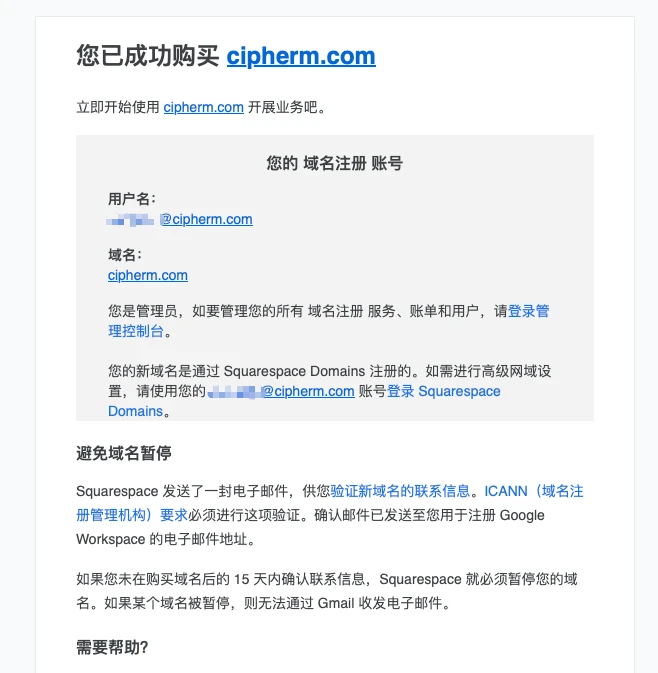
Squarespace email
Since the domain is registered through Squarespace, you’ll get a confirmation email from Squarespace
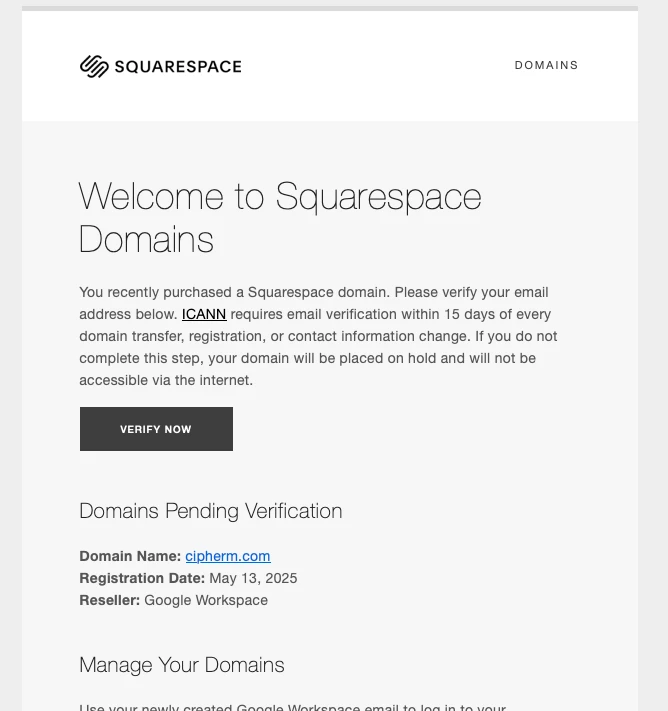
Click to confirm
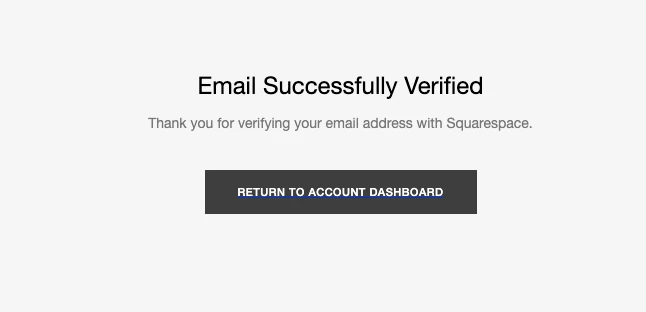
Check domain
Now you can log in to squarespace to view domain info
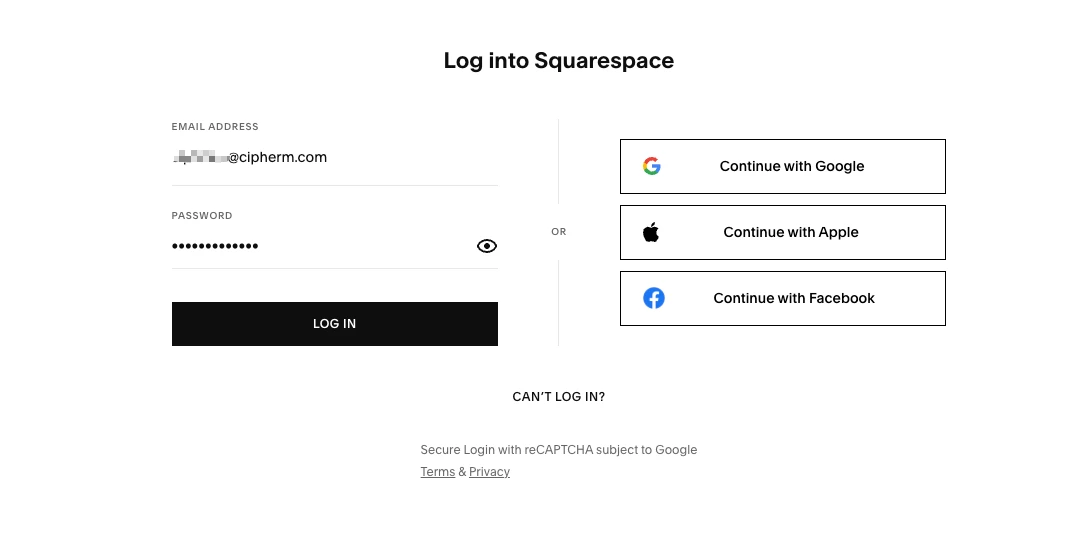
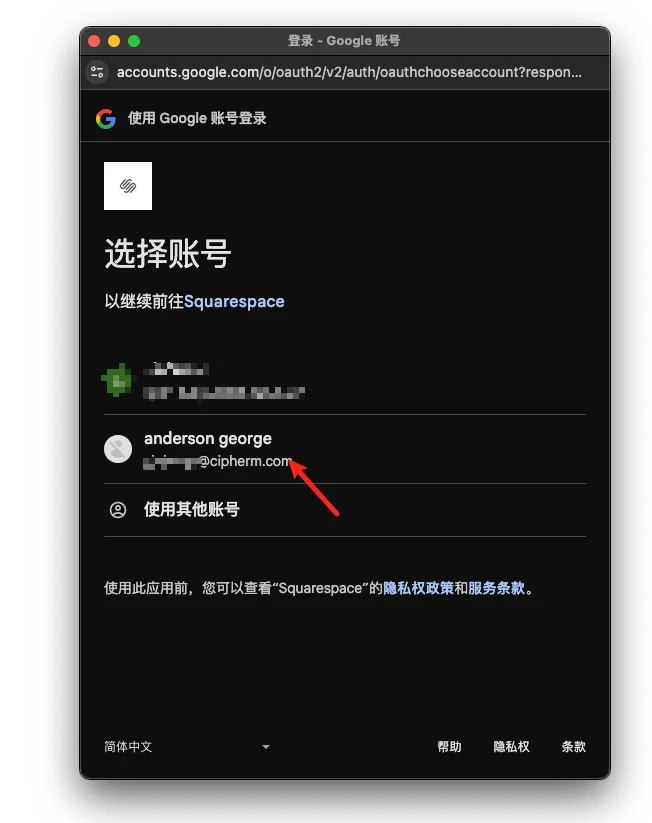
Choose Continue with Google on the right to log in—don’t use email (as shown in the image, that’s incorrect)
Select the new Google account you just registered
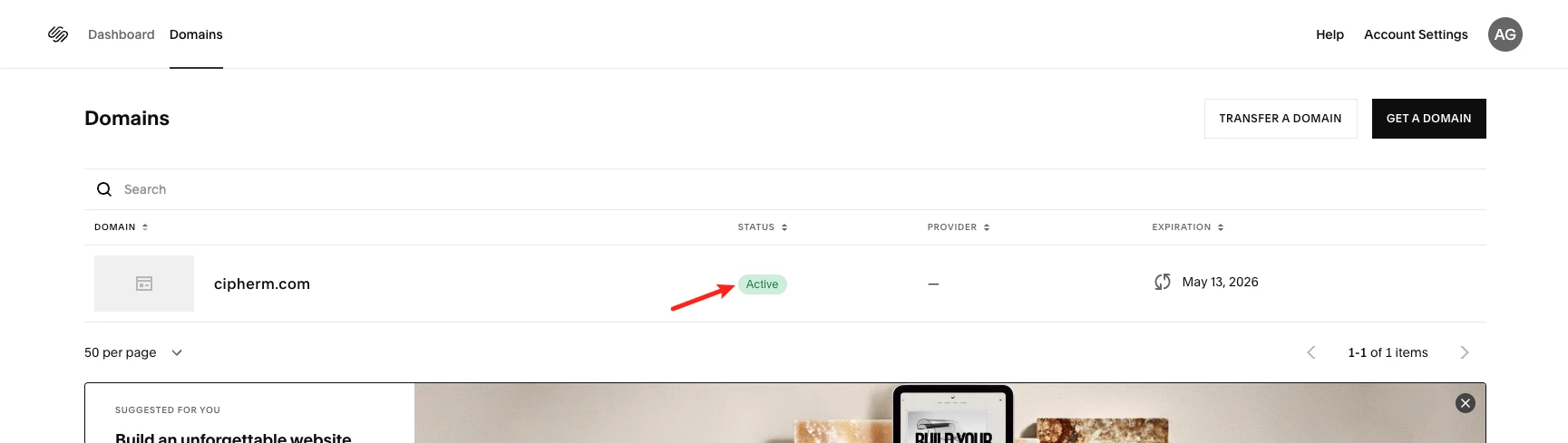
Then you’ll see your registered domain
Cancel Google workspace subscription
If you need it, you can keep your workspace subscription, since it’s also pretty cheap after conversion.
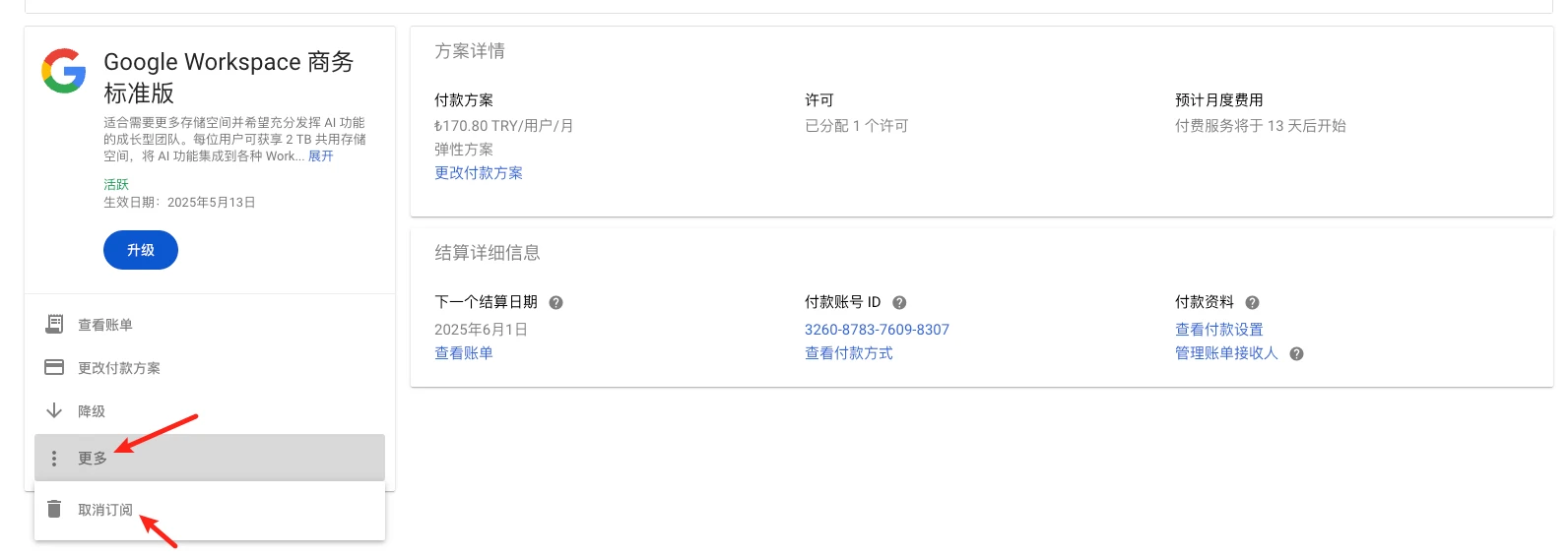
Go to subscription management and click on the workspace subscription
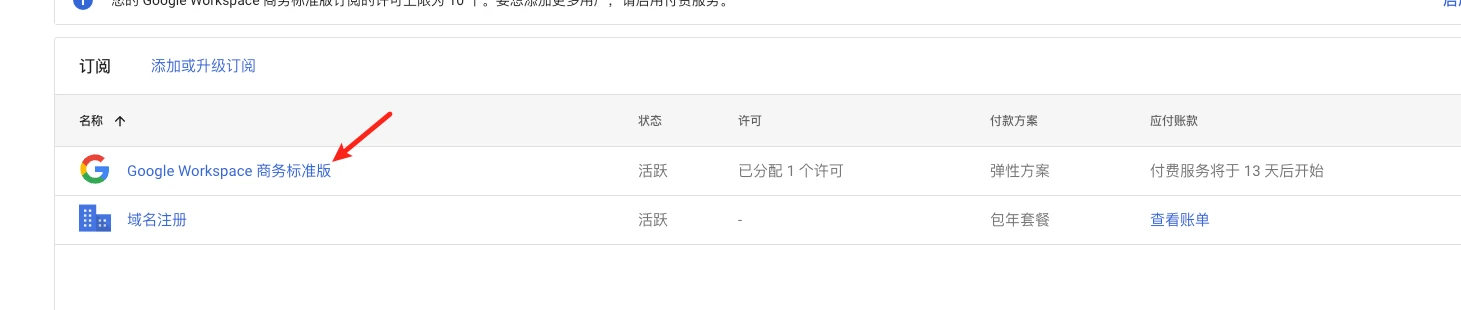
Click More - Cancel Subscription
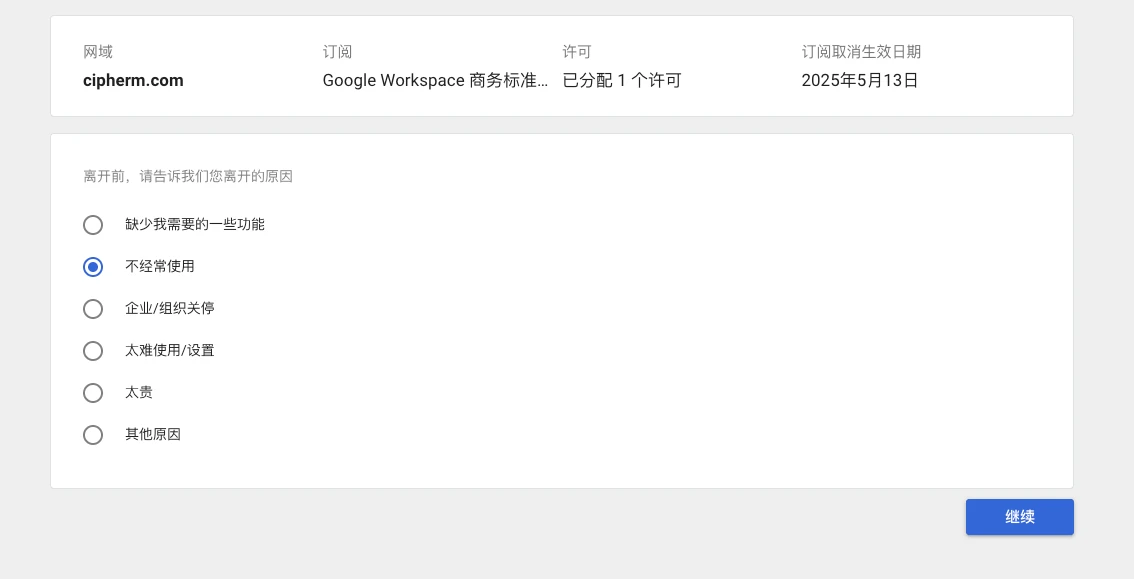
Choose any reason for cancellation
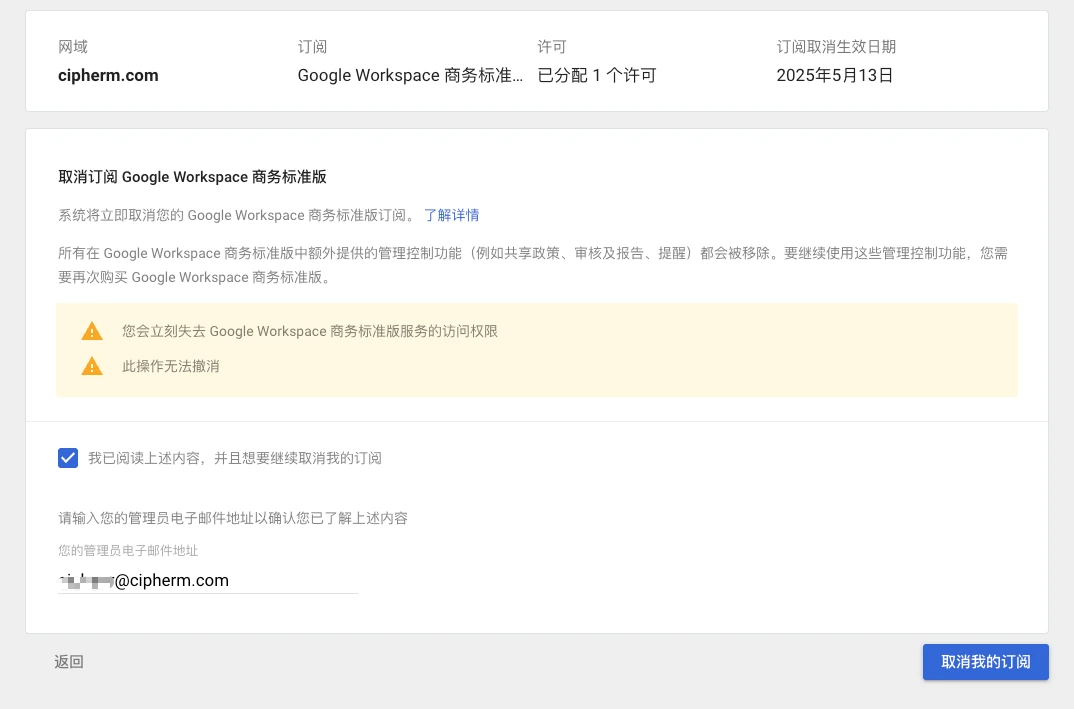
Click Cancel Subscription

Enter admin email and click Cancel My Subscription
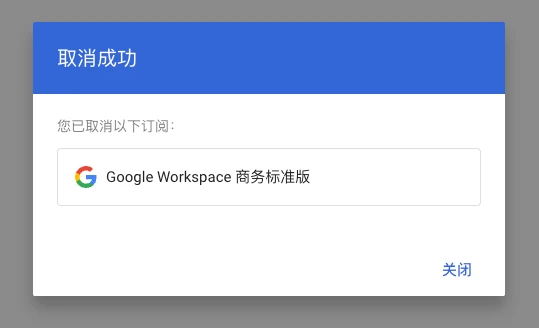
Successfully canceled
Check your subscriptions—you should only see the domain registration service

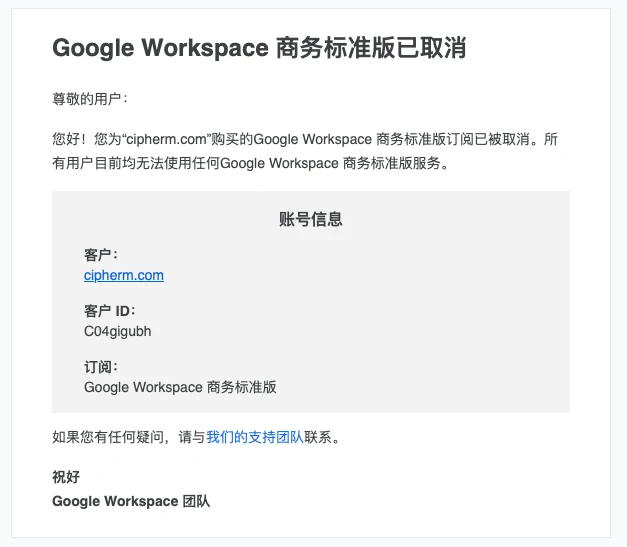
Cancellation confirmation email
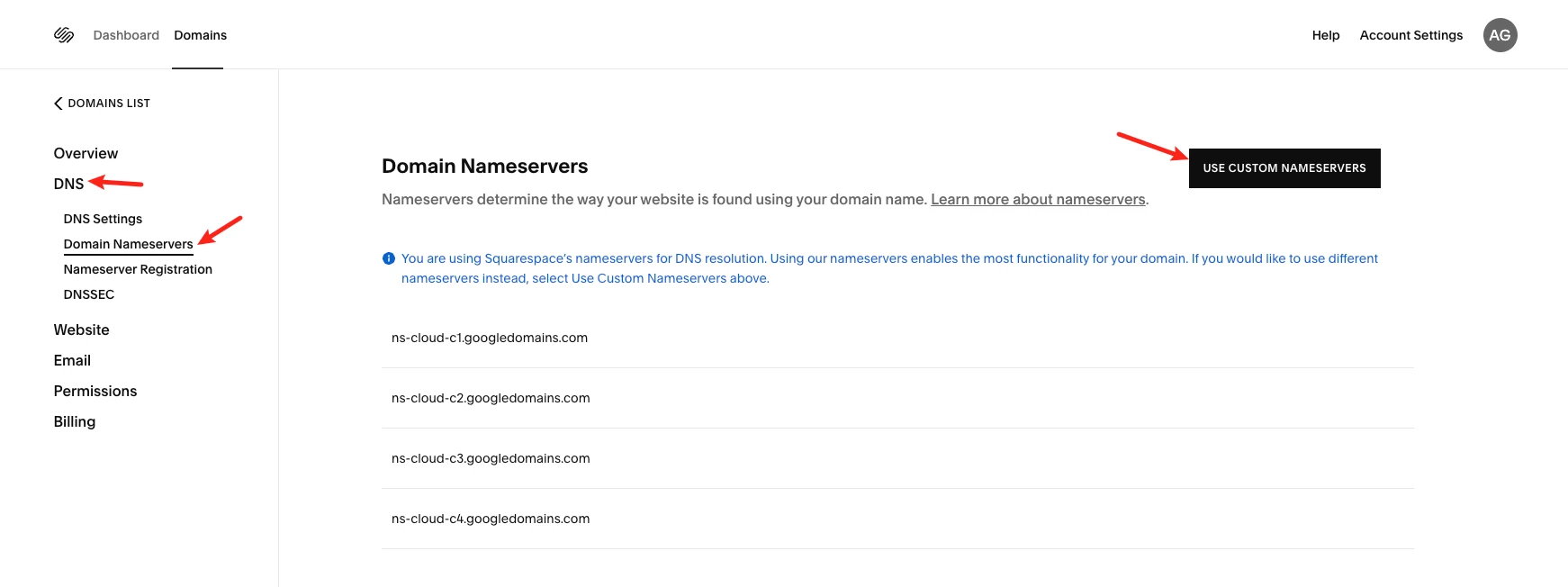
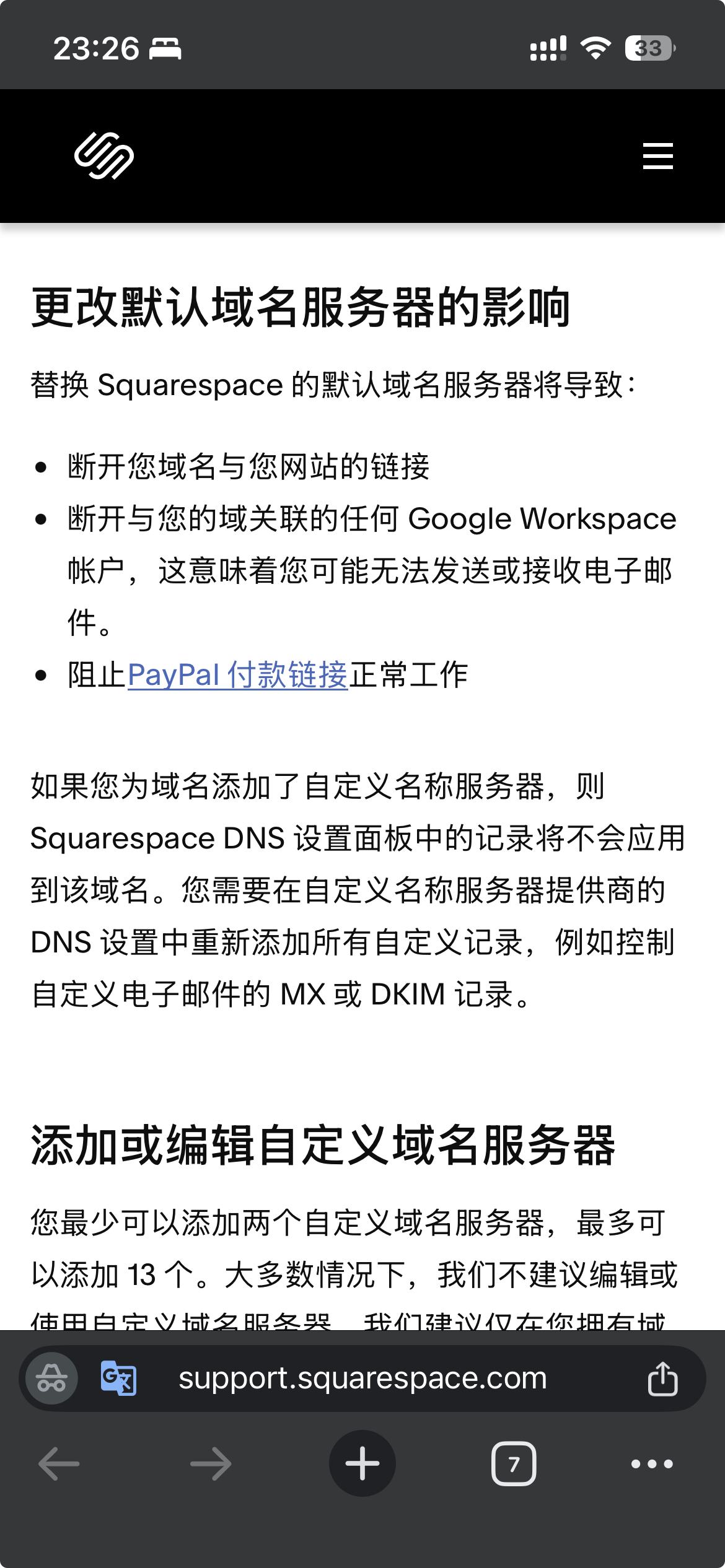
Change NS records
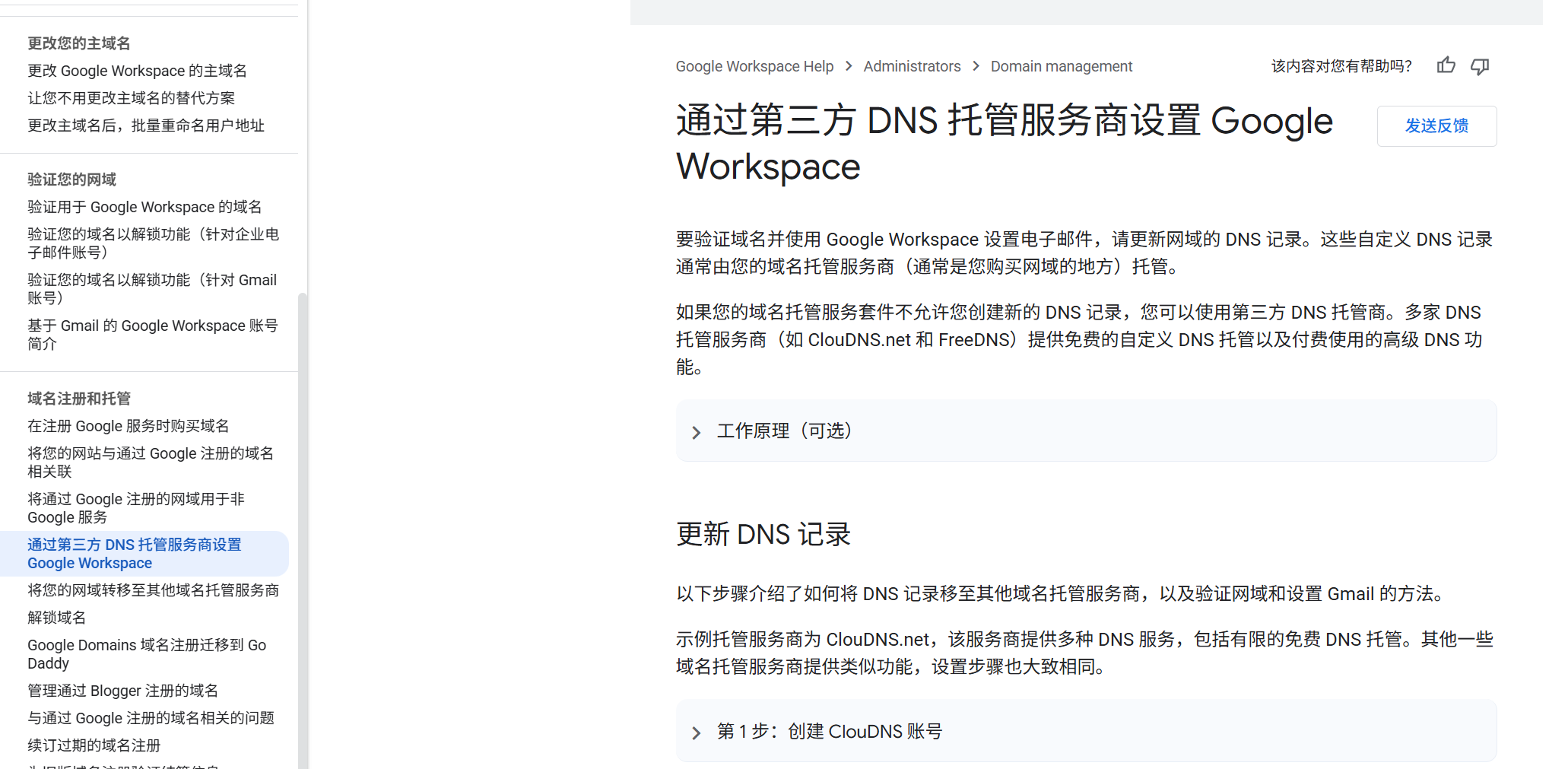
It’s currently unclear whether changing NS records will affect renewals—I’ve already asked Google, but haven’t gotten a reply yet.
Go to squarespace, and you can modify them from the domain management page