Opal
July 9, 2026, 9:28am
1
各位MJJ,最近看到很多人抱怨甲骨文注册太玄学,各种干净节点、外币卡都过不了。今天分享一个亲测极度高触发的“反常理”下号流,全程纯国内环境,用新注册的QQ邮箱秒下凤凰城!
一、注册需要注意的核心(划重点)
中国大陆用户专属申请入口:https://www.oracle.com/cn/cloud/free/
用苹果手机,不开梯子,不用wifi,全程使用5G(4G)移动流量注册。 使用国内邮箱:QQ邮箱或163邮箱(我用的刚注册的新qq邮箱)
因为本来手机使用的本地移动网络,可提前登录国内邮箱做接收验证的准备。
如果用谷歌邮箱则势必导致你要切换网络,而这样的操作会被Oracle识别到,为你的注册失败埋下伏笔。
核心目的:确保IP地址与注册地区绝对一致!
名字和姓氏必须全英文大写,比如:名字:SAN,姓氏:ZHANG,备用姓名:Zhangsan。
主区域我选择的是:US West(Phoenix),这个大家根据自己的需要选择。但你要知道:这个选择决定你后面抢机子的难易程度!美西比美东距离我们更近,所以要有心理准备。
银行卡的选择:国内招行全币种visa或MasterCard。
地址:wenhualu 88hao(注意:88前有英文空格);城市:Jinan;省:Shandong;邮编、电话号码如实填写。二、登录后第一眼
三、创建实例与“当头一棒”
但是!通常这个时候系统会给你泼一盆冷水:显示配置不足(Out of capacity)。
(由于篇幅限制,抢机脚本的详细教程和 YML 源码我正在整理,马上在下一贴发出来。想要全自动白嫖 4C24G 的兄弟们,可以在评论区踢我一脚催更!)
26 Likes
GoldIE
July 9, 2026, 9:38am
2
Alright, alright, alright.
3 Likes
GoldIE
July 9, 2026, 9:47am
4
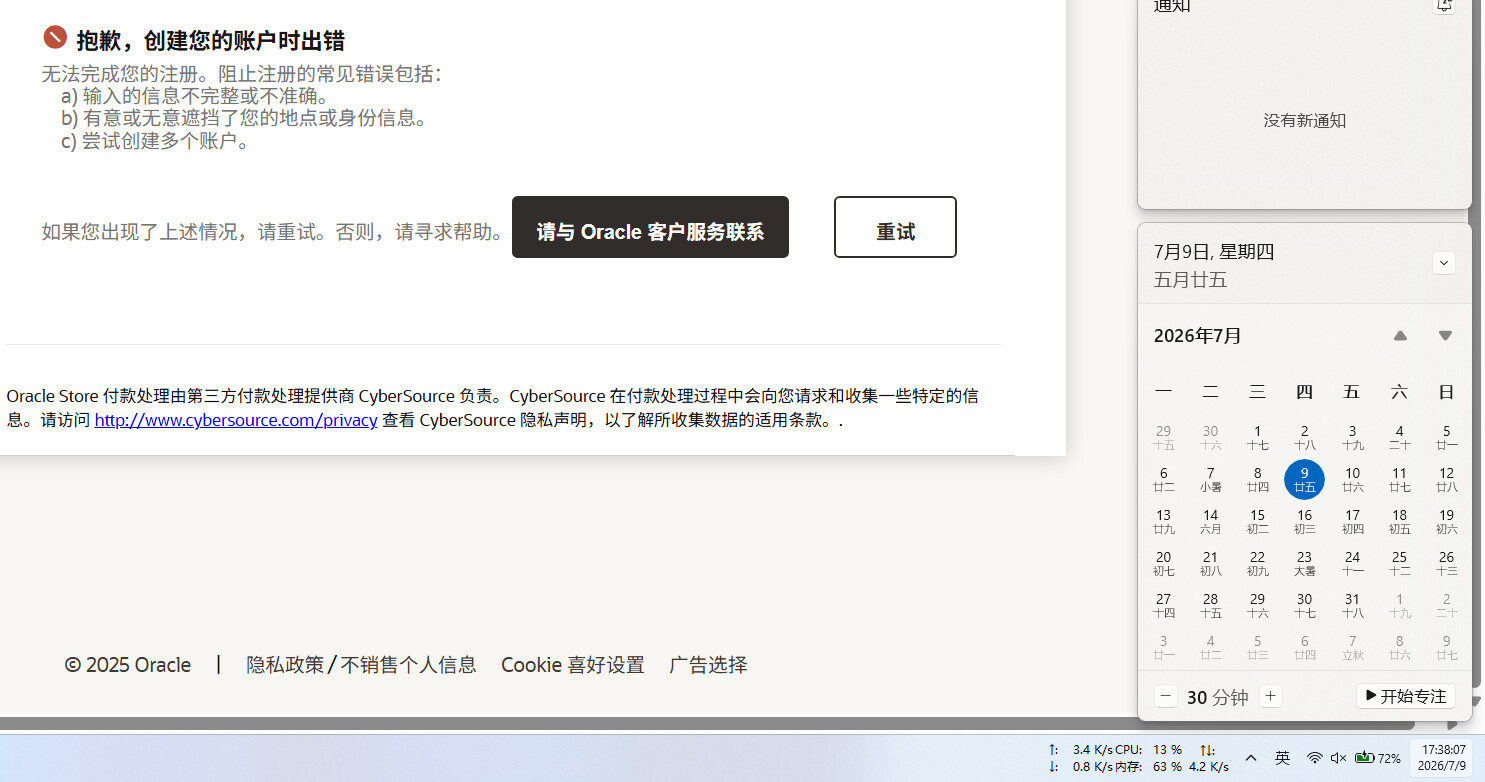
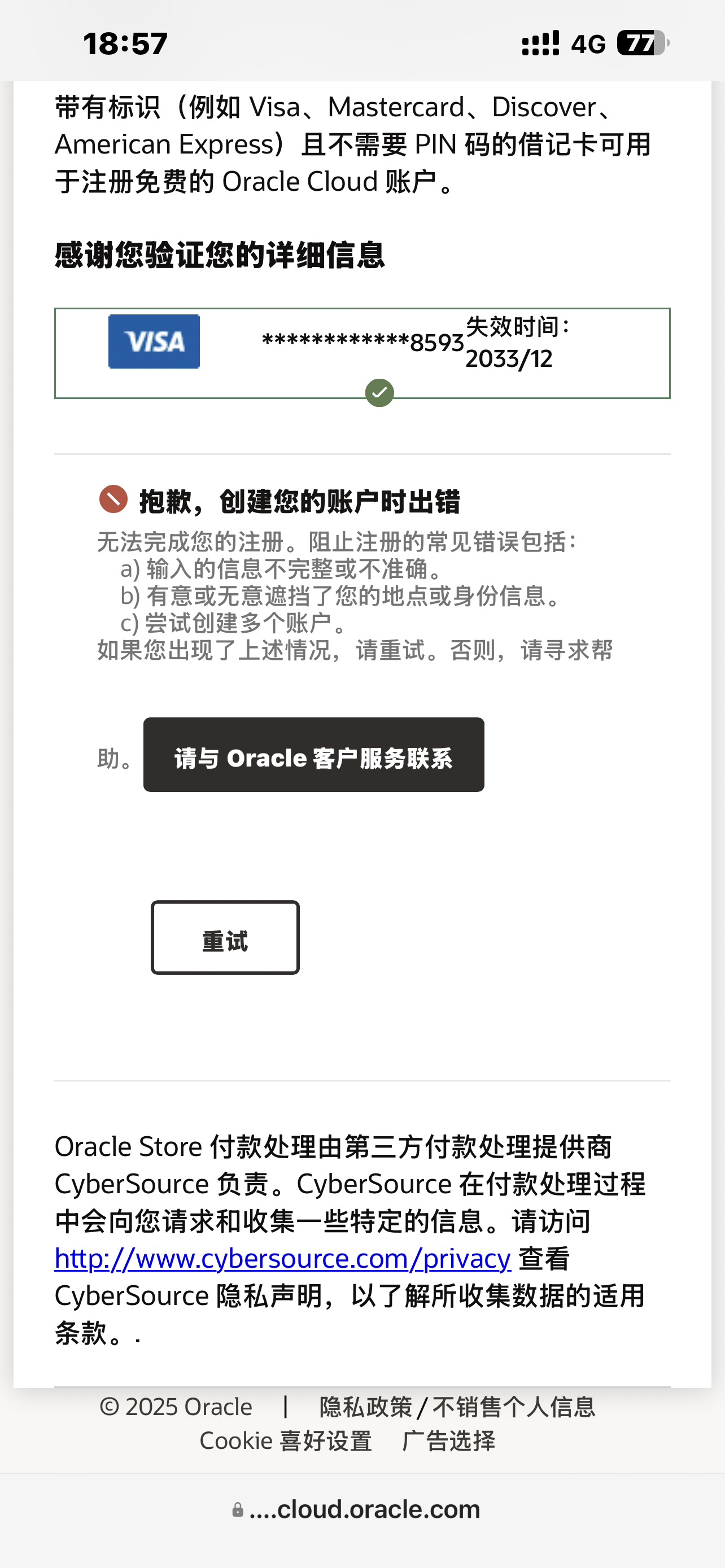
Tried verifying my email and card so many times, still the same old abc.
Opal
July 9, 2026, 9:48am
5
Did you register using your computer?
Opal
July 9, 2026, 9:49am
6
After registering successfully, log in on a computer. The registration process was done on your phone earlier.
That powerful? Is this for real?
Thanks a lot for sharing!
Narous
July 9, 2026, 10:00am
10
It’s useless, metaphysics is just metaphysics. Some people can get it working even on a virtual machine, while others say this thing only checks card number, expiration date, and CVC — you can fill in anything else. Anyway, I’ve never gotten it to work
Opal
July 9, 2026, 10:05am
11
If you never try, you’ll never get a chance.
Opal
July 9, 2026, 10:08am
13
Don’t apply on the computer.
Then I’ll try it on my phone later. I tried it on my phone before and it was still “abc”. I feel like it’s because I already have one. Although it only popped up once saying I already had an account, after that it just kept showing “abc”.
Opal
July 9, 2026, 10:11am
15
You need to be patient with this thing—don’t rush. The more you hurry, the more likely you are to fail, especially because of small details.
1 Like
demop
July 9, 2026, 10:14am
16
Saved for future reference
Opal
July 9, 2026, 10:14am
17
I told you to register on an iPhone, but you used a computer; told you to use mobile data, but you used Wi-Fi; said to use a QQ email, but you went with Google; told you not to use a VPN, but you insisted on turning it on…
Tmuse
July 9, 2026, 11:16am
20
Go get a card right away.
 预告:配置不足怎么办?告别本地傻瓜式挂机!