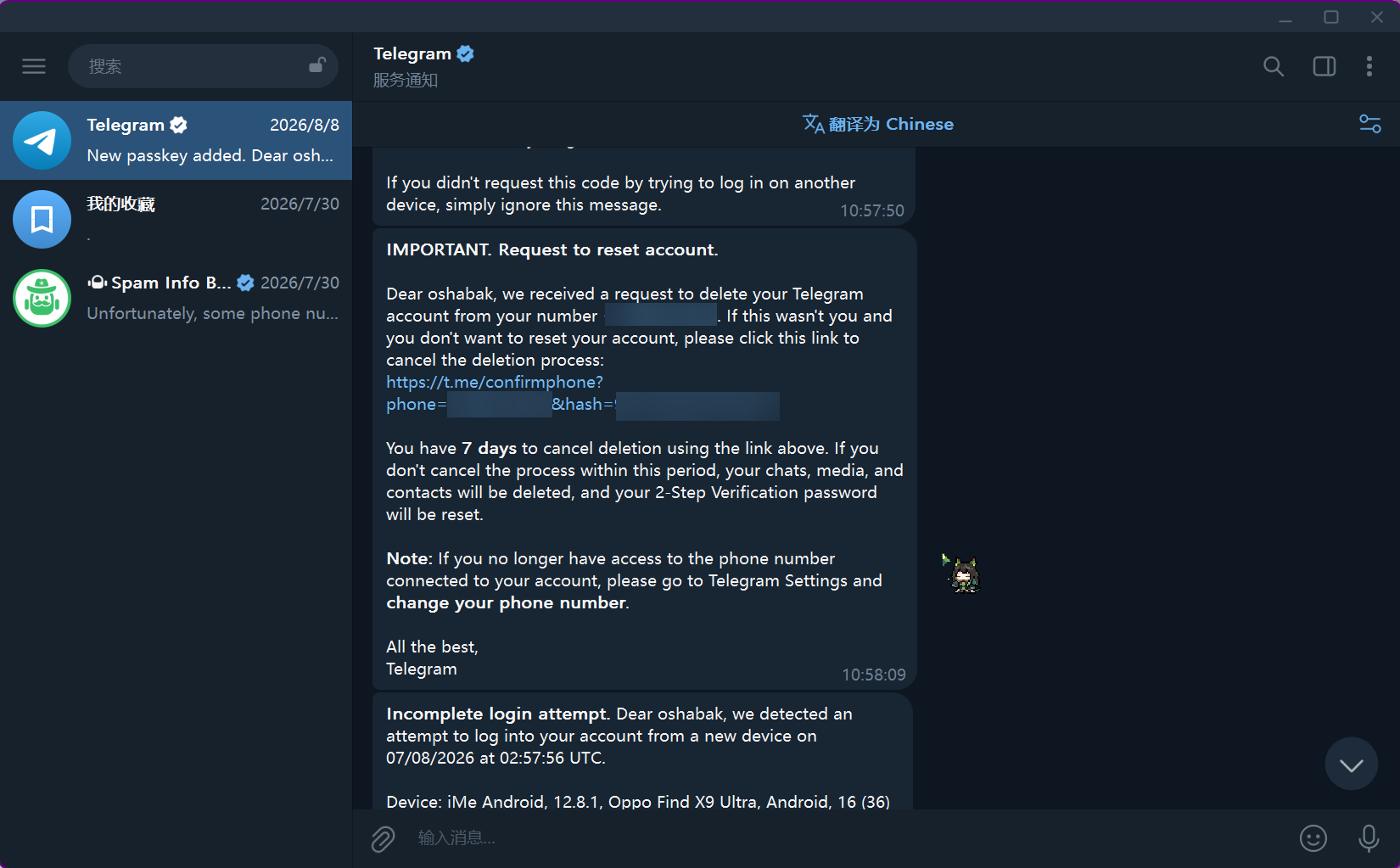
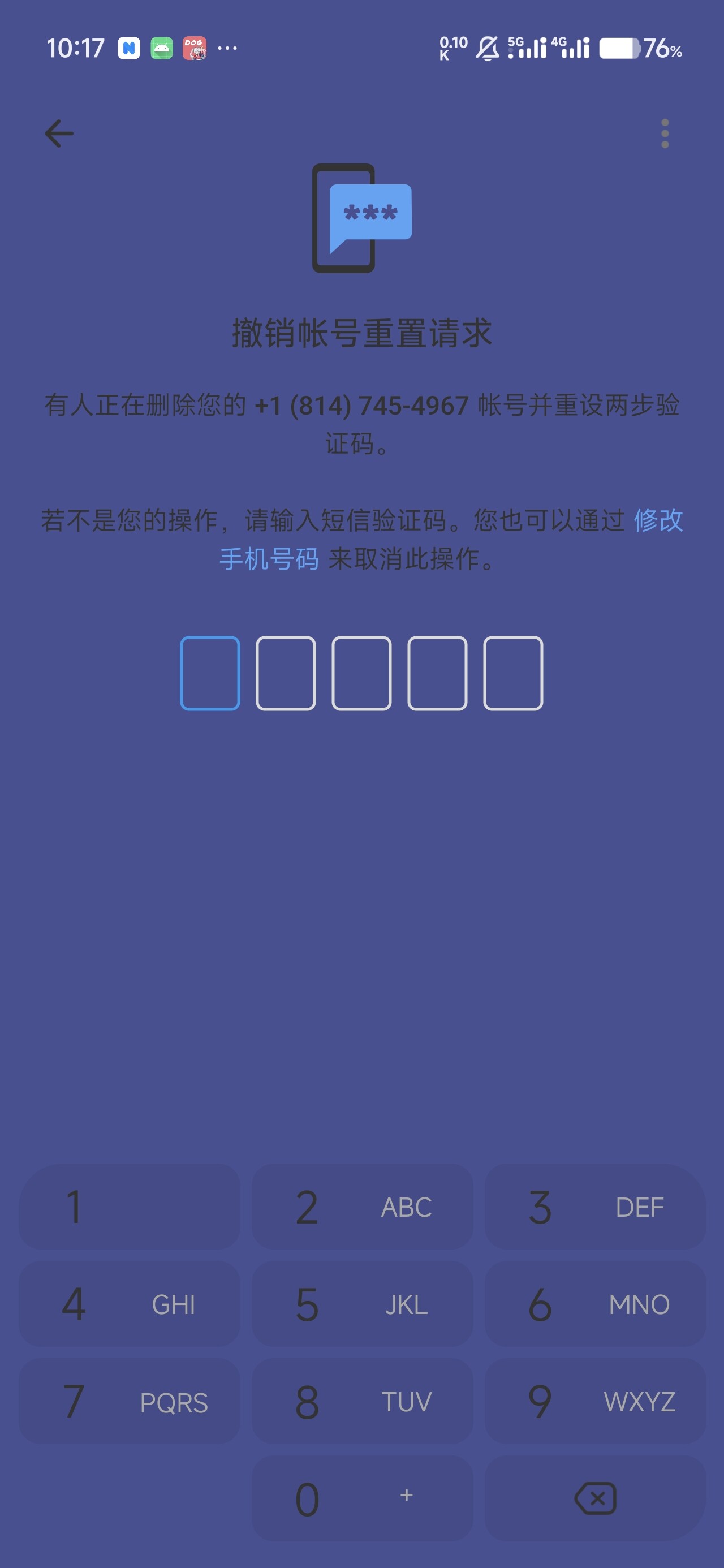
Someone had been repeatedly trying to log in to my account and even reset it.
The phone number linked to the account was bought through an API at the time, and that link expired ages ago. Trying to change the phone number was useless too (I never received the code).
I could cry I’ve had this account for two years.
@AGAGAG666 Welcome to n/chit-chat Chit-Chat — a place for talking freely about anything under the sun. If you’re not sure which node to post in, this is the right place to start.
Explain the context clearly. Make it clear in the title what you’re discussing, and include the necessary background in the post. For help requests, also mention what you’ve already tried and what you hope to achieve.
Use tags wisely. Add appropriate tags to your post so people with similar interests can find it more easily.
Don’t forget everyday life. Today’s meal, a view from the road, a little shop near your home, a late-night thought — feel free to share it all. That’s exactly what this place is for.
Respect privacy. Make sure photos don’t show identifiable faces, house numbers, license plates, or anyone’s contact information, including your own.
If a conversation gets unpleasant, you don’t need to engage. If you see content that violates the rules, just report it, and a moderator will handle it.
I’m the welcome bot for the Chit-Chat node. This message was sent automatically. If you have any questions, please contact the node moderator.
After buying a phone number and registering, first log in on your own two devices—ideally one phone and one computer. Then set a PIN and enable two-step verification, and add your email address. On the devices page, log out all devices you don’t recognize. That way, even if someone has the original phone number, they still can’t take over the account. To log in, they’ll need either the PIN, a verification code sent to your email, or a code received on your phone or computer.
Just getting to this page should do it. I guess the reset has been lifted. This is what my account looks like—if it still gets reset, forget I said anything
Change the 2FA password and login email. It won’t be deleted immediately after 7 days, but the next time the phone number owner requests account cancellation, it will be canceled immediately, with no further 7-day waiting period.

 I’ve had this account for two years.