I’ve organized some common Telegram FAQs and solutions for your reference~
(Welcome to add other issues & solutions!!!)
1. How many Telegram accounts can be registered with one phone number?
Telegram has very strict restrictions on phone number verification. Only one Telegram account can be registered per phone number. It is recommended to bind one phone number to a Telegram account long-term and avoid frequently changing it.
2. Not receiving verification code when registering Telegram?
This is one of the most common problems for beginners. Common reasons for not receiving verification codes include:
- Phone has message interception feature enabled
- Using +86 phone number, SMS blocked by carrier
- Unstable or abnormal network environment
- Multiple registration attempts in a short time, triggering risk control
Solutions:
- Check your phone device’s message blocking settings
- Try setting voice call verification code
- Use a stable overseas phone number to receive SMS
- Switch to a stable, clean network environment and try again
If you repeatedly don’t receive verification codes, it’s recommended not to keep trying continuously, as overseas platforms may restrict abnormal devices.
3. Telegram account restricted bidirectionally?
Telegram bidirectional restriction means the account can log in normally and receive messages, but cannot actively send private messages to “non-contact” users.
Some newly registered accounts using +86 phone numbers will be restricted bidirectionally initially and will gradually return to normal later; if a long-used Telegram account encounters bidirectional restriction, you can try:
- Submit a review to the official Telegram bot @SpamBot
- Directly rebind a new phone number
4. How to change your bound phone number?
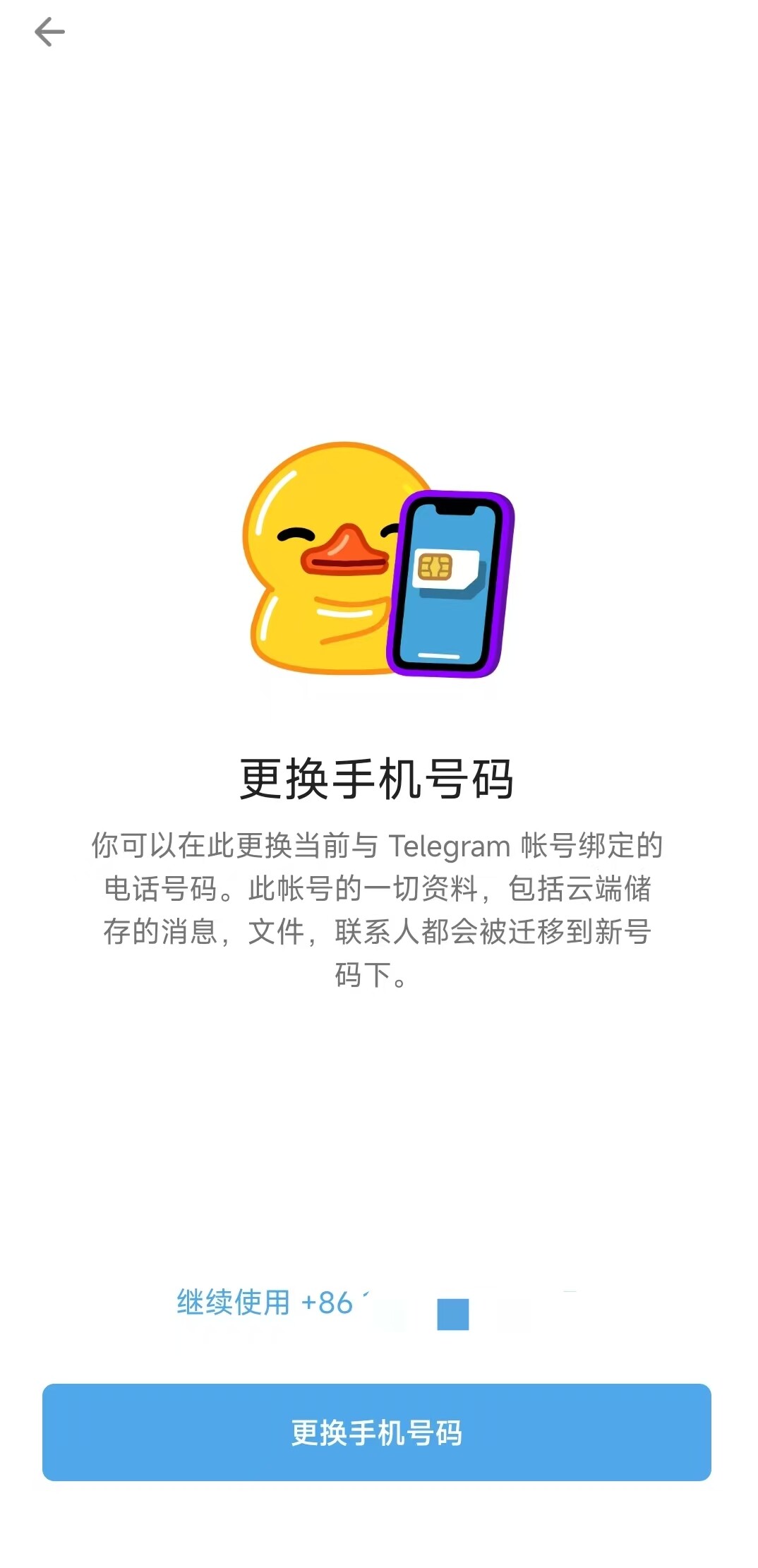
Whether you want to use an overseas phone number to improve account stability or need to change your phone number because the original one is discontinued, Telegram supports directly changing the bound phone number, and all account data will not be lost.
Steps: Settings → Click directly on Phone Number → Change Number → Receive verification code on new phone number and complete verification
5. Do I need to pay to receive SMS verification when logging into Telegram account?
Recently, Telegram users discovered that when logging into their accounts, SMS verification code reception requires payment (activate Telegram Premium for one week), and there’s no option to skip this verification step.
Solution:
- Change your network environment (preferably a US node) and try again
- Attempt login verification during early morning hours, which may directly skip the payment step
6. How to set Chinese interface?
For most users, Telegram’s default all-English interface is inconvenient to use. You can manually set up a Chinese language pack to display the menu and settings interface in Chinese.
Specific steps: Open the Chinese localization package resource in Google Chrome https://t.me/setlanguage/classic-zh-cn
Jump to Telegram to display Chinese pages normally
7. How to create a Telegram group/channel?
Whether you’re a brand going global or an individual, groups and channels are essential tools to increase exposure on Telegram.
Telegram Groups: Multi-member chat spaces supporting replies, quotes, likes, polls, and other interactive methods
Creation steps: Create Group [New Group] - Select group members - Set group avatar and name
Telegram Channels: Broadcast tool where subscribers can only receive and view messages, mainly used for one-way information distribution
Creation steps: Create Channel [New Channel] - Set channel avatar, name and description - Select channel type (public/private) - Select existing contacts to join the channel
8. How to create your own bot?
Telegram Bot is an important tool for community management, project management, and even automated marketing. The steps to create a bot are as follows:
- Search for @BotFather in Telegram (the official creation tool for all bots), enter /start
- Enter the command /newbot in the operation menu, set the bot’s name and username (letter combination ending with bot)
- BotFather will return the bot’s link (e.g.: t.me/testhelper_bot) and API Token. Click the link to start a conversation with the bot
- Save the API Token and use bot tools to add features to your bot
9. How to switch Telegram accounts on one device?
Telegram officially supports convenient multi-account switching. You can log in to three accounts on one device. In “Settings,” click the avatar at the top to “Add Account,” making it easy for users to switch between personal and work accounts.
10. How to enable 2FA verification for your account?
Receiving SMS verification codes to log into Telegram accounts is not secure enough. You can enable 2FA verification to improve account security.
Steps: Settings → Privacy and Security → Two-Step Verification
11. How to remove Telegram’s sensitive content restriction?
Telegram’s sensitive content restriction is a security mechanism. When you post sensitive content (such as violence, hate speech, etc.), the system automatically identifies and restricts the display of such content.
Method 1: Settings → Privacy and Security → Disable Filtering
Method 2: Directly contact Telegram official customer service to remove the restriction
12. How to hide your phone number bound to Telegram?
Generally, the phone number bound to Telegram is visible to other users. If you want to effectively prevent harassment, information leaks, and other risks, you can hide your phone number.
Steps: Settings → Privacy and Security → Phone Number → Click “Who can see my phone number” and select the visibility range according to your needs.
Selecting “Nobody” means completely hiding your phone number. Selecting “My Contacts” means only contacts can see your phone number.