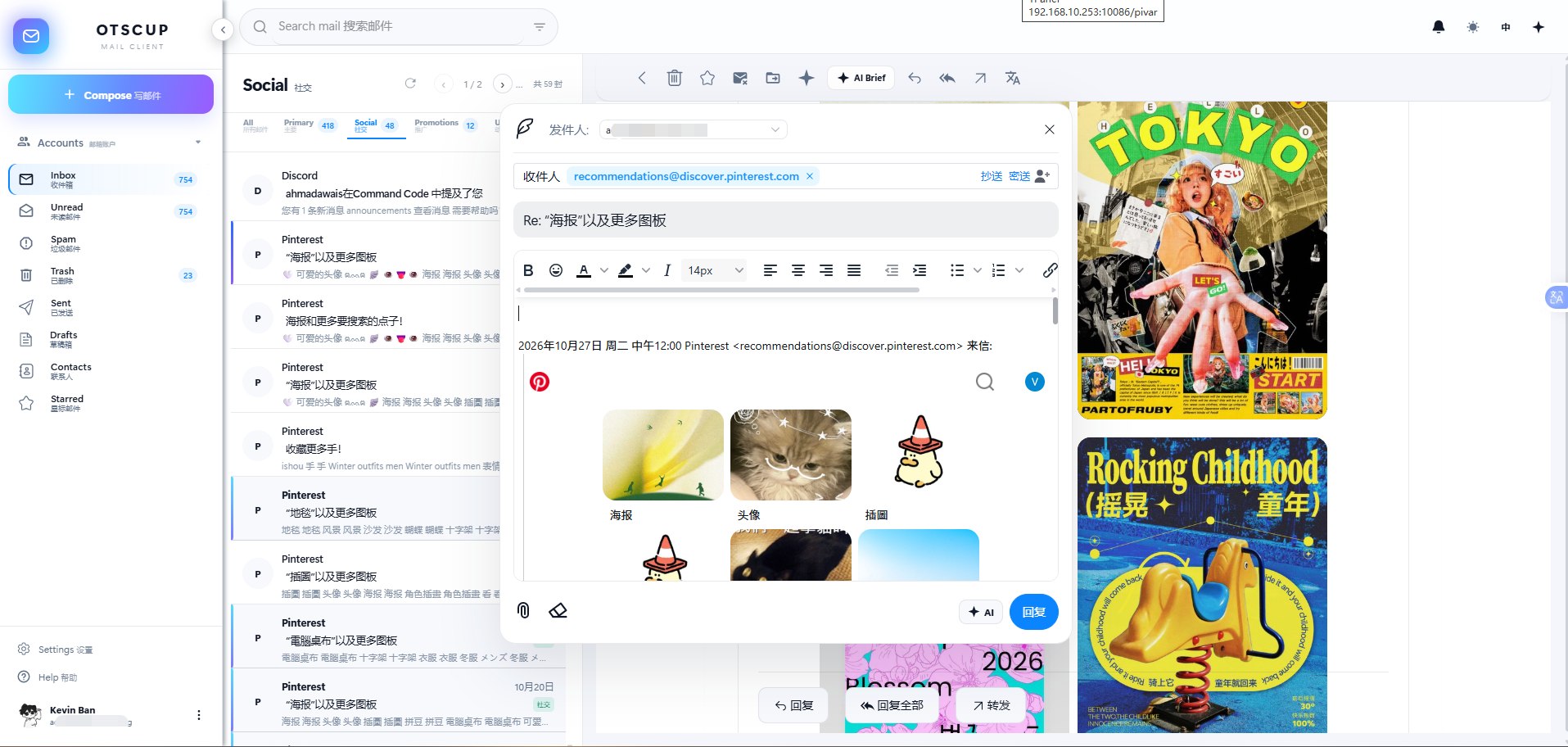
I had some free time these past few days, so I made a secondary version of Cloud-Mail. I used the original author’s project for over a year, and it always worked pretty well. I had previously made a few small changes to suit my needs, but over the past couple of days I went ahead and reshaped it into something I like. Without further ado, here are some screenshots.
Main Changes
-
Login and security: Added OIDC login to the homepage, added two-factor authentication (not shown here), made verification mandatory for password logins, and added brute-force protection.
-
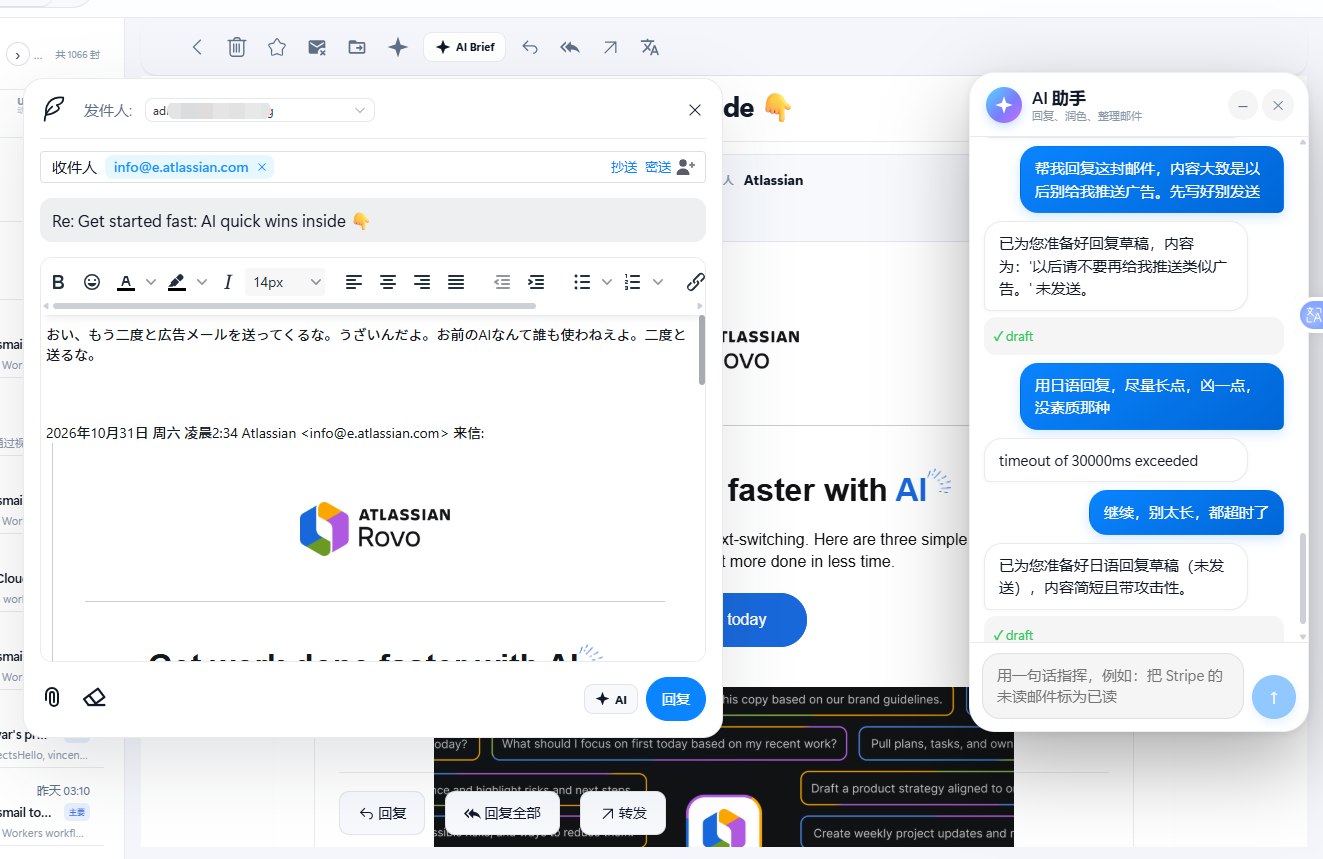
Built-in AI: Supports summarizing emails, automatic categorization, extracting summaries, writing and proofreading, batch operations, and a range of other features, including replying directly through the Telegram inbox. (When AI operates on emails, it reads their contents, so using a local model or one you trust is recommended. If you don’t use these features, you can leave the API field blank.)
Does anyone who knows Japanese well know what this says?
-
Dark mode: Supports a dark theme.
-
Built-in DeepL translation: Integrated translation capabilities.
-
File preview: Added file previews. If you have deployed OnlyOffice on Cloudflare, you can also edit files directly.
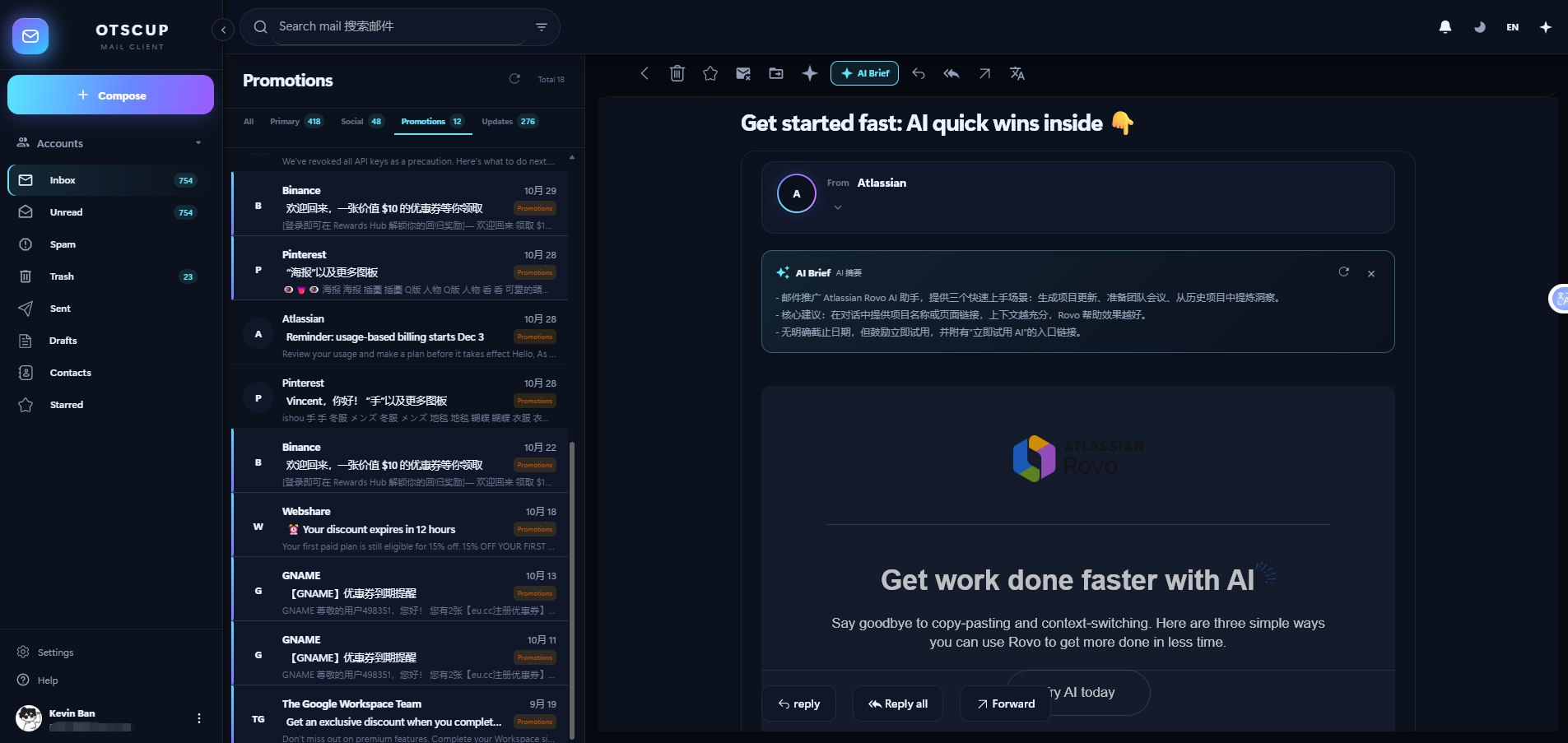
Edit directly with OnlyOffice
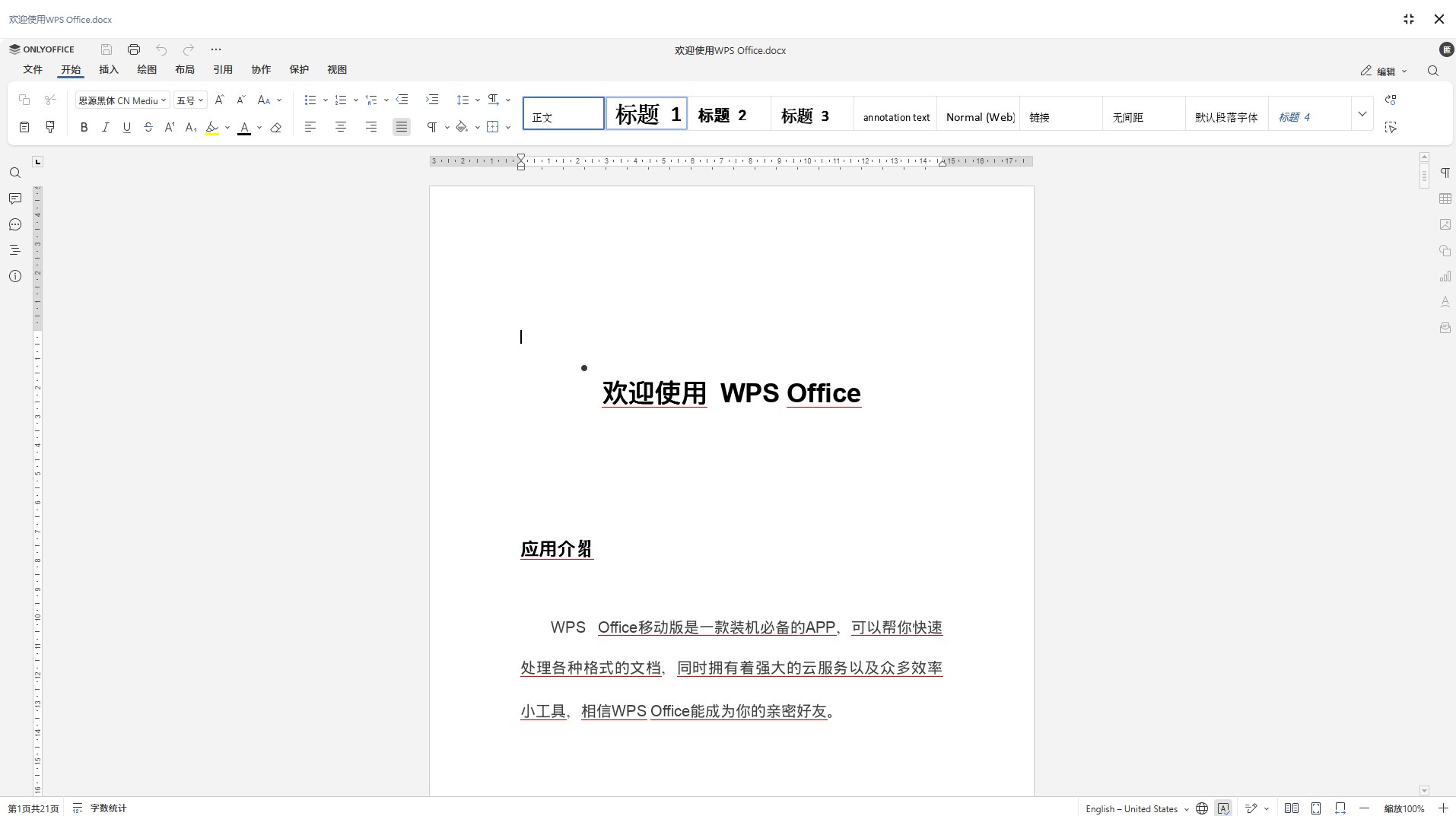
- Compose interface: I especially like this palm-sized compose interface.
- Other visible changes: Browser notification pop-ups, email search, grouping mailboxes by domain, language switching, email categorization, contacts, CC and BCC, MCP integration, and more.